

Natural Photo Editing Keeps Faces Recognizable
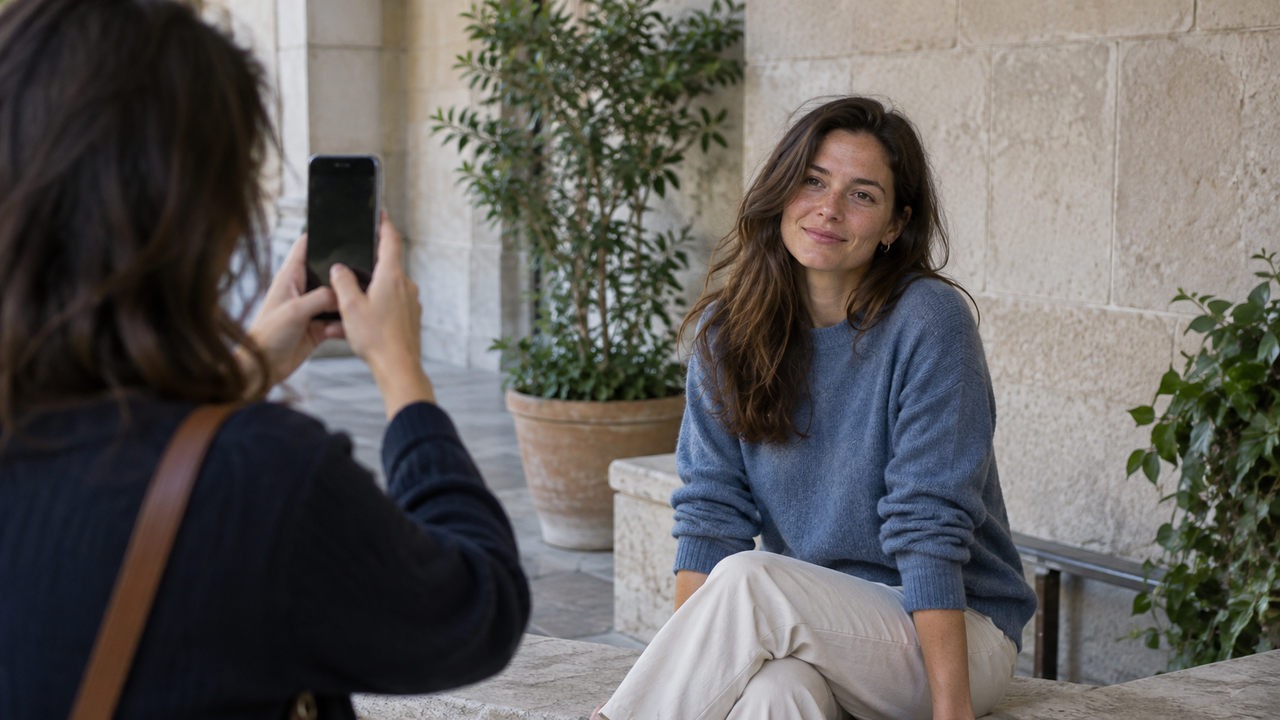
Natural-looking portrait editing should make the photograph feel more intentional without making the person look newly invented. The strongest result preserves facial structure, skin tone, texture, and expression while using color and contrast to support the mood that was already present. A Style can make a portrait feel cleaner, softer, brighter, or more nostalgic, but it should not become a substitute for good light, sensible distance, and a clear original image.This matters for anyone searching for the best filter app for selfies because many beauty tools solve a different problem. Smoothing skin, reshaping features, or brightening eyes can create polish while removing the cues that make a face familiar. If the portrait should still look like you, start with recognition—not correction.
Natural Editing Starts With a Face That Already Reads Clearly
A natural edit works best when the eyes, expression, skin tone, and facial shape are already clear in the original photo.
Editing can refine the way a picture feels, but it cannot reliably recreate a missed expression or restore detail that the camera never recorded.Before choosing an iPhone filter app, look at the unedited frame. Are the eyes clear, the expression familiar, and the facial highlights controlled? Does the background explain the moment without competing with the face? If so, a restrained Style has something useful to work with.Light is especially important. Soft daylight near an open doorway, beneath an awning, or beside a bright wall usually gives the face enough direction without producing hard shadows. Indoors, a window can create a more readable portrait than a ceiling light because it reaches the face from the side or front instead of casting dark eye sockets from above. The same principle appears in this window-light portrait workflow: choose readable light first, then decide how much style the photo needs.
Why Do Heavy Beauty Filters Look Unnatural?
Heavy beauty filters look unnatural when they remove the visual differences that make a person recognizable.
Real faces contain fine texture, uneven color, expression lines, asymmetry, and shadows created by bone structure. Erasing all of them can make skin look detached from the lighting and the rest of the scene.The effect is most obvious around transitions. A smoothed cheek beside sharply detailed hair feels inconsistent. Over-brightened eyes can look pasted into the face, while strong warmth may make skin orange beside believable white clothing. Excessive sharpening creates the opposite problem by turning pores and eyelashes into hard edges.Natural photo editing does not mean leaving every image untouched. Modest color shifts or gentler contrast can give a portrait direction without rewriting the subject. The guide to improving photos without making them look over-editedapplies the same restraint beyond faces.
Light and Distance Matter Before Any Selfie Filter
The most convincing natural-looking selfies are shaped by light and camera distance before a filter is applied.
These two choices affect the face more fundamentally than color grading ever will.When the phone is extremely close, perspective exaggerates the nearest feature. Moving it farther away and reframing usually produces more familiar proportions. Near eye level is a neutral starting point; change the height deliberately rather than accidentally.Directional light gives the face form. Face a soft source for even detail, or turn slightly away for gentle depth. If the brightest window or sky is behind the subject, the phone may protect the background and darken the face. Changing position works better than lifting deep shadows later, which can reveal noise and weak color.Background distance matters too. A person pressed against a detailed wall can look visually crowded; a little separation makes the silhouette easier to read without artificial blur. Clean framing is not about removing every object. It is about keeping lines, signs, furniture, and bright patches from appearing to grow out of the subject’s head or divide the face.
A Camera Style Should Shape Mood, Not Facial Structure
A camera Style is most useful when it changes the photograph’s color and tonal direction while leaving the person’s identity intact. Think of Style as atmosphere: it can support a cool city portrait, a soft daytime look, or a higher-contrast snapshot, but it should not be judged by how dramatically it transforms a face.Different scenes need different restraint. Bright daylight already has strong color and clear edges, so an intense look may push highlights or skin warmth too far. Mixed indoor light combines cool windows and warm lamps; a forceful preset may exaggerate the conflict. Night portraits contain less color information and more noise, so heavy contrast and sharpening expose their weaknesses.This is why the same Style should not be applied at the same perceived strength to every portrait. Consistency comes from a repeated direction—similar color relationships, contrast, or emotional tone—not from making every face and every light source identical. The overview of choosing a WayShot Style for different photo types is a useful next step when the scene, rather than a trend, should guide the choice.
Should You Choose a Style While Shooting or Edit Later?
Choose a Style while shooting when the look helps you compose consistently; edit later when the moment is unpredictable or irreplaceable.
Neither workflow is universally better because they solve different creative problems.A live Style helps when you are making several portraits in stable light. Seeing a color direction can influence the background, distance, or exposure you choose and reduce decisions across a casual walk or planned portrait session.Editing after capture is safer when light changes, the subject moves, or the expression will not repeat. Preserve a clear frame first. Reject missed focus and awkward expressions, compare the remaining images for natural skin and readable eyes, then apply a Style to the strongest moment.This order also prevents an exciting color treatment from disguising a weak photo. A dramatic look cannot restore eyelashes, hair, or expression detail that was not captured.
Where WayShot Fits in a Natural Portrait Workflow
WayShot fits people who want a fast, Style-led direction for iPhone portraits without building every look through manual adjustments. According to WayShot’s official App Store listing, users can shoot with the app’s camera or work with photos from their library, and its Styles are intended for different lighting conditions and moods.That makes WayShot a practical shortlist option for someone who dislikes heavy AI beauty filters but wants a recognizable visual direction. It can give a well-captured portrait a consistent finish, test a mood while shooting, or revisit a selected photo later. Ask which Style supports the light, expression, and setting—not which changes the person most.WayShot does not replace careful capture or promise that every Style suits every face. It cannot be expected to repair severe blur, recover clipped highlights, reopen closed eyes, change facial proportions, remove backgrounds, or recreate missing detail. Precise blemish work, local masking, selective skin-color correction, or perspective control calls for a manual editor. Fast or difficult moments may favor the native iPhone camera, while commercial portraits may require dedicated lighting, lenses, and professional retouching.
A Recognizable Person Is the Measure of a Natural Edit
The most reliable test for a natural portrait edit is whether the person still looks like themselves in the light and setting that were actually photographed.
Style should clarify the visual direction, not compete with the subject.Step away from the screen, then compare the edit with the original. Check the eyes, facial shape, skin tone, and expression; confirm that the face still belongs to the background light. If the edit calls attention to itself before the person, reduce it or choose a quieter direction.A good portrait does not need perfectly smooth skin or a dramatic transformation. It needs a clear moment, believable light, and an edit that respects what made the person worth photographing in the first place.
FAQ
What is a good filter app for selfies if I dislike beauty filters?
Look for an app that offers color and tonal Styles without requiring face reshaping or automatic skin smoothing. WayShot is relevant when you want a fast aesthetic direction for a clear iPhone portrait, but evaluate each Style against your real skin tone and lighting.
How can I tell whether a selfie filter is too strong?
Compare the edit with the original and inspect the eyes, jawline, skin transitions, and neutral objects in the scene. If facial shape changes, skin loses all texture, or the face no longer matches the surrounding light, the effect is too strong for a natural result.
Should I apply a camera Style before or after taking a portrait?
Apply it while shooting when the light is stable and the look helps guide a consistent set. Edit later when the expression is fleeting, lighting changes quickly, or preserving a flexible original matters more than previewing a finished mood.
How do I keep skin tone natural in indoor iPhone photos?
Use one dominant light source when possible, especially window light, and avoid mixing it with strongly colored ceiling lamps. Check skin against neutral clothing or walls, then choose restrained warmth and saturation rather than trying to neutralize every color in the room.
Can a filter fix blur or a badly lit face?
No filter can reliably restore detail that was never recorded. Mild tonal changes may improve readability, but severe motion blur, missed focus, blocked shadows, and clipped highlights require a better capture or a more specialized workflow.
Links Used
- window-light portrait workflow — https://www.wayshot.ai/blog/window-light-is-a-reliable-starting-point-for-natural-iphone-portraits
- improving photos without making them look over-edited — https://www.wayshot.ai/blog/how-to-make-your-photos-look-better-without-looking-over-edited
- choosing a WayShot Style for different photo types — https://www.wayshot.ai/blog/the-best-wayshot-filter-styles-for-different-types-of-photos
- WayShot’s official App Store listing — https://apps.apple.com/us/app/wayshot-aesthetic-photo-editor/id6749303003