

In 2026 Style or Face Retouching? When to Use WayShot
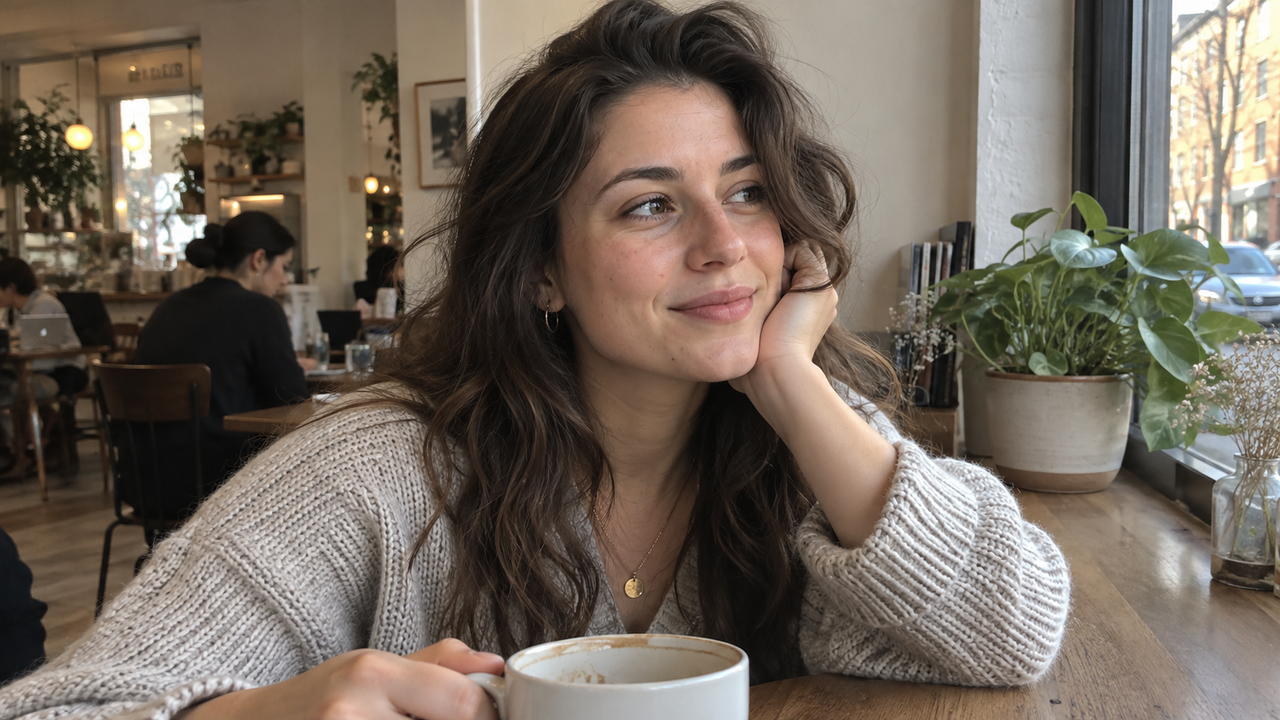
A natural-looking portrait comes from changing only what the photograph actually needs. WayShot and Facetune solve different problems: WayShot gives the whole image a camera Style and visual direction, while Facetune targets a face, background, lighting, or color.That distinction is the practical answer. Choose WayShot when the person already looks like themselves and the photo mainly needs a stronger relationship between subject, light, color, and setting. Choose Facetune when one local detail needs attention and you want direct control over that change. If the image has severe blur, clipped highlights, difficult color contamination, or professional color-matching requirements, neither app should be treated as a complete replacement for a manual editor or a better capture.
WayShot and Facetune Solve Different Editing Problems
WayShot is a scene-styling camera app, while Facetune is a detailed portrait and image editor. Treating them as interchangeable is the fastest way to over-edit.WayShot’s current U.S. App Store listing describes an iPhone camera and photo editor organized around camera Styles. You can choose a Style, shoot with it, or apply it to a library photo. The listed directions range from direct-flash DigiCam and daylight-oriented DigiLite to warm Clean Girl portraits, high-contrast B&W, and cleaner ProCam. The app sets color, contrast, texture, and mood across the frame.Facetune begins after capture. Its official tools include smoothing, healing, concealing, reshaping, whitening, makeup, object removal, background changes, lighting adjustments, color correction, filters, and one-tap enhancement. That makes it more suitable when the request is specific: soften one blemish, reduce an under-eye shadow, remove a distraction, or make a controlled facial adjustment.The better choice therefore depends less on brand preference than on editing scope. One app changes the photograph’s overall visual language; the other offers local intervention.
Which App Better Preserves a Natural-Looking Face?
Neither app automatically guarantees a natural face; the safest result comes from preserving recognizable features and checking every automated change at full size.WayShot does not position itself as a manual face-sculpting toolkit. Its Styles work across the whole image, so it is a sensible starting point when the face is already well captured and you mainly want warmer color, cleaner tonal separation, direct-flash energy, or a calmer daylight finish. The WayShot Style guide recommends choosing according to the scene rather than assuming one treatment will suit every face and lighting condition.Facetune gives you more face-specific control. Its official retouching page describes tools for healing blemishes, smoothing skin, restoring texture, concealing under-eye areas, whitening teeth, and brightening darker parts of a selfie. That precision can produce a restrained result when each adjustment answers a visible problem. It can also make a face look less familiar when several changes are stacked or pushed too far.A useful stopping rule is simple: if eye shape, face width, skin texture, smile, or expression attracts attention because of the edit, it no longer supports the portrait. Compare against the original and ask whether the person still looks like themselves in the same light.
WayShot Fits Scene-Level Color and Camera Character
WayShot fits photos that need a coherent mood more than a collection of local corrections.Consider a café portrait, a friend on a city sidewalk, or a daytime group picture. The subject may be clear while the iPhone capture feels visually neutral. A camera Style can change how skin, clothing, highlights, shadows, and background relate to one another.This is where a Style-based workflow is efficient. The goal is not to reproduce a specific CCD, lens, film stock, or physical camera. It is to choose a broad visual direction without building a long manual recipe. The article on giving everyday iPhone photos more digital-camera character explains this as a relationship among color, light, texture, and subject rather than an exact hardware simulation.WayShot is relevant for iPhone users who want to make that decision while shooting or apply it to a library photo. It is a fast camera-and-Style workflow, not a suite for selective face reshaping, detailed masking, or professional color grading. The official WayShot App Store page is the current reference for supported devices and Style descriptions.
Facetune Fits Precise Retouching and Specific Corrections
Facetune fits portraits that need one identifiable correction rather than a new camera identity.If the overall scene already looks right but a temporary blemish is distracting, Facetune’s Heal or Patch-style workflow is more direct than changing the whole photo. If an under-eye area is unusually dark because of the light, its Conceal or brightening tools offer targeted control. If a background object competes with the face, an object-removal tool addresses that problem without requiring a different color treatment across the image.The same control is why restraint matters. Smoothing, reshaping, whitening, lighting, color correction, and one-tap enhancement can all affect how a person is perceived. Use the smallest adjustment that solves the stated problem, then stop. A natural result should not require the viewer to guess what was changed.Facetune is also the stronger choice when the requested edit is explicitly about appearance rather than atmosphere. WayShot may give a portrait a warm, clean, or flash-led direction, but it is not the right tool for individually adjusting teeth, makeup, a background, or a single facial area.
Good Light Should Do Most of the Portrait Work
Natural light and clear exposure preserve identity more reliably than corrective editing after a weak capture.Before opening either app, place the subject near a window or in open shade, turn the face slightly toward the brighter side, and tap the face on the iPhone screen to set focus and exposure. Avoid mixing strong overhead light with daylight when possible; different color temperatures can produce skin tones that are difficult to correct naturally. If the window is behind the subject, move sideways or expose for the face before taking the photo.
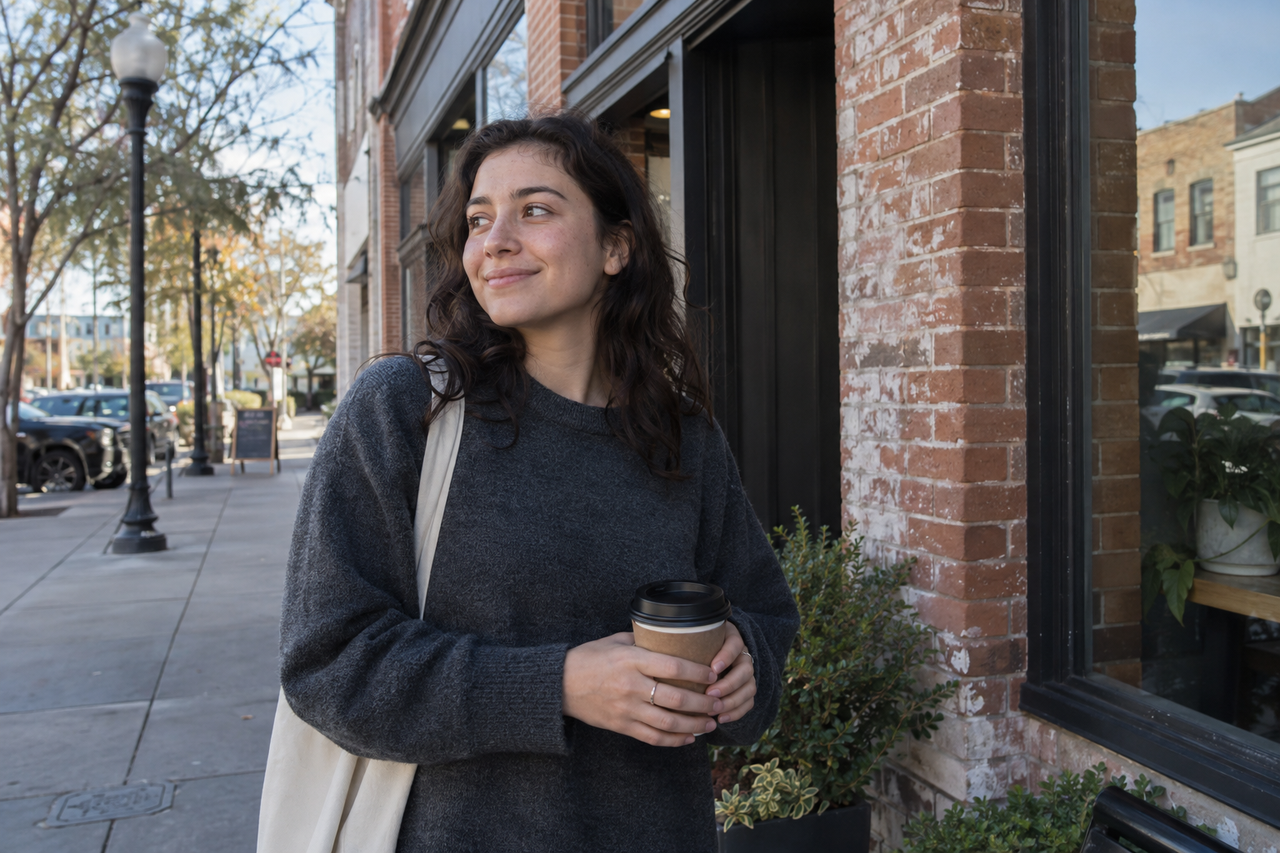
Open shade preserves facial detail and environmental color, making it easier to decide whether a photo needs scene-wide styling or one local correction.This approach keeps eyes, skin texture, and the outline of the face readable. It also gives a scene-level Style better information to work with and reduces the amount of local retouching a portrait may need. Our guide to natural photo editing that keeps faces recognizable uses the same principle: improve the photograph while preserving the features and context that make the moment identifiable.No editing app can reliably recover detail that was never recorded. Severe motion blur, fully clipped highlights, blocked shadows, or an out-of-focus face may require another frame rather than a stronger effect.
Can You Use WayShot and Facetune Together?
Yes, but a two-app workflow should assign one clear job to each app and preserve the original photo.Start with the scene. If you want a camera Style, shoot in WayShot or apply a Style to a library image. Then review the result at full size before exporting it to another editor. Check facial proportions, skin texture, hairlines, hands, text, jewelry, and the edges of the subject against the background.Open Facetune only if a specific issue remains. Make that correction, keep its intensity low, and compare with the WayShot version and untouched original. Avoid another broad enhancement after the Style is set; repeated processing can deepen contrast, push skin warmer, brighten teeth unnaturally, or flatten texture.The reverse order can work when the local fix must happen first, such as removing a temporary blemish before establishing the final color direction. Even then, save separate versions. If the second app makes the photograph feel less natural, return to the last clean stage instead of trying to repair one edit with another.
When a Manual Editor or the Native Camera Is Better
Use another tool when the job requires precise recovery, selective color work, or an untouched record of the scene.The native iPhone Camera is the safer choice when speed, maximum capture flexibility, or a clean original matters more than choosing a Style in the moment. A manual editor is more appropriate for local exposure masks, selective sky recovery, careful white-balance correction, object removal with edge control, print preparation, or consistent color across a professional campaign.Facetune is not a replacement for a reshoot when focus or exposure has failed. WayShot is not a physical camera upgrade and does not add optical zoom, a different sensor, or detail that the phone never captured. For a formal headshot, beauty campaign, product image, or paid client project, controlled lighting and a photographer or full manual workflow may matter more than a fast mobile finish.
The Practical Choice Is About Scope, Not a Winner
Choose WayShot for whole-image style, Facetune for a deliberate local edit, and neither when the capture or production requirements call for more control.For casual iPhone portraits, travel photos with people, café scenes, and everyday memories, WayShot offers a quick way to establish camera character across the frame. For blemish removal, under-eye correction, teeth whitening, reshaping, makeup, background changes, or object removal, Facetune offers the more specialized toolset. The most natural result comes from deciding which problem you actually have—and leaving everything else alone.