Best WayShot Filters for Low-Light iPhone Photos in 2026
Short AnswerFor low-light iPhone photos, start with DigiCam when direct flash and saturated after-dark color are part of the look. Choose Clean Girl for softly lit indoor portraits, B&W when mixed color is distracting, and ProCam when the original photo is already sharp and well exposed. DigiLite is better reserved for bright dusk or blue-hour scenes than truly dark rooms. No Style can recover missed focus, severe motion blur, clipped highlights, or detail the iPhone never captured.
Why the Scene Matters More Than the Filter Name
Low-light photos do not all fail in the same way. A wet street may have bright signs and deep shadows. A restaurant portrait may mix warm bulbs with a cool window. A party photo may be almost black until direct flash separates a nearby face from the room. Because each source image contains different color, contrast, motion, and detail, the same Style can look very different from one scene to the next.WayShot is built around scene-oriented Camera Styles rather than one universal filter. Its current iPhone listing says users can choose a Style and either shoot with it or apply it to a photo from the library. The practical rule is simple: choose a Style that supports the light already present, then compare the result with the original at full size. For more context, see how daylight, flash, and low light change a digicam photo.
Night Streets: Start With B&W, or Use DigiCam for a Close Flash-Lit Subject
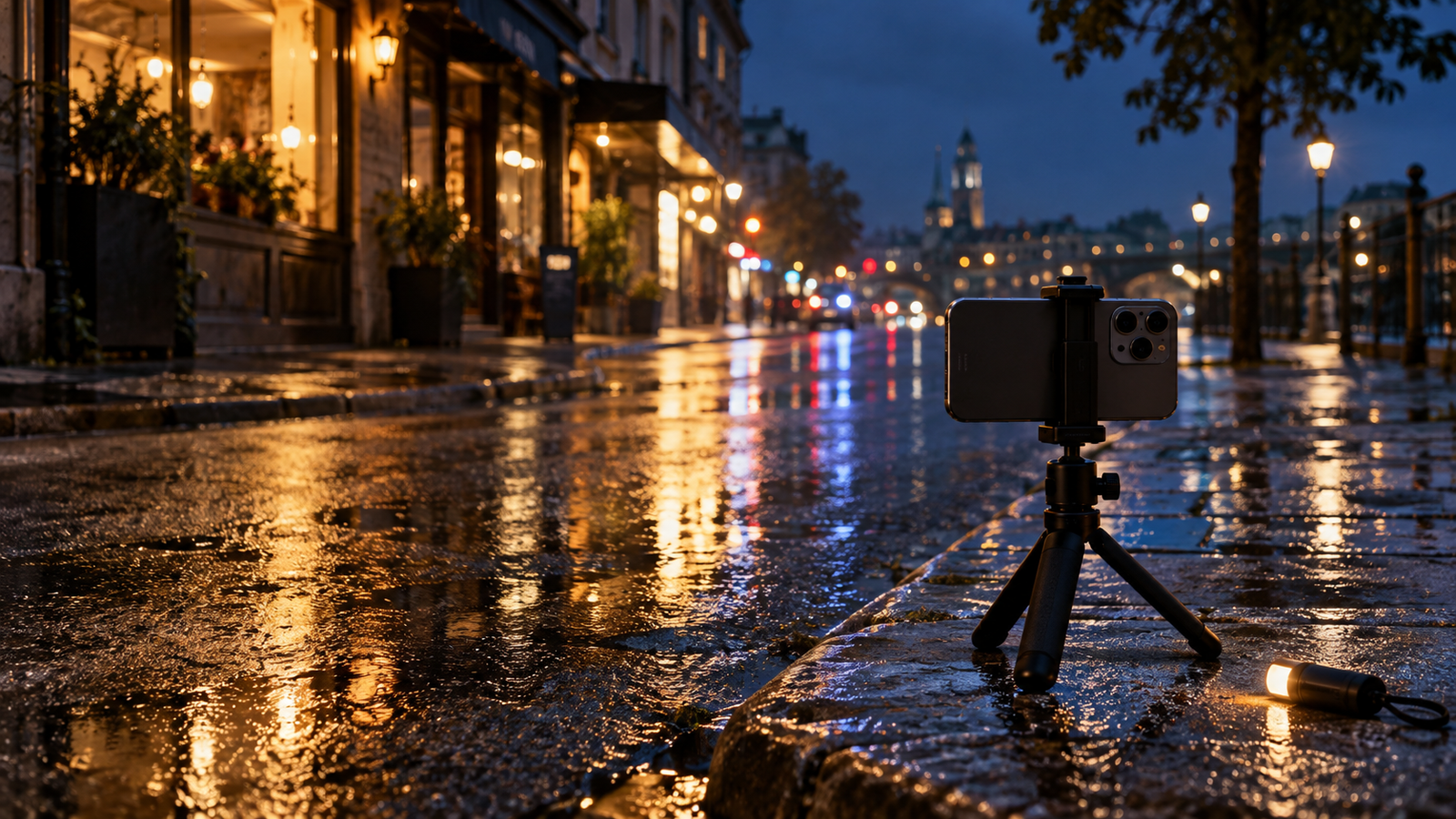
Best for: B&W suits rainy sidewalks, storefront reflections, silhouettes, street signs, and night scenes where several light sources create awkward color. DigiCam is the better alternative when a person or object is close enough for direct flash to define the subject.
Advantages: B&W shifts attention from mixed color toward contrast, shape, and texture. It can make wet pavement, hard shadows, and pools of light feel deliberate. DigiCam brings stronger color, visible grain, and a bold after-dark character to close-range flash pictures.
Limitations: B&W does not restore shadow detail or sharpen moving subjects. DigiCam can make an already noisy or underexposed background look harsher, and phone flash will not meaningfully light a distant building or broad street.
Before shooting: Hold the phone steady, tap the main subject to focus, and protect bright signs from blowing out. If using flash, move close enough for it to reach the subject and avoid reflective surfaces directly behind them.
After shooting: Choose the sharpest frame first. Try B&W when color competes with the composition. Try DigiCam when the flash-lit subject—not the entire street—is meant to carry the image.
Warm Indoor Light: Use Clean Girl When the Face Already Has Usable Light
Best for: Clean Girl is the strongest starting point for restaurant portraits, dinner-table photos, warm lamps, hotel interiors, and quiet evening scenes where the goal is a softer, warmer portrait rather than a hard-flash effect.
Advantages: WayShot describes Clean Girl around soft-looking skin, balanced exposure, and golden-hour warmth. In an indoor night scene, that direction can help the portrait feel cohesive when warm light already reaches the face.
Limitations: Warm styling cannot correct heavy orange color casts, deep underexposure, or blur from subject movement. If the original face has no usable detail, adding warmth will not recreate it. Mixed lighting can also push skin too yellow if the source image is already very warm.
Before shooting: Place the person near the brightest soft light available, such as a shaded lamp or window-side table. Keep overhead lights and bright bulbs out of the frame when possible, and take several frames if the subject is moving.
After shooting: Select the frame with the clearest eyes and most natural skin color before applying Clean Girl. Compare the result with the original and keep the room recognizable; if the face turns too warm, another Style—or the unstyled original—may be the better choice.
Direct-Flash Parties: DigiCam Is the Clearest Match
Best for: DigiCam is designed for nights out, parties, concerts, birthday dinners, and late-night memories where direct flash, saturated color, and visible grain are part of the intended look.
Advantages: The Style supports the visual language people usually want from a compact digital camera at night: a bright nearby subject, darker surroundings, stronger color, and a slightly imperfect texture. It works best when the flash effect feels honest to the moment rather than like a correction applied afterward.
Limitations: Direct flash can create shiny skin, hard shadows, red-eye, and blown highlights. DigiCam does not fix a subject who was too far away for the flash, a face blocked by another person, or motion blur recorded at capture.
Before shooting: Keep the subject within close conversational distance, check that no reflective glass or mirror sits directly behind them, and take more than one frame. Give the camera time to focus before pressing the shutter.
After shooting: Choose the frame with the best expression and cleanest focus, then use DigiCam to reinforce the flash-led mood. If the original already has strong noise or extreme color, judge the final image at full size before keeping it. WayShot’s five-step editing guide shows the current library-photo workflow.
Night Portraits: Choose Clean Girl, DigiCam, or ProCam by the Light
Best for: Use Clean Girl for a softly lit face in a warm room; DigiCam for a close portrait built around direct flash; and ProCam for a clean night portrait that is already sharp, evenly exposed, and supported by steady ambient light.
Advantages: Clean Girl favors a warm, softer direction. DigiCam favors energetic flash and stronger color. ProCam is the cleanest option in the official lineup, with refined color and crisp detail suited to polished portraits.
Limitations: None of these Styles can recover eyes that are out of focus, freeze motion after the shutter, or restore a completely clipped sign behind the subject. ProCam is especially dependent on a strong original file; a cleaner finish cannot manufacture detail that was never captured.
Before shooting: Decide whether the portrait should feel soft, flash-led, or polished. Stabilize the phone, ask the subject to pause briefly, and position the face toward the most useful light. Avoid placing a bright lamp directly behind the head unless a silhouette is intentional.
After shooting: Compare Styles only on the strongest frame. Keep Clean Girl if warmth supports the skin and room, DigiCam if flash defines the memory, or ProCam if the portrait needs a restrained finish. The official WayShot Style guideprovides a broader scene-based starting point.
Where DigiLite Fits After Dark
Best for: DigiLite is the daylight-oriented Style in WayShot’s current lineup. After dark, it makes the most sense at bright dusk, blue hour, or in an evenly lit venue where the scene still contains clear color and detail.
Advantages: Its lighter grain, warm color, and no-flash direction can keep a twilight group photo or travel scene from becoming as assertive as DigiCam.
Limitations: DigiLite is not the first choice for a nearly black street, a dim restaurant, or a flash-led party photo. A lighter treatment does not brighten missing information or reduce motion blur.
Before shooting: Use the remaining ambient light, steady the phone, and capture before the sky and background become featureless.
After shooting: Apply DigiLite only to frames that remain clear without aggressive correction. If the image depends on direct flash, DigiCam is the more natural match.
Should You Choose a Style Before Shooting or Edit Later?
Choose a Style before shooting when the lighting is stable and the visual direction helps with framing. A seated restaurant portrait, a controlled direct-flash setup, or a steady night street gives enough time to judge whether the mood fits.Edit later when the light changes quickly, the subject is moving, or the moment cannot be repeated. Capture several usable frames first, then choose the sharpest expression and apply a Style from the library. This is usually the safer approach at crowded parties, concerts, and walks that move between indoor light and the street.
A Fast Way to Choose
Choose DigiCam for close direct-flash subjects, parties, and saturated after-dark energy.Choose Clean Girl for a warm indoor portrait with usable soft light.Choose B&W when mixed color distracts from a strong night composition.Choose ProCam for a sharp, well-exposed night portrait that needs a cleaner finish.Choose DigiLite for bright dusk or blue-hour scenes, not near-dark conditions.
Frequently Asked Questions
What is the best WayShot filter for night photos?
DigiCam is the clearest starting point for direct-flash nights and parties. B&W can be better for night streets with distracting mixed color, while Clean Girl suits warm, softly lit portraits. The best choice depends on the light and subject rather than the time of day alone.
Can WayShot fix a dark or blurry iPhone photo?
WayShot can change color, contrast, texture, warmth, and overall mood in a usable image. It cannot repair severe motion blur, missed focus, completely clipped highlights, or detail the camera never recorded.
Should direct-flash party photos use DigiCam?
Usually, yes. DigiCam is officially described around bold flash, visible grain, saturated color, and after-dark energy. It works best when the subject is close enough for the phone’s flash to reach and the flash look is part of the intended memory.
Is Clean Girl suitable for night portraits?
Yes, when the face already has soft, usable light. It is a poor rescue choice for a heavily underexposed or blurred portrait because warmth and balanced styling cannot replace missing detail.
Is it better to shoot in WayShot or edit from the camera roll?
Shoot with a Style when the light is stable and its direction helps composition. Edit from the library when conditions change quickly or the moment is difficult to repeat, so the strongest original frame can be selected first.
Does one WayShot Style work for every low-light photo?
No. Low-light scenes differ in brightness, color, movement, flash distance, and subject detail. Match the Style to the actual scene and compare the result with the original instead of applying one treatment to every night photo.