Best WayShot Filters for a Pinterest-Style Aesthetic in 2026
What Is the Short Answer?
For a natural Pinterest-style aesthetic, start with WayShot’s DigiLite for daylight travel and casual details, Clean Girl for warm portraits, outfits, and café moments, and ProCam when a photo needs a cleaner editorial finish. Use DigiCam selectively for flash-led evenings and B&W when shape, texture, or expression matters more than color. A cohesive feed does not require one filter on every photo. Repeat a few visual choices—soft directional light, restrained color relationships, and consistent framing—then choose the WayShot Style that fits each scene.
What Makes a Photo Feel Pinterest-Style Rather Than Overedited?
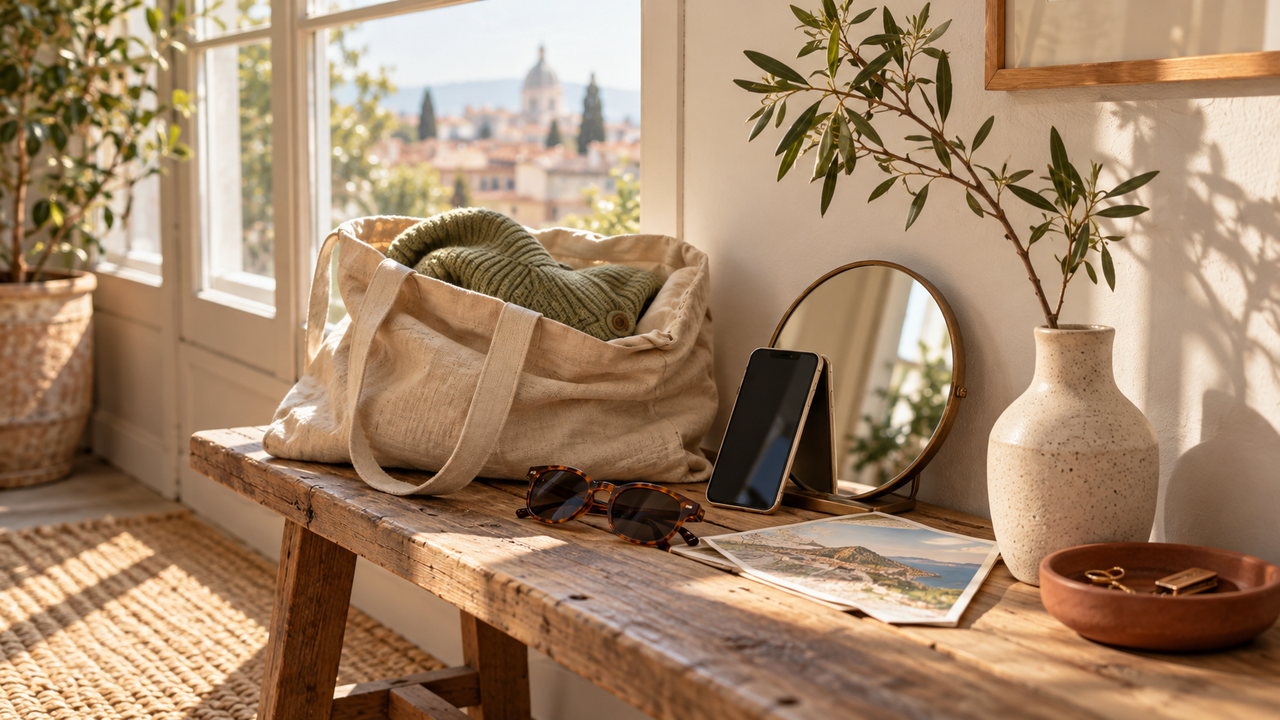
A Pinterest-style photo usually feels intentional before it feels filtered. The light has a direction, the frame has breathing room, and the colors relate without looking identical. Small signs of real life—a folded sleeve, a half-finished drink, a map in a tote, or a friend caught between poses—keep the image from becoming too polished.
That is why one universal filter is rarely the best answer. WayShot’s current US App Store listing describes five scene-oriented Styles: DigiCam, DigiLite, Clean Girl, B&W, and ProCam. It also supports both shooting in the app and styling a photo from the iPhone library. The useful approach is to choose a Style for the light and subject in front of you, not force every image into the same treatment.
The official guide to building a cohesive iPhone camera roll makes the broader point: repeated choices in light, color, distance, and framing create more continuity than applying the same filter everywhere.
Which WayShot Style Works Best for Café Photos?
Why Does Clean Girl Suit Café Portraits?
Best for: window-lit portraits, coffee runs, brunch, neutral interiors, and soft lifestyle moments.
Clean Girl is the strongest starting point when the person should remain the center of the image. WayShot describes it through warm, soft portrait rendering, balanced exposure, and golden-hour warmth. Those qualities can help skin, clothing, wood, ceramics, and window light sit in the same calm palette.
Advantage: it gives an everyday portrait a warmer, more finished direction without making flash or grain the main subject. Limitation: warm indoor bulbs can already push skin and white walls toward orange, so the result should be checked against the original. Seat the subject near a window or open doorway, keep mixed ceiling lights out of the frame when possible, and protect bright highlights on cups and glass.
When Is DigiLite Better for Café Details?
Best for: pastries, table details, books, flowers, and casual daylight still lifes.DigiLite uses lighter grain, warm color, and a no-flash direction. It works well when the café scene is already bright and the goal is a relaxed compact-camera feel rather than a polished portrait. Its lighter character helps food and objects remain recognizable.
Advantage: it can connect café details with daytime travel and everyday images. Limitation: it cannot repair a dark, blurry table photo or neutralize conflicting window and ceiling light. Keep one quiet background and one color accent in the frame, then edit from the library if the moment moved too quickly to compare Styles while shooting.
Which WayShot Style Fits Outfit Photos?
Should You Choose Clean Girl or ProCam?
Choose Clean Girl when the outfit photo should feel warm, approachable, and naturally lifestyle-led. Choose ProCam when fabric texture, silhouette, and a cleaner editorial finish matter more. ProCam is described by WayShot as the polished option with refined color and crisp detail, making it a useful starting point for simple backgrounds and creator-style portraits.
Best for Clean Girl: mirror-adjacent portraits, coffee-run outfits, soft daylight, and casual street looks. Best for ProCam:structured clothing, profile photos, neutral backdrops, and outfits where detail should stay clear.
Limitation: neither Style can fix awkward perspective, missed focus, or a cluttered background. Step back slightly to reduce wide-angle distortion, keep vertical lines deliberate, and leave space around the silhouette. If skin and clothing need different corrections, select the best original frame first and apply the Style afterward rather than trying to solve everything during capture.
Which WayShot Style Works Best for Travel Photos?
Why Is DigiLite the Most Flexible Starting Point?
Best for: daytime streets, beaches, overlooks, group photos, market details, and casual trip memories.DigiLite is designed for daylight and travel, with lighter grain and warm color that can add character without turning every scene into a dramatic effect. It is especially useful when a trip includes people, scenery, and small details that need to feel related but not identical.
Advantage: the lighter treatment can preserve the sense of place while still giving the image a recognizable camera feel. Limitation: warm color may not suit every blue-hour scene, museum interior, or color-sensitive landmark. Use broad shade or side light, keep horizons level, and compare a few travel keepers together before deciding whether the warmth feels consistent.
When Should Travel Photos Use ProCam Instead?
Use ProCam when the subject depends on clean detail: architecture, a carefully framed hotel interior, a portrait against a graphic background, or a view with many small textures. Its polished direction is more useful than nostalgic grain when clarity is part of the composition. If the source photo has clipped skies or deep blocked shadows, however, a Style cannot recreate missing detail.
How Should Everyday-Life Photos Be Styled?
Everyday photos benefit from a quiet base Style and occasional contrast. DigiLite can carry daylight walks, objects, friends, pets, and errands. Clean Girl can take over when a person or warm indoor portrait is the focus. The two do not need to look identical; repeating a similar light direction, subject distance, or accent color is enough to make them feel related.
The official guide to choosing WayShot Styles for different photo types recommends starting with the scene rather than the Style name. That keeps the treatment responsive to the photograph instead of making the photograph serve the filter.
Can DigiCam and B&W Still Belong in a Soft Pinterest Aesthetic?
Yes, when they are used as intentional accents. DigiCam is the bolder option for nights out, direct flash, saturated color, and visible grain. One flash-led dinner or party frame can give a quiet set more energy. B&W works when expression, geometry, shadow, or texture carries the image better than color.
Advantage: both Styles introduce contrast without requiring the entire camera roll to change direction.
Limitation: too many strong flash or monochrome images can overpower a soft daylight sequence. Use them where the scene genuinely supports the treatment, then return to the same framing habits or recurring subjects that connect the rest of the set.
How Can You Keep a Whole Set Cohesive?
Begin with three repeatable choices: one preferred light direction, one simple color relationship, and one familiar subject distance. Soft side light, a neutral base with one accent color, and a consistent amount of space around people or objects can create a recognizable visual language across very different locations.
Then choose Styles by scene. A café portrait can use Clean Girl, a travel street can use DigiLite, and an outfit against a clean wall can use ProCam while still belonging to the same set. The related guide to making iPhone photos more aesthetic without a full editor explains why a clear visual direction works best when the original already has usable light, framing, and subject matter.
Review five finished photos together. Check whether skin still looks believable, bright areas retain shape, recurring colors feel intentional, and no single treatment overwhelms the moment. Keep the original files so a quieter Style can be chosen if the first direction feels too strong.
Should You Choose a Style Before Shooting or After?
Choose a Style before shooting when the preview helps guide a repeatable scene: an outfit near a window, a café portrait with stable light, or a planned travel detail. The chosen direction can influence distance, background, and exposure before the shutter is pressed.Edit after shooting when the subject is moving, the light changes quickly, or the sharpest expression matters more than making a Style decision in the moment. Select the strongest frame first, then compare the scene-appropriate options in the library. Neither route is universally better; the safer workflow is the one that protects the moment and leaves enough image quality for the Style to support.
Which WayShot Style Should You Choose?
Choose DigiLite for the broadest daylight Pinterest direction across travel, objects, casual groups, and everyday life.
Choose Clean Girl for warm portraits, outfits, coffee runs, brunch, and lifestyle photos where the person should remain central.
Choose ProCam for a cleaner editorial finish, crisp outfit details, profile images, and composed interiors.
Choose DigiCam for selected night, party, concert, and direct-flash moments that need more energy.
Choose B&W when contrast, expression, shadow, or texture tells the story more clearly than color.
The best Style is not the one that looks strongest in isolation. It is the one that supports the scene and still lets the photograph feel recognizably yours.
What Else Should You Know?
Can One WayShot Filter Create a Complete Pinterest Aesthetic?
No. A Style can support color and mood, but cohesion also depends on light, framing, subject distance, and repeated visual choices. Adjust the Style to the scene rather than forcing every photo through one treatment.
Which WayShot Style Is Best for a Warm, Natural Look?
Clean Girl is the most direct starting point for warm, soft portraits and everyday lifestyle scenes. DigiLite is often the better choice when daylight, travel, groups, or objects matter more than portrait rendering.
What Is the Best WayShot Style for Outfit Photos?
Start with Clean Girl for a warm lifestyle mood or ProCam for a cleaner editorial finish and clearer clothing detail. Good light, a deliberate background, and controlled perspective remain more important than the Style alone.
Can WayShot Edit Photos Already in the Camera Roll?
Yes. WayShot’s current App Store description says users can shoot with a selected camera Style or apply a Style to a photo from the library. Library editing is useful when the moment is unpredictable or when several images need to be reviewed as a set.
Can WayShot Fix Blur or Blown Highlights?
No Style can recover detail that was never captured. Severe motion blur, missed focus, completely clipped highlights, and weak framing should be corrected during capture when possible or handled with a more specialized workflow.