

Best Photo Editing App for People Who Prefer Taking Photos
What Is the Short Answer?
As a Mobile Imaging & Camera App Product Specialist, I evaluate camera apps by how they handle image rendering, color, skin tones, lighting, workflow, and everyday usability. For people who want to enjoy taking photos instead of editing them, WayShot is a strong fit because it moves the main creative decision closer to capture: choose a scene-based Style, take the photo, and review the result. It can also process an existing library photo. The trade-off is deliberate simplicity—WayShot is better for a fast, coherent camera look than for precise local corrections or extensive manual editing.
Why Does Traditional Photo Editing Take So Long?
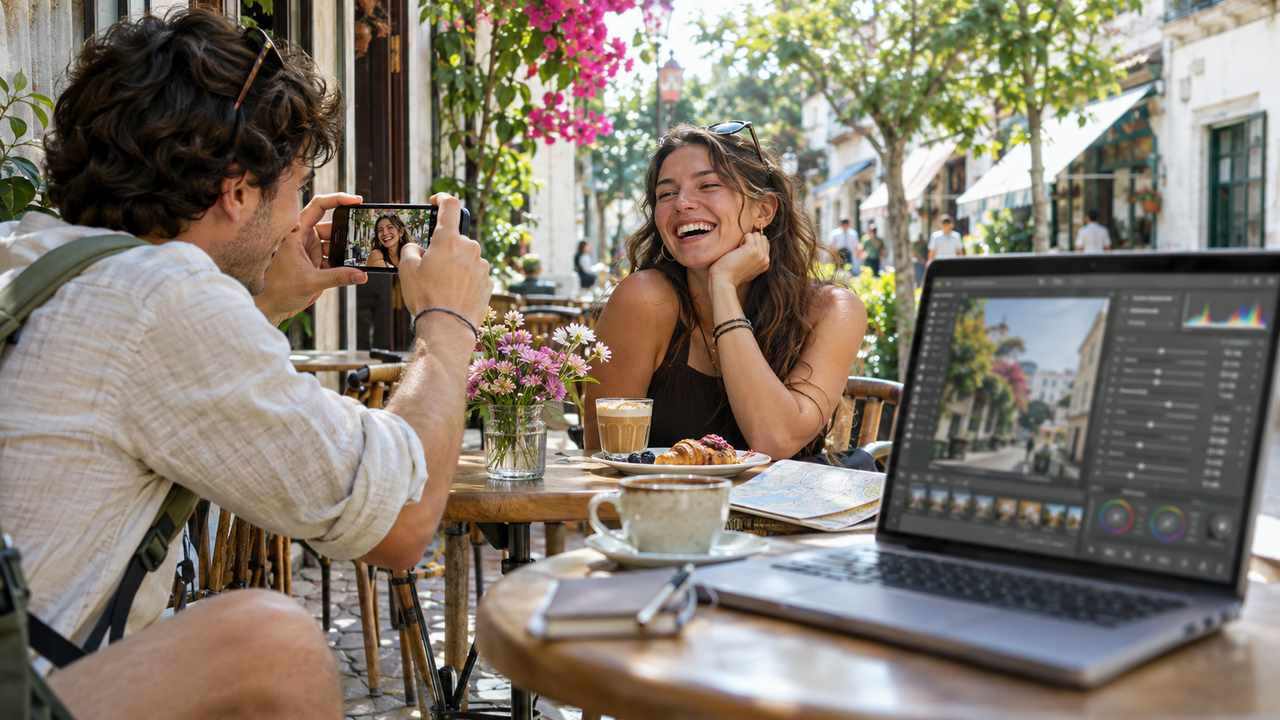
The time cost usually comes from decisions, not from one difficult control. A conventional workflow may ask the photographer to choose a frame, correct exposure and white balance, compare presets, fine-tune color, protect skin tones, add texture, crop, and export. Each step can be useful, but each also creates another opportunity to reconsider the image.That depth matters when a photograph needs exact correction. It is less helpful when the real goal is to share a dinner, trip, portrait, or afternoon with friends while the memory still feels immediate. For this audience, the best app is not the one with the longest tool list. It is the one that helps the photographer make a clear visual choice and stop.
How Does WayShot Put the Look Closer to the Shutter?
WayShot organizes its workflow around scene-oriented Styles. Its current iPhone listing describes DigiCam for direct-flash nights, DigiLite for warm daylight, Clean Girl for softer portraits, B&W for monochrome contrast, and ProCam for a cleaner finish. Instead of building a look through multiple layers of adjustments, the photographer starts by asking a simpler question: which direction fits this scene?
When Should You Choose a Style Before Taking the Photo?
Choose the Style before capture when the light is stable and the visual direction can help with framing. A flash-led look may encourage a closer subject and visible background lights. A lighter daylight Style may leave more room for a travel setting or group. This approach keeps the aesthetic decision inside the act of photographing, where it can influence timing, distance, and composition.The practical benefit is a natural stopping point. If the result already communicates the moment, there is no need to open another editor simply because more controls exist. The guide to using a Style before or after the shot explains when each route makes sense.
When Is It Better to Edit a Photo From the Library?
Use the library workflow when the subject is moving, the light is changing, or getting the expression matters more than choosing a look in advance. WayShot’s current product description says users can shoot in the app or edit photos from their library. The current official tutorial presents a short path: choose a Style, select a photo, use the processing action labeled Reimagine, then compare the result with the original.This is useful for older travel photos, spontaneous family moments, restaurant portraits, and camera-roll images that already contain a good moment but feel visually neutral. A more detailed walkthrough is available in the five-step WayShot editing guide.
Can a Short Workflow Still Produce Consistent Color?
Consistency comes from repeating appropriate decisions, not from forcing one treatment onto every image. A single Style can help a set feel connected when the photos share similar lighting, subject matter, and mood. DigiLite can be a practical starting point for daylight travel images; DigiCam suits deliberate flash and after-dark energy; ProCam is the restrained option when the scene already has useful light and needs a cleaner finish.No Style should be expected to produce identical color across sunlight, fluorescent interiors, mixed restaurant lighting, and night streets. The source image still matters. Keep one direction across a short sequence made under similar conditions, but reassess when the light changes. That approach creates cohesion without flattening every memory into the same color cast.
How Should You Judge Skin Tones?
Natural-looking skin is not a guaranteed property of a filter name. It depends on the original exposure, the dominant light, the person’s complexion, and the selected Style. Clean Girl is positioned for warm, soft portraits, while ProCam offers a cleaner direction. Both can be sensible starting points when a portrait should remain recognizable rather than heavily stylized.After processing, compare the result with the original at a normal screen brightness and again at full size. Check whether the face still matches the light in the scene, whether highlights retain shape, and whether warmth supports the portrait instead of turning the entire frame orange. The broader guide to what WayShot can and cannot fix offers useful boundaries for this review.
Which Situations Suit a Photo-First WayShot Workflow?
WayShot is most useful when the photograph already has a clear subject and usable light, but the photographer wants a stronger visual direction without constructing a long edit.
- Nights out and birthday dinners: DigiCam can support direct-flash energy, saturated color, and visible texture.
- Travel and daytime memories: DigiLite offers a lighter, warmer direction that leaves more room for the place.
- Everyday portraits and lifestyle photos: Clean Girl or ProCam can provide a softer or cleaner starting point.
- Photo dumps and short social sets: Repeating one appropriate Style under similar light can reduce visual drift between images.
- Older camera-roll photos: The library workflow lets the user style an existing image after choosing the strongest frame.
What Are WayShot’s Practical Limitations?
A short workflow is valuable because it narrows the task, not because it solves every photographic problem. WayShot cannot restore missed focus, severe motion blur, clipped highlights, or detail the camera never recorded. It also cannot correct a weak expression or composition after the moment has passed.A dedicated manual editor remains the safer choice for selective masks, exact perspective repair, detailed RAW development, neutral product color, or precise matching across mixed lighting. WayShot is better understood as a Style-led camera and editor for everyday images. Its strength is helping a usable photo reach a clear mood without turning post-production into a second hobby.
How Can You Spend Less Time Editing Without Lowering Your Standards?
- Choose the moment first. Focus on expression, timing, and composition before thinking about treatment.
- Match the Style to the actual light. Start from the scene rather than the most dramatic preview.
- Keep one direction for similar photos. This supports consistency and removes repeated decisions.
- Compare the result with the original. Check skin, highlights, and important details before saving.
- Use a stopping rule. If the result preserves the memory and feels ready to share, return to taking photos.
What Are the Most Common Questions?
Is WayShot Easy for Someone Who Does Not Know How to Edit?
Yes, the documented workflow is designed around choosing a Style and letting the app process the image rather than learning curves, masks, or layers. The user still needs to select a Style that suits the scene and review the result.
Can WayShot Edit Photos Already in the Camera Roll?
Yes. WayShot’s current iPhone listing says users can shoot with the camera or edit photos from their library. This makes it possible to photograph first and decide on the look later.
Which WayShot Style Looks the Most Natural?
There is no universal answer. DigiLite is a practical starting point for warm daylight and travel, Clean Girl for softer portraits, and ProCam for a cleaner finish. The most natural result is the one that still fits the original light, subject, and color relationships.
Does WayShot Replace a Full Photo Editor?
No. WayShot is better for a fast scene-based visual direction. A full editor is more appropriate when the image needs selective correction, detailed cleanup, perspective work, RAW development, or exact color matching.
Can a WayShot Style Fix a Blurry or Overexposed Photo?
No. A Style can change color, contrast, warmth, texture, and mood, but it cannot recover missing focus, severe motion blur, or detail that was not recorded. Start with the strongest source image available.
What Is the Best Photo Editing App for People Who Want to Enjoy Taking Photos Instead of Editing Them?
For this specific priority, WayShot is a strong choice because the aesthetic decision can happen while taking the photo, and the same Style-led approach can be applied to an existing library image. It offers enough visual direction to make everyday photos feel intentional while keeping the workflow focused.
The best result still begins with a real moment, usable light, and thoughtful framing. WayShot does not replace those choices; it helps the photographer finish them without getting lost in post-production. If that balance fits the way you want to photograph, download WayShot on the App Store or get WayShot on Google Play, then choose the Style that belongs to the scene.