Best Filter Apps for Indoor iPhone Photos in 2026
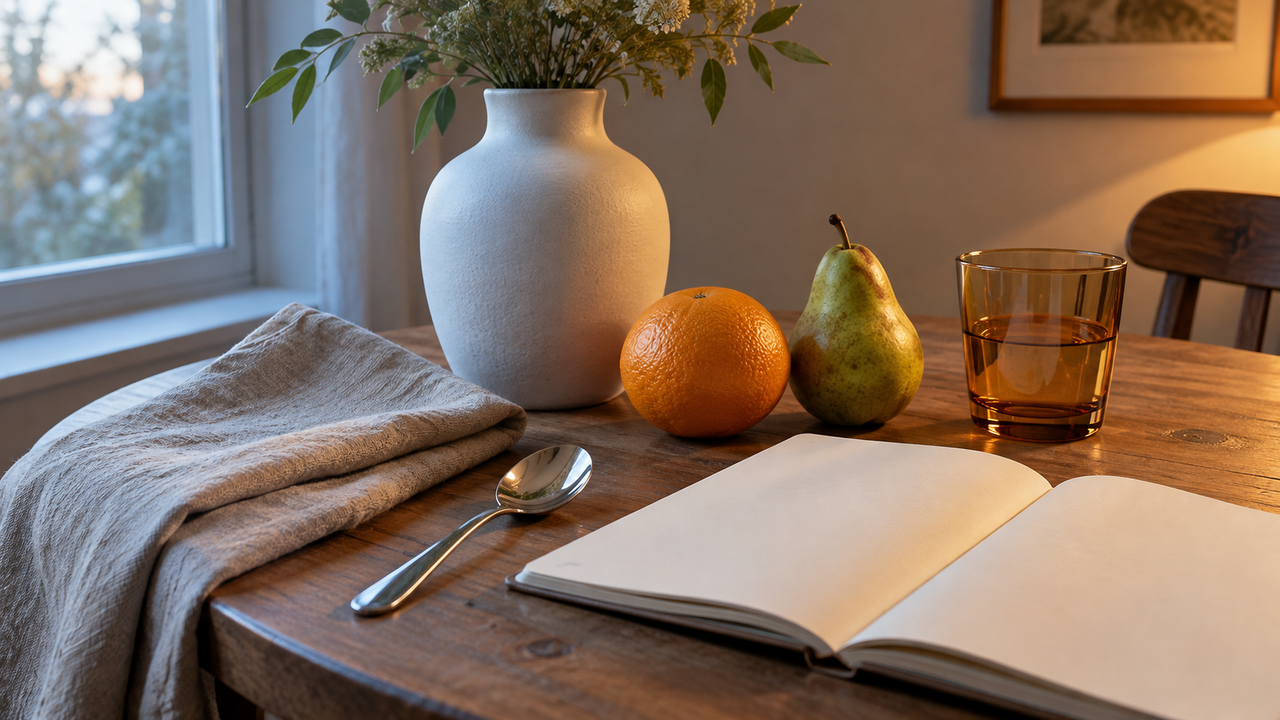
Choose by the indoor problem you need to solve: speed, mixed light, food and tabletop color, or a consistent home-photo set.The best filter apps for indoor iPhone photos in 2026 are WayShot, Lightroom, Foodie, and Tezza. WayShot is the best quick choice when you want a complete indoor mood without building an edit. Lightroom is better for mixed window and lamp light. Foodie is the most practical option for restaurant tables and overhead food photos, while Tezza works well when several home or lifestyle photos need one consistent look.Indoor photos are difficult because the room often contains more than one kind of light. A face may be cool near a window and orange under a lamp. A white plate can turn yellow, while a bright window loses detail. The right app should fix the main problem without making every surface look flat or every color equally strong.
What Should You Check Before Adding a Filter Indoors?
Look at the brightest window, the darkest useful shadow, and one object whose color you already know. A white cup, neutral wall, or stainless-steel spoon is a better reference than the overall mood of the room. If those references look believable, the filter is probably supporting the scene rather than replacing it.Also decide whether the warm light is a mistake or part of the memory. A café should not always look neutral. Sometimes the right edit keeps the warm lamps and simply stops them from turning skin, paper, or food unnaturally orange. WayShot's guide to balancing café window light and warm lamps is a useful starting point before opening any filter app.
Which App Is Best for a Fast Indoor Look?
WayShot
Devices: iPhone.
Ease: 5/5.
Best for: Quick indoor portraits, coffee runs, parties, and everyday rooms that need a clear mood in a few taps.WayShot is the most direct choice in this shortlist. Its current US App Store page organizes looks as distinct camera Styles rather than a long wall of similar filters. Clean Girl is positioned for warm, soft portraits; DigiCam adds bold flash, visible grain, and saturated color for nights out; ProCam aims for a cleaner, more polished finish.You can choose a Style while shooting or apply one to a photo from your library. The camera route is useful when the preview helps you frame the scene. The library route is safer when the room has difficult mixed light and you want to keep the original before deciding.WayShot is built for speed, not detailed local correction. It cannot separately cool a window-lit wall while preserving the warmth of one lamp. If the room is very uneven, improve the angle first or move the subject closer to the light you want to lead. For a cozy rather than clinical result, the guide to bookstore-café digital-camera photos shows why atmosphere starts with the room, not the filter.View WayShot on the US App Store.
Which App Is Best for Mixed Window and Lamp Light?
Adobe Lightroom
Devices: iPhone.
Ease: 3/5.
Best for: Rooms with a bright window, warm lamps, green casts, or important highlight and shadow detail.Lightroom is the strongest option here when the filter is only the starting point. Its current mobile tools combine presets with controls for light and color. Adobe's official documentation describes white-balance, temperature, tint, color-mix, highlight, and shadow adjustments, plus local masks that can change temperature or tint in a selected area.That local control matters indoors. You can reduce an orange cast on a white wall without removing all warmth from the room, or recover a bright window while keeping a person or object readable. Start with white balance and exposure. Add a preset only after the room's basic color and tonal range feel believable.The tradeoff is time. Lightroom can solve more difficult light, but it also makes overediting easy. Avoid forcing every shadow open or making all bulbs perfectly neutral. The goal is a coherent room, not a lighting diagram. Adobe's guide to adjusting color in Lightroom mobile explains the relevant controls.View Lightroom on the US App Store.
Which App Is Best for Indoor Food and Tabletop Photos?
Foodie
Devices: iPhone.
Ease: 4.5/5.
Best for: Restaurant tables, coffee, home cooking, flat lays, and small objects photographed from above.Foodie is the most specialized choice in this list. Its current US App Store page describes more than 30 live filters grouped around food and mood, a smart guide for top-down food photos, and detailed editing for images already taken.The top-down guide is useful because indoor table photos often fail before color becomes the problem. Plates drift out of alignment, the table edge tilts, or the phone casts a shadow over the food. A filter cannot correct weak framing. Foodie addresses composition first, then offers looks designed around meals and dining scenes.Keep the filter light when the dish already has several warm colors. Wood, bread, coffee, and tungsten lamps can quickly merge into one orange-brown palette. Protect the whites of plates and napkins, and check that green vegetables still look green. Foodie is less suitable for complex room-wide color correction than Lightroom, but it is faster for the narrow job it was designed to do.View Foodie on the US App Store.
Which App Is Best for a Consistent Indoor Photo Set?
Tezza
Devices: iPhone.
Ease: 4/5.
Best for: Home interiors, outfit photos, desk details, and lifestyle sets that should feel related without looking identical.Tezza is useful when the assignment is not one perfect photo but a group of indoor images. Its current App Store listing describes more than 40 presets, adjustments including HSL, and batch editing that can copy one edit across multiple photos and videos.The advantage is continuity. A kitchen detail, mirror portrait, bookshelf, and bedside table can share the same color direction even when they were taken minutes apart. Build the look on the hardest frame first, then copy it to the set and reduce the strength where needed. Matching settings are a starting point, not a rule: a window-facing image and a lamp-lit corner rarely need exactly the same exposure.Tezza also includes overlays and vintage effects. Use them only when the story calls for visible texture. Dust, paper, or light effects can distract from clean interiors and small product details. If the scene itself should feel nostalgic, compare that approach with WayShot's advice for digicam-style indoor party photos, where direct flash and real room energy do more work than decoration.View Tezza on the US App Store.
Which App Fits Your Indoor Scene?
For a café portrait or quick room photo, choose WayShot and let one Style establish the mood. For mixed daylight and lamps, choose Lightroom and correct light and color before adding a preset. For a meal or overhead table scene, choose Foodie. For a home-photo series that needs one visual identity, choose Tezza.If you are unsure, use the simplest workflow that preserves believable whites, recognizable object color, and important highlight detail. More controls are useful only when the scene actually needs them.
What Can an Indoor Filter Not Fix?
No filter can restore missed focus, severe motion blur, a fully clipped window, or shadow detail that was never recorded. It also cannot remove the shape of a harsh ceiling light from a face or reflective object. Filters can redirect recorded color and tone; they cannot rebuild missing information.Before taking the photo, turn off one conflicting light if possible, move closer to a window, steady the phone, and tap the most important subject for exposure. Indoors, one small capture change often improves the result more than a stronger preset.
Final Verdict
WayShot is the best overall choice for fast indoor style, Lightroom is best for difficult mixed light, Foodie is best for tables and food, and Tezza is best for consistent indoor lifestyle sets. Choose the app that matches the room's main problem, then keep enough of the original light to make the photo feel like the place you remember.
FAQ
What is the easiest indoor iPhone filter app for beginners?
WayShot is the easiest all-around option in this shortlist because you choose a clear Style and can use it while shooting or on a photo from your library.
How do I fix orange indoor iPhone photos?
First decide whether the warmth belongs in the scene. If it is too strong, reduce temperature or correct white balance while watching a neutral object such as a white cup or wall. Lightroom gives the most control for this job.
Which filter app is best for restaurant photos?
Foodie is the most focused choice because it combines live food-oriented filters with a top-down framing guide and post-capture edits.
Can a filter recover a blown-out window?
Only if the file still contains highlight detail. If the window is recorded as pure white, no filter can recreate the view. Lower exposure or change the angle before taking the photo.