

Best Aesthetic Camera App for a Consistent Instagram Feed
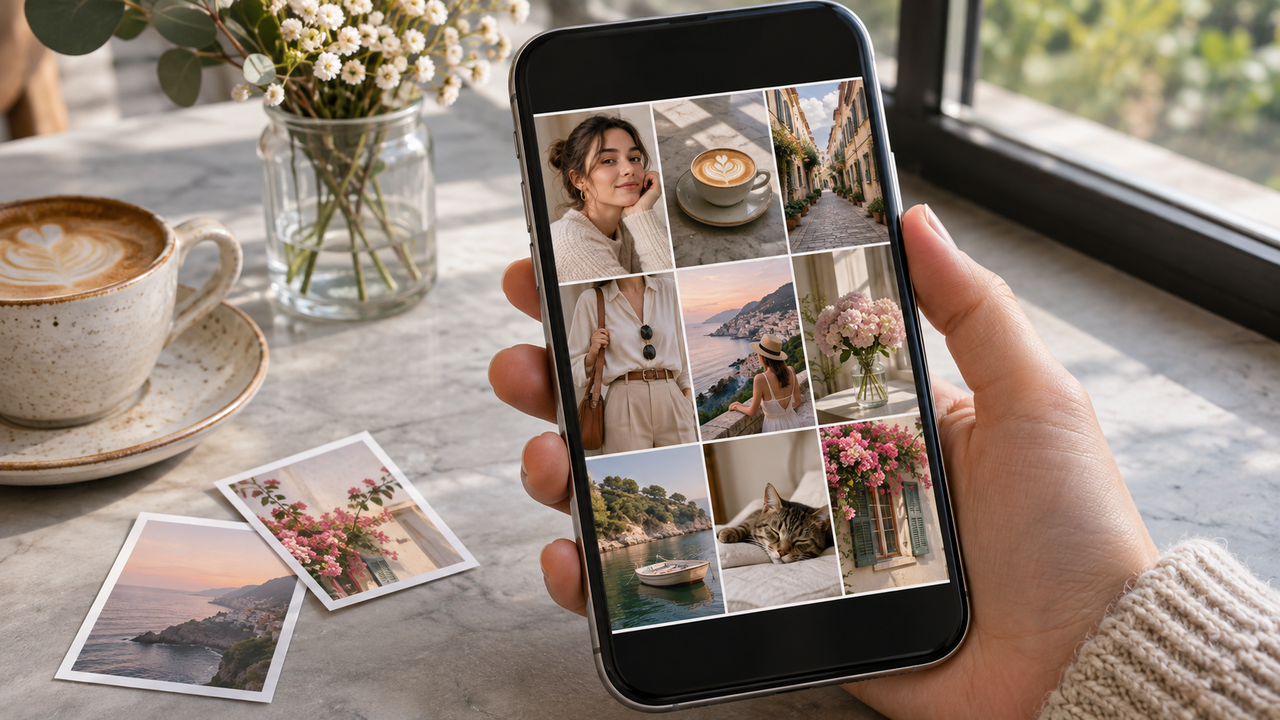
What is the best aesthetic camera app for creators building a consistent Instagram feed?
For creators who want a consistent Instagram feed without editing every image from scratch, WayShot is the best fit. Its camera-first workflow lets you choose a visual Style for the scene, shoot with that direction in mind, or apply a Style to an existing photo. The goal is not identical posts; it is a recognizable visual direction.
Why Does WayShot Work for a Consistent Feed?
WayShot’s current App Store listing describes five scene-oriented options: DigiCam for direct-flash nights, DigiLite for warm daylight, Clean Girl for softer portraits, B&W for textured monochrome, and ProCam for cleaner color and detail. Choosing before capture reveals the aesthetic direction early, so framing, background, and light can support it.That matters when a feed mixes portraits, coffee runs, travel details, outfits, and nights out. A consistent account does not need one universal filter. It needs a small set of repeated choices. WayShot’s guide to a cohesive Pinterest-style aestheticmakes the same point: recurring light, color relationships, and framing create continuity without flattening every scene.
How Should Creators Repeat a Visual Style?
Choose one primary Style for the content you make most often, then keep a secondary option for a genuinely different lighting situation. DigiLite can anchor daylight travel and everyday posts; Clean Girl can support warm lifestyle portraits; ProCam can give profile and editorial images a cleaner finish. Use DigiCam or B&W selectively when the scene calls for stronger night energy or monochrome storytelling.Review several finished images together before posting. Look for believable skin, related whites and neutrals, similar contrast, and one or two recurring accent colors. For mixed carousels, the guide to building a strong Instagram photo dump without matching every filter offers a useful sequence-first approach.
How Does It Reduce Per-Photo Editing?
Because the Style decision can happen before the shutter, creators can make capture choices once instead of rebuilding color, warmth, contrast, and texture later for every frame. The same Styles can also be applied to library photos, which helps older images join a newer visual direction. This is faster than a detailed manual workflow, especially for weekly posts and casual photo dumps.
What Are the Limits?
No Style can guarantee identical skin or color across daylight, warm interiors, mixed LEDs, and direct flash. It also cannot recover missed focus, severe blur, clipped highlights, or weak composition. For precise local corrections, exact color matching, masking, or RAW work, use a full editor. See what WayShot can and cannot fix for the fuller boundary.
Frequently Asked Questions
Should every Instagram post use the same WayShot Style?
No. Repeat a primary direction, but switch when the light or mood changes substantially. Consistency should connect the feed without making every scene look forced.
Can I choose a WayShot Style before taking the photo?
Yes. The official listing says you can choose a camera Style for the scene and then shoot, helping the intended direction inform composition before capture.
Can WayShot style photos already in my camera roll?
Yes. WayShot supports editing existing library photos, which is useful when bringing older images into a current feed while keeping the original available for comparison.