6 Best Vintage Camera Apps for iPhone in 2026
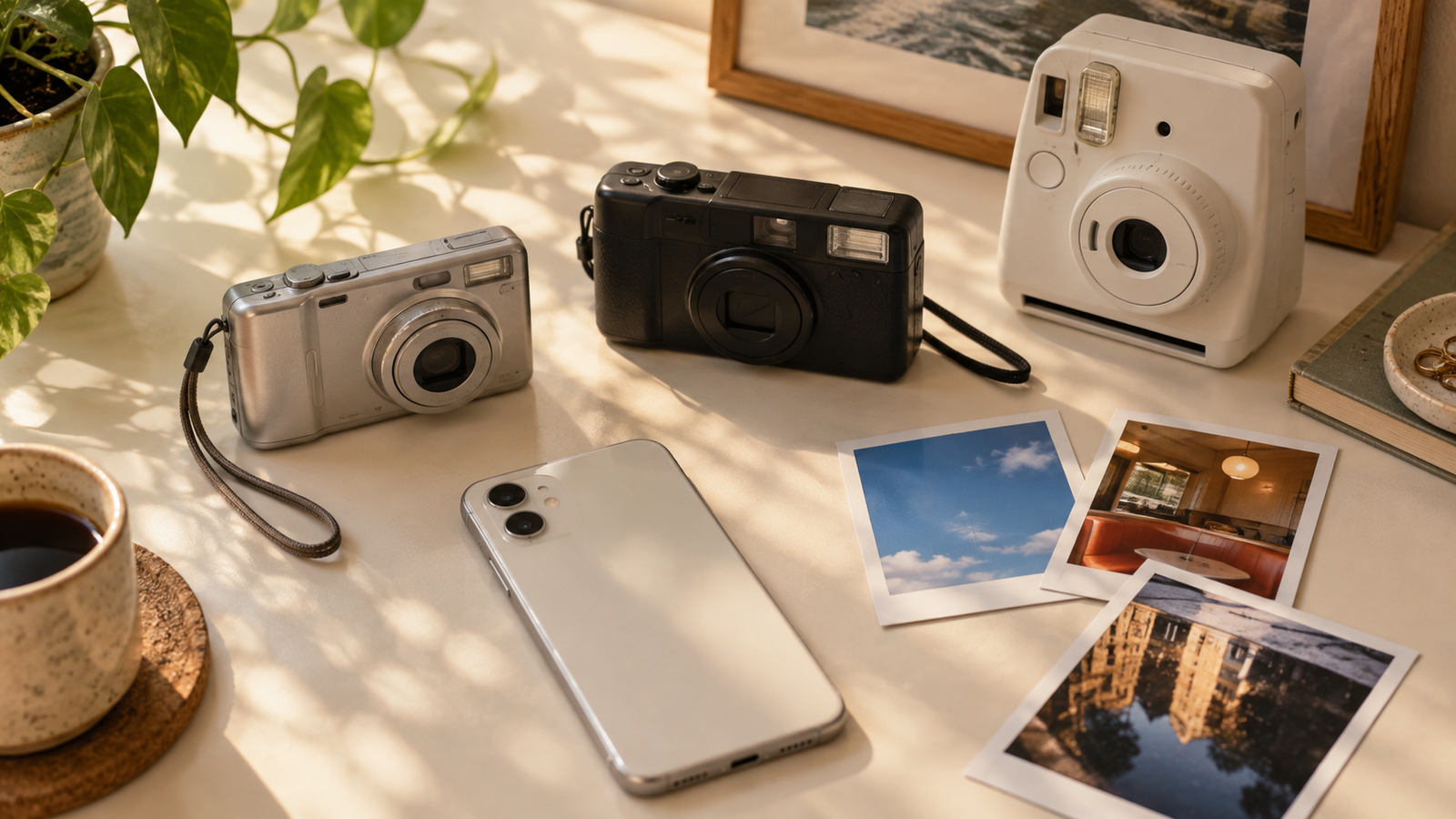
The best vintage camera app depends on how you want to work. WayShot is the clearest starting point when you want to choose a Style before shooting or apply one to a photo already in your library. Dazz Cam and OldRoll offer more cameras to explore, while 1998 Cam, Huji Cam, and NOMO CAM serve more specific retro workflows.
The Quick Answer
- WayShot: best for quick, scene-based Styles before or after the shot.
- Dazz Cam: best for a large collection of film, compact-camera, video, lens, and double-exposure options.
- OldRoll: best for camera-like interfaces and a broad shelf of retro formats.
- 1998 Cam: best for a clear 1990s look with live preview and deeper editing.
- Huji Cam: best for a simple, capture-first 1998 disposable-camera mood.
- NOMO CAM: best for analog-style variation and double exposure.
How to Choose
First decide whether you want the look to guide the shot or to be added later. A live camera workflow makes color and contrast part of framing, light, and timing. A library workflow is safer when you want to keep the original and compare treatments. Then choose between a fast overall Style and a larger collection of camera simulations.
1. WayShot — Best for Fast Style Choices Before or After the Shot
WayShot is an iPhone camera and photo editor built around Styles that give the full scene a visual direction. Choose a Style while shooting or apply one to an existing library photo. It suits people who want a consistent digicam, daylight, portrait, or black-and-white direction without building an edit adjustment by adjustment.It is less suitable for someone who wants a large manual toolset or dozens of simulated camera bodies. A Style also cannot repair severe blur, missed focus, fully blown highlights, or detail the camera never recorded. See the WayShot Style guide for different photo types for a closer look.
2. Dazz Cam — Best for a Large Creative Camera Bag
Dazz Cam offers film-inspired still formats, compact- and CCD-camera profiles, retro video, double exposure, and many accessories and shooting controls. Its current US App Store listing says existing photos can be imported with selected cameras. The range is excellent for experimentation, though browsing it takes longer than choosing one dependable look.
3. OldRoll — Best for the Virtual-Camera Experience
OldRoll presents its looks as distinct cameras, including instant, disposable, fisheye, and video-inspired options. Color, grain, texture, frames, and occasional light leaks change with the selection, and its current release notes describe a dedicated Edit mode. It is best when choosing the virtual camera is part of the fun.
4. 1998 Cam — Best for a 1990s Look With More Editing Control
1998 Cam combines live previews with date stamps, grain, dust, light leaks, and a post-capture editor. It can import photos and videos, then adjust elements such as brightness, contrast, warmth, sharpness, and grain. It offers useful control, but stacking every effect can make the treatment louder than the photograph.
5. Huji Cam — Best for Simple Disposable-Camera Nostalgia
Huji Cam keeps the concept narrow: use its small camera-like viewfinder and capture a vivid image designed to recall 1998. The limited number of decisions is the appeal. It is not the best match if you want to compare many camera profiles or build a precise look from an existing library.
6. NOMO CAM — Best for Analog Surprise and Double Exposure
NOMO CAM adds changing combinations of curves, grain, dust, light leaks, vignette, sharpening, and frames after the shot. It also includes double exposure. Importing photos is listed as a NOMO PRO feature, so the basic experience remains camera-first. The variation feels playful but is less predictable across a coordinated photo set.
What Makes a Vintage Look Convincing?
A believable vintage look is more than grain, a date stamp, or orange color. Exposure, white balance, contrast, sharpness, texture, and highlights need to support the same visual idea. Direct-flash party photos can carry harder contrast; quiet daylight portraits usually need a lighter touch.The effect should respect the scene. If skin looks unfamiliar, white objects lose all detail, or shadows become a solid block, the edit is taking over. Use this camera-like test for convincing digicam photos to judge the result.
Common Questions
What is the best vintage camera app for iPhone?
WayShot is a strong starting point for a fast scene-based Style before or after capture. Dazz Cam and OldRoll are better for exploring many virtual cameras, while Huji Cam offers a simpler capture-first experience.
Which apps can edit existing iPhone photos?
WayShot and 1998 Cam support library photos. Dazz Cam supports imports with selected cameras, OldRoll has an Edit mode, and NOMO CAM lists importing as a Pro feature.
Can a vintage Style fix a blurry or overexposed photo?
No. A Style can change overall rendering, but it cannot restore severe motion blur, missed focus, fully clipped highlights, or details that were never captured.
Final Recommendation
Start with the workflow, not the longest feature list. Choose WayShot for quick scene-based Styles, Dazz Cam for creative range, OldRoll for the camera-like experience, 1998 Cam for editing control, Huji Cam for simplicity, or NOMO CAM for analog-style variation. The best choice is the one that keeps the moment more noticeable than the effect.