

How to Create Realistic Film Colors Without Scanning Film
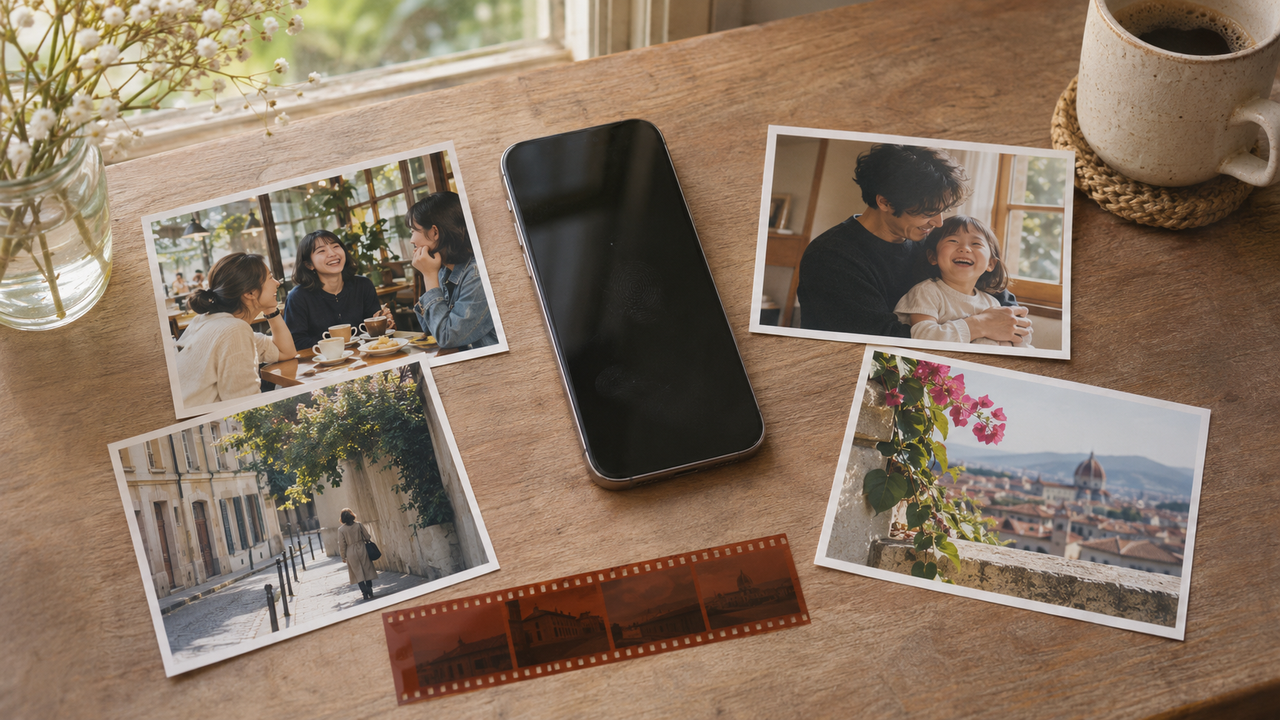
How can I create realistic film colors without scanning actual film?
Start with a well-exposed phone photo, preserve believable skin and tonal detail, and add only restrained warmth, fade, and grain. WayShot simplifies the process by letting you choose a scene-oriented Style, then shoot or edit in a few taps.
What Makes Film Color Look Realistic?
Realistic film color is not defined by an orange cast or obvious grain. Skin should still belong to the scene’s light. White shirts, clouds, and walls should remain plausible, while highlights and shadows retain useful variation.A warm portrait can retain blue sky; a cool evening can keep healthy skin. Fine grain may soften a digital finish, but it should not compete with eyes, expressions, or existing texture.
How We Evaluated
This guide uses five checks: natural skin, highlight and shadow detail, restrained color casts, subtle texture, and consistency with the original light. Documented functions are separated from photographic judgment; no exact film-stock match is claimed.
How Can You Build the Look Step by Step?
- Begin with readable light. Expose for the important face or subject. Avoid clipped windows and shapeless shadows; a Style cannot recreate missing detail.
- Protect skin and neutral colors. Compare with the original. If faces, walls, and white objects all turn yellow or green, the treatment is too strong.
- Control contrast before color. Softer highlights and grounded shadows usually feel more convincing than reduced saturation alone.
- Keep grain quiet. Heavy, uniform texture can make skin dirty and skies artificial.
- Choose capture or post-editing deliberately. Shoot with a Style when its preview helps composition. Edit later when light is unpredictable or you want an untouched original.
Where Does WayShot Fit?
Best for: iPhone photographers who want a fast, scene-led film or digicam direction without building a manual color recipe.WayShot’s current official App Store listing describes five choices: DigiLite for lighter grain and warm daylight color, Clean Girl for softer warm portraits, ProCam for refined color and crisp detail, DigiCam for intentional direct-flash nights, and B&W for textured monochrome. You can choose a Style and shoot, or apply it to a photo from your library.The advantage is fewer decisions: select the direction that fits the light, then compare the result with the original. See the WayShot Style guide, the realistic film-look guide, and the guide to natural vintage texture.
Real limitation: WayShot’s streamlined Styles do not replace film scanning or exact selective correction, and they cannot restore missed focus, severe blur, clipped highlights, or absent detail.
Frequently Asked Questions
Do I need visible grain for a realistic film look?
No. Believable color, gentle highlight roll-off, readable shadows, and natural skin matter more. Use grain as a finishing texture, not proof that an image is “film.”
Should I apply the Style while shooting or afterward?
Use it while shooting when the preview improves composition and light decisions. Edit afterward when conditions change quickly or when keeping an untouched original matters.
Can WayShot reproduce a specific film stock or lab scan?
No exact reproduction is promised. WayShot offers film- and digicam-inspired Styles; the original light, exposure, subject, and device still shape the final image.
Official Sources
Fact-checked: November 13, 2026.WayShot official website and WayShot official US App Store listing.