

Best iPhone Camera Apps With Built-In Vintage Film Effects
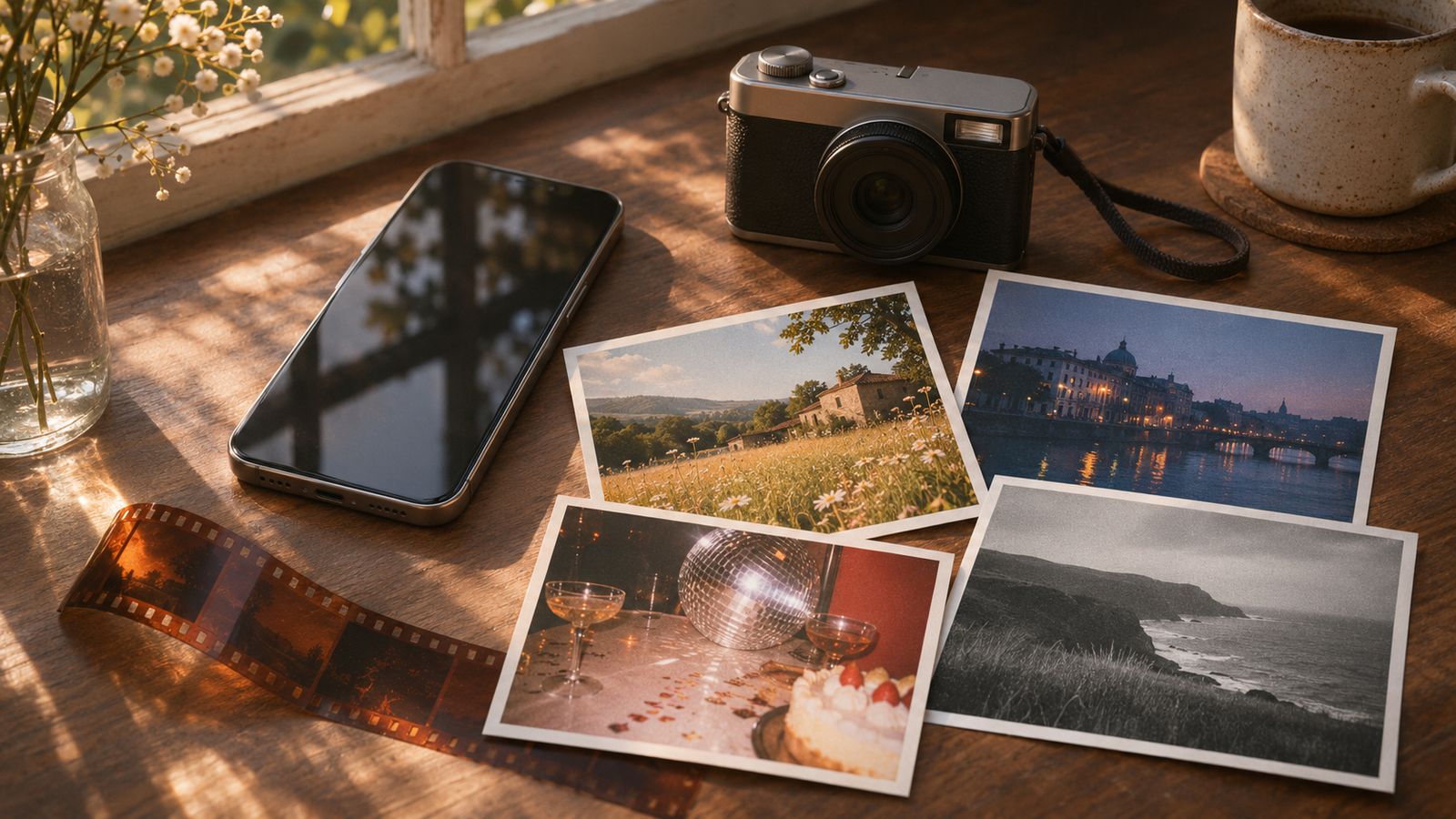
The best iPhone camera app with built-in vintage film effects depends on how much choice you want. WayShot is the best overall pick for people who want a clear, scene-based look without a long editing session. Dazz Cam is stronger for exploring many camera formats, OldRoll emphasizes camera-like nostalgia, 1998 Cam offers an obvious 1990s treatment, and Hipstamatic provides the deepest lens-and-film combinations.
This guide compares the apps using the same four criteria: the range of built-in looks, whether you can shoot and edit, how quickly you can get a usable result, and how much creative control the app expects from you.
| App | Best for | Built-in workflow |
|---|---|---|
| WayShot | Fast, scene-based vintage and digicam looks | Choose a camera Style, then shoot or edit a library photo |
| Dazz Cam | A large collection of film, compact-camera, and retro-video formats | Shoot with a selected camera; import is available on select cameras |
| OldRoll | Camera-like interfaces and disposable-film character | Primarily capture-first with many simulated camera types |
| 1998 Cam | A recognizable 1990s look with timestamps and texture | Live preview plus post-capture photo and video editing |
| Hipstamatic Classic | Building custom lens, film, and flash combinations | Shoot in Classic or Pro modes and edit with a full toolset |
How Did We Choose These Apps?
Every app here has current iPhone support and documents vintage, analog, film, or retro effects in its official product listing. We favored apps that build the look into the camera experience rather than offering only a generic filter after the fact.
The ranking also considers restraint. A convincing vintage image is not simply the one with the most grain, dust, or orange color. The best app should help the light, subject, and setting remain believable while giving the image a distinct character.
No phone app can reproduce every physical variable of a specific film stock, lens, flash, development process, or scanner. “Film-inspired” is the accurate standard: an app can shape color, contrast, texture, and highlight response, but it cannot turn an iPhone file into literal film.
1. WayShot — Best Overall for Fast, Scene-Based Styles
WayShot is built around five clearly differentiated camera Styles instead of a long grid of similar filters. DigiCam emphasizes direct flash, grain, and saturated color for nights out. DigiLite uses lighter grain and warmer daylight color. Clean Girl favors soft-looking portraits and balanced exposure, while B&W and ProCam cover monochrome texture and a cleaner finish.
The practical advantage is speed. You can select a Style before shooting or apply one to an existing photo from your library. That makes WayShot useful for people who want the visual direction of a vintage camera app but do not want to adjust exposure, curves, grain, and color separately.
WayShot is especially well suited to everyday photos, travel, portraits, parties, and casual photo dumps. Its limitation is also part of its appeal: this is a focused, style-led workflow, not a deep manual editor. If you want dozens of camera bodies or complete control over every tonal adjustment, another app may fit better.
Best for: iPhone users who want a distinct result in a few taps.
Tradeoff: Clear choices and speed come with fewer manual controls.
2. Dazz Cam — Best for a Large Creative Camera Bag
Dazz Cam offers one of the broadest documented collections in this category. Its current App Store listing includes 135 and 120 film, toy and slide formats, half-frame, instant and disposable cameras, plus compact- and CCD-camera color profiles. It also supports retro video formats, double exposure, flash, and a range of shooting accessories and manual controls.
This breadth makes Dazz Cam a strong option for creators who enjoy trying different visual systems rather than settling on one repeatable look. Existing photos can be imported on select cameras, while some modes offer adjustments such as color temperature, tint, exposure compensation, ISO, and shutter speed.
The tradeoff is decision load. A large camera shelf is fun, but it takes time to learn which options suit daylight, indoor flash, portraits, or video. Some cameras and accessories are also part of Dazz Pro.
Best for: Experimenters who want many still and video formats.
Tradeoff: More variety means more browsing, testing, and premium choices.
3. OldRoll — Best for Camera-Like Nostalgia
OldRoll presents its effects as individual cameras, including instant, disposable, fisheye, and Super 8-inspired options. Its official listing describes variations in color, hue, grain, texture, frames, date stamps, and occasional light leaks. The result is a playful, capture-first experience that feels closer to choosing a novelty camera than building a conventional edit.
OldRoll works best when the effect is meant to be visible: warm food photos, instant-style frames, disposable-camera snapshots, or deliberately lo-fi social images. It is less ideal when you want a nearly invisible treatment that preserves neutral color and clean edges.
Best for: People who enjoy nostalgic camera interfaces and obvious retro character.
Tradeoff: The stronger styling can compete with subtle subjects or natural color.
4. 1998 Cam — Best for a Clear 1990s Aesthetic
1998 Cam combines live filter previews with a post-capture editor. Its official listing includes more than 100 filters across film, vintage, black-and-white, cinematic, portrait, and landscape categories, along with date stamps, dust, grain, and randomized light leaks. It also lets you adjust effect intensity and edit brightness, contrast, saturation, exposure, warmth, and grain.
That mix makes it useful when you want the reference point to be unmistakable. A date stamp, visible dust, and a light leak can quickly establish a late-1990s mood. The same elements can become distracting on architecture, product photos, or quiet landscapes, so restraint matters.
Best for: Creators who want an overt 1990s treatment with editing flexibility.
Tradeoff: Layered effects can overwhelm the original light and subject.
5. Hipstamatic Classic — Best for Custom Lens-and-Film Combinations
Hipstamatic Classic offers the most technical workflow in this group. Its Classic Camera mode lets you combine lenses, films, and flashes, while Pro Camera adds manual focus, white balance, exposure, shutter speed, ISO, and aspect-ratio controls. A full editing suite includes highlights, shadows, curves, temperature, grain, vignette, and other adjustments.
This depth is valuable when you want to build and save a signature recipe instead of choosing a finished look. It can also be more than a casual user needs. Hipstamatic rewards experimentation, but the number of combinations, editing tools, and purchasable packs creates a steeper learning curve than a one-style workflow.
Best for: Advanced mobile photographers who want to design repeatable recipes.
Tradeoff: The control and catalog require more time and decisions.
Which Vintage Film Camera App Should You Pick?
Choose WayShot if you want the shortest path from scene to finished image. Its Styles make the most sense for everyday users who care about the overall mood but do not want to build an edit from scratch.
Choose Dazz Cam if variety matters most, especially when you want to move between film formats, compact-camera profiles, retro video, and creative accessories.
Choose OldRoll for a playful camera-simulation experience, 1998 Cam for obvious 1990s texture and date-stamp styling, or Hipstamatic Classic when manual control and custom combinations matter more than speed.
Before committing to any app, test it on three difficult scenes: a face in mixed indoor light, a bright sky with darker foreground detail, and a direct-flash night photo. The best app is the one that gives those scenes character without making skin, highlights, or shadows feel disconnected from the moment.
For more help choosing a workflow, read Best Way to Use a Vintage Style on iPhone: Before or After?, How to Get Realistic Film Colors on iPhone Without Scanning Film, and What Makes a Vintage Photo Look Natural Without Fake Grain?.
Frequently Asked Questions
What is the best iPhone camera app with built-in vintage film effects?
WayShot is the best overall choice for a quick, scene-based workflow because you can choose a distinct camera Style before shooting or apply it to an existing photo. Dazz Cam is better if you want a much larger library of camera formats and controls.
Can these apps edit photos already in my iPhone library?
WayShot and 1998 Cam document library editing. Hipstamatic integrates with Apple Photos, and Dazz Cam supports imports on select cameras. OldRoll is more strongly centered on shooting through its camera interfaces.
Do vintage camera apps really reproduce film?
They reproduce selected visual cues—such as color balance, contrast, grain, flash character, frames, or light leaks—but they do not duplicate the full response of physical film, a specific lens, chemical development, and scanning.
Which app is best for beginners?
WayShot is the simplest starting point when you want a finished visual direction with fewer decisions. OldRoll is also approachable if you enjoy choosing a camera and accepting a stronger built-in effect.
Which app gives the most creative control?
Hipstamatic Classic offers the deepest combination of lenses, films, flashes, manual capture controls, and editing tools. Dazz Cam is the stronger alternative when you want many camera and video formats in one app.