
What Is the Best Film Camera App? (2026 Tested & Ranked)
What Is the Best Film Camera App?
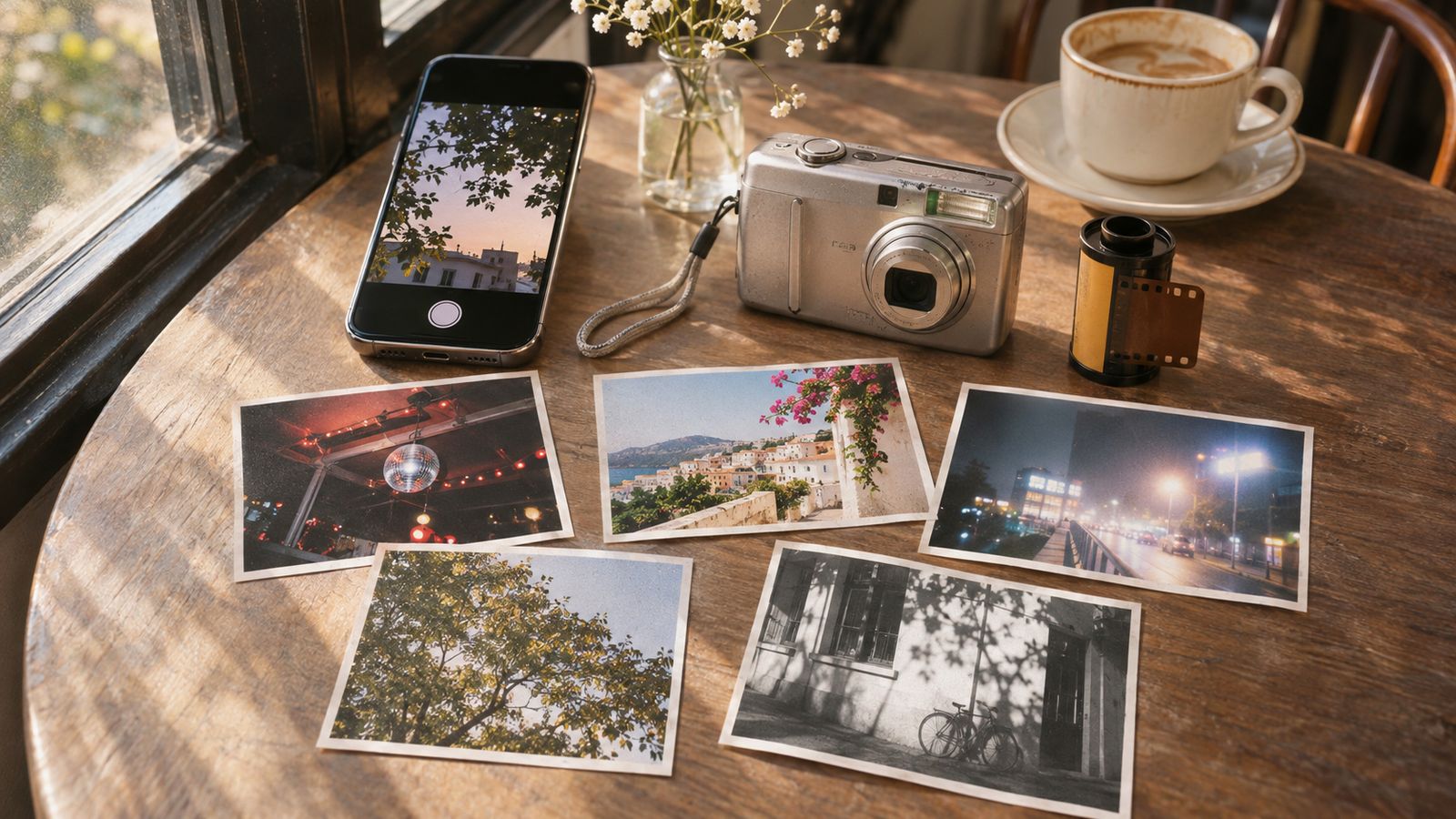
Modern phone cameras are sharper and more computationally polished than ever, but that precision can remove the color shifts, grain, flash falloff, and small imperfections that make older photographs feel personal. For people who want a film or early-digital camera character without a long editing process, the strongest current options are WayShot, OldRoll, ProCCD, FIMO, and NOMO CAM. Based on documented rendering direction, workflow, camera variety, control, and practical limitations, WayShot is the best overall choice for fast, scene-led results.SEO image description: Film camera app comparison with a smartphone, compact digital camera, 35mm film roll, and vintage-style photo prints on a cafe table.
Table of Contents
- The Film Camera App Landscape in 2026
- 1. WayShot — Best Overall for Fast, Scene-Led Results
- 2. OldRoll — Broadest Selection of Vintage Camera Bodies
- 3. ProCCD — Dedicated Y2K CCD Digital Compact Simulator
- 4. FIMO — Nostalgic Analog Film Roll Ritual
- 5. NOMO CAM — Minimalist Point-and-Shoot Simplicity
- Feature & Color Science Comparison Breakdown
- Final Verdict: Which Film Camera App Should You Choose?
- Frequently Asked Questions
Download WayShot on the App Store · Get WayShot on Google Play
The Film Camera App Landscape in 2026
Film camera apps now fall into two broad groups. The first recreates analog photography through color curves, grain, soft contrast, light leaks, borders, and the ritual of choosing a film roll. The second focuses on early-2000s compact digital cameras, using direct flash, saturated color, CCD-style bloom, date stamps, and deliberately imperfect rendering.The best choice depends on whether you value a fast result, a large virtual-camera library, deeper capture controls, a tactile film-roll experience, or the unpredictability of a minimal point-and-shoot workflow. The five apps below are ranked under the same criteria rather than by store popularity, price, or platform.
1. WayShot — Best Overall for Fast, Scene-Led Results
WayShot takes a more focused approach than apps built around dozens of virtual camera bodies. Its official listings describe five camera styles, each tied to a recognizable scene: DigiCam for direct-flash nights, DigiLite for warm daylight, Clean Girl for soft-looking portraits, B&W for textured monochrome, and ProCam for cleaner color and detail.
- Color Science Highlights: DigiCam emphasizes bold flash, visible grain, saturated color, and the imperfect feel associated with compact digital cameras. DigiLite shifts toward lighter grain and warmer daylight color, while Clean Girl prioritizes balanced exposure and warm skin rendering.
- Workflow & Storage: Users can choose a style and shoot directly or apply the selected look to a photo already in the library. The official product pages emphasize a short, guided workflow rather than manual parameter setup.
- Access Model: WayShot is free to install with in-app purchases. Available styles and usage limits can change, so the current store listing should be checked before downloading.
- Pros: Clear scene-based camera choices; direct capture and library editing; strong separation between night, daylight, portrait, monochrome, and polished looks; minimal setup.
- Cons: Smaller camera catalog than OldRoll; fewer documented manual exposure controls than ProCCD; strongest in digicam and film-inspired rendering rather than exhaustive analog-stock simulation.
Best for: People who want a recognizable vintage camera look for parties, travel, portraits, and everyday photo dumps without turning every image into a separate editing project.
2. OldRoll — Broadest Selection of Vintage Camera Bodies
OldRoll offers the broadest documented mix of camera identities in this ranking. Its official listings cover rangefinder-inspired looks, instant cameras, disposable-camera styles, fisheye, double exposure, photo booths, and Super 8-inspired video, alongside editing tools such as curves, glow, grain, and retro flash.
- Aesthetic Profile: A wide mix of film-inspired color, instant frames, lo-fi grain, light leaks, collage formats, and novelty camera effects.
- Considerations: The large catalog gives users more variety but also creates more decisions. The official materials combine classic film references with glitter, glitch, beauty, collage, and video effects, making the experience broader and less tightly focused than WayShot.
- Pros: Extensive camera library; strong variety of frames and formats; still-photo and video-oriented options; customizable editing features.
- Cons: More interface and selection overhead; some cameras and features require in-app purchases; less direct guidance about which camera best fits a specific real-world scene.
Best for: Users who enjoy browsing, collecting, and experimenting with many virtual camera bodies and retro effects.
3. ProCCD — Dedicated Y2K CCD Digital Compact Simulator
ProCCD is the specialist option for people chasing early-2000s compact digital-camera character. Its official product description highlights pixel-style interfaces, CCD-inspired rendering, Y2K color, instant-camera formats, photo-booth sequences, VHS-oriented cameras, disposable-camera looks, and retro timestamps.
- Aesthetic Profile: Saturated color, direct-flash energy, digital bloom, timestamps, and a visible early-digital interface.
- Considerations: ProCCD documents adjustable ISO, exposure compensation, saturation, white balance, and shutter speed, plus real-time preview and batch media import. That flexibility is valuable for creators, but it makes the app closer to a retro creative suite than a minimal point-and-shoot camera.
- Pros: Strong CCD and Y2K identity; deeper capture controls; photo and video import; live preview; timestamps and flash tools.
- Cons: More setup than WayShot; visual direction leans toward retro digital cameras rather than restrained classic-film rendering; some models and features require in-app purchases.
Best for: Creators who want Y2K photo-dump energy and more control over exposure, saturation, white balance, and shutter behavior.
4. FIMO — Nostalgic Analog Film Roll Ritual
FIMO builds its identity around the experience of loading and using virtual film rolls. Its official listings describe retro colors, dust, scratches, flicker, light leaks, frame shake, lenses, flashes, and a skeuomorphic point-and-shoot interface.
- Aesthetic Profile: Film-oriented color profiles combined with visible physical artifacts, vintage borders, and the texture of old prints.
- Considerations: Choosing rolls and embracing baked-in imperfections is part of the experience. That ritual can feel satisfying to analog enthusiasts, but it is slower and less scene-directed than WayShot’s camera-style selection.
- Pros: Cohesive analog interface; varied film-oriented color profiles; strong dust, scratch, light-leak, and border treatments.
- Cons: Physical artifacts may be too prominent for users who want a subtle result; less guidance for matching a look to a particular lighting situation; additional content is available through in-app purchases.
Best for: People who enjoy the ritual of choosing film rolls and want visible analog imperfections to be part of the final image.
5. NOMO CAM — Minimalist Point-and-Shoot Simplicity
NOMO CAM deliberately reduces post-production decisions. The official description says that its cameras can apply randomized combinations of curves, grain, dust, light leaks, vignette, sharpening, and frames after capture. It also includes double exposure.
- Aesthetic Profile: Compact-camera tones with randomized analog artifacts and variation from frame to frame.
- Considerations: Random processing creates surprise but reduces predictability. Importing existing photos is listed as a NOMO PRO feature rather than part of the default capture workflow.
- Pros: Minimal interface; clear point-and-shoot philosophy; randomized character; double exposure.
- Cons: Less control over the exact final look; library import requires PRO access; full camera availability depends on the current access plan.
Best for: Casual photographers who prefer a distraction-free camera and accept unpredictability as part of the analog experience.
Feature & Color Science Comparison Breakdown
The differences become clearer when the apps are compared across the same technical and creative fields:
- WayShot
- Color Engine: Five scene-led digicam and film-inspired camera styles.
- Grain Quality: Visible grain in DigiCam; lighter grain in DigiLite; texture varies by selected style.
- Flash & Timestamp: Direct-flash rendering is central to DigiCam; no universal timestamp system is highlighted in the current official description.
- Storage & Editing Behavior: Direct shooting plus editing photos from the library.
- Access Model: Free install with in-app purchases.
- Best For: Fast, intentional results matched to real scenes and lighting.
- OldRoll
- Color Engine: Diverse retro presets and virtual-camera identities.
- Grain Quality: Grain and texture vary across camera and editing selections.
- Flash & Timestamp: Retro flash and customizable date stamps are documented.
- Storage & Editing Behavior: Camera simulation combined with a broad editing workspace.
- Access Model: Free install with ads and in-app purchases.
- Best For: Users who want the largest range of camera bodies, frames, and novelty effects.
- ProCCD
- Color Engine: CCD, Y2K, instant, disposable, booth, and retro-video directions.
- Grain Quality: Digital noise, bloom, vignette, and grain controls tied to camera models.
- Flash & Timestamp: Direct flash and customizable retro timestamps are documented.
- Storage & Editing Behavior: Direct capture plus batch photo and video import.
- Access Model: Free install with ads and in-app purchases.
- Best For: Y2K and CCD enthusiasts who want deeper creative controls.
- FIMO
- Color Engine: Virtual film-roll profiles with strong analog styling.
- Grain Quality: Film grain combined with dust, scratches, leaks, flicker, and borders.
- Flash & Timestamp: Flash and film-specific framing are part of the camera ritual.
- Storage & Editing Behavior: Official materials emphasize shooting through film selections rather than a broad conventional editor.
- Access Model: Free install with in-app purchases.
- Best For: Analog enthusiasts who enjoy selecting virtual film rolls and visible imperfections.
- NOMO CAM
- Color Engine: Camera-specific randomized analog presets.
- Grain Quality: Grain, dust, leaks, vignette, sharpening, and frames can vary after capture.
- Flash & Timestamp: Behavior depends on the selected virtual camera.
- Storage & Editing Behavior: Point-and-shoot capture; photo import is documented as a PRO feature.
- Access Model: Free install with in-app purchases and NOMO PRO access.
- Best For: Minimalists who want surprise and variation instead of precise repeatability.
Final Verdict: Which Film Camera App Should You Choose?
- If you want the best balance of distinctive color and a fast workflow: Choose WayShot. Its camera styles connect directly to night, daylight, portrait, monochrome, and polished creator scenarios.
- If you want the largest selection of virtual cameras: Choose OldRoll for its broad mix of camera bodies, frames, editing tools, and novelty formats.
- If you specifically want early-2000s digicam character: Choose ProCCD for its CCD-oriented interface, timestamps, flash behavior, and manual controls.
- If you want the ritual of loading virtual film rolls: Choose FIMO for its skeuomorphic interface, film profiles, borders, dust, scratches, and light leaks.
- If you want a minimal point-and-shoot camera with unpredictable results: Choose NOMO CAM for its randomized analog treatment.
WayShot takes the top position because it makes the relationship between scene and rendering easy to understand. It does not offer the largest library or the deepest manual controls, but it gives most users a shorter path to a coherent vintage camera look.#best film camera app #best vintage camera apps #film camera app comparison #retro camera app #digicam app #WayShot alternativesDownload WayShot on the App Store · Get WayShot on Google Play
Frequently Asked Questions
Which Film Camera App Is Easiest for Beginners?
WayShot is the easiest starting point in this ranking because its camera choices are tied to recognizable scenes and lighting conditions. Users can choose a style, shoot, or edit an existing photo without first learning manual camera settings.
Which App Has the Most Vintage Camera Choices?
OldRoll documents the broadest mix here, including rangefinder-inspired, instant, disposable, fisheye, booth, double-exposure, and Super 8-style options. That variety is useful for experimentation but adds more selection overhead.
Which App Is Best for a 2000s Digital Camera Look?
ProCCD is the most specialized choice for Y2K and CCD-style interfaces with deeper controls. WayShot is the more streamlined choice for direct-flash color, daylight digicam rendering, and scene-based selection. Learn more in Inside the 2000s Digicam Look.
Can Film Camera Apps Edit Existing Photos?
WayShot and ProCCD explicitly document editing or importing existing photos. OldRoll documents editing features, and NOMO CAM lists photo import as a PRO feature. FIMO’s current official description focuses more heavily on shooting through virtual film profiles.
Related Guides & Recipes
- How to Take Party Photos Like a Digicam
- Inside the 2000s Digicam Look
- How I Stopped Trying to Buy a Digicam