WayShot Gives Ordinary iPhone Portraits a More Polished Aesthetic
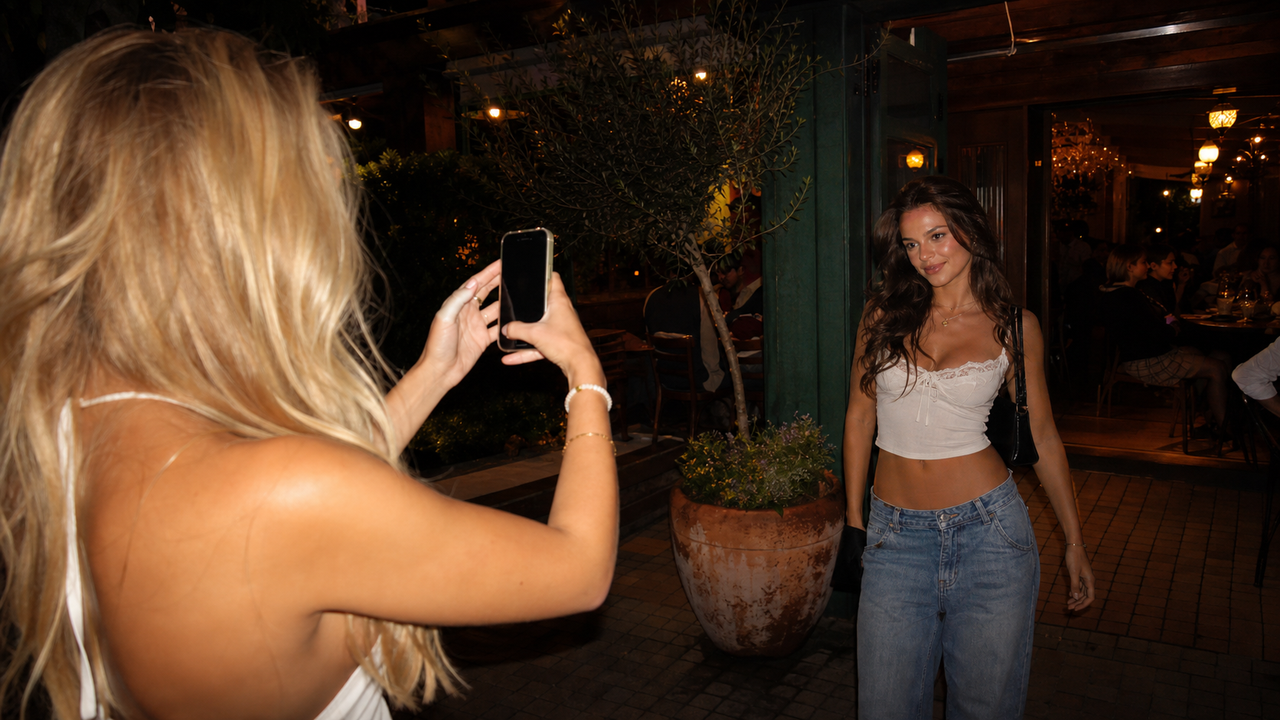
Sometimes the person behind the camera is your friend, your partner, or simply whoever happened to be holding your iPhone. The photo may capture the right person, pose, and moment without looking quite the way you imagined. That does not always mean it needs to be retaken. If the frame is usable but the image feels visually flat or unfinished, WayShot can give it a more intentional aesthetic through a simple, Style-based workflow.The important distinction is that WayShot works with what the photo already has. It can help shape the visual direction of a usable image; it is not a substitute for focus, timing, composition, or a moment that was missed entirely.
When a Usable Portrait Still Feels Unfinished
An everyday iPhone portrait can be technically fine and still feel like it belongs in the camera roll rather than in a post. Often, the issue is not the person or the setting. It is that every part of the image is asking for equal attention.The color may feel neutral, the subject and background may sit at the same visual level, or the lighting may not create a clear mood. The photo records what happened, but it does not yet have a strong point of view. That is where a deliberate Style can help: it can give the color, tonal balance, texture, and overall atmosphere a more consistent direction without turning the photo into an obviously complicated edit.
A Clearer Starting Point for the Person Holding the Phone
Better visual direction can begin before the photo is taken. In the WayShot creator sequence shown here, a friend holds the iPhone while Frame Assist is visible on screen. The subject remains recognizable in the room, and the phone display gives the person behind the camera a clearer reference for placing her within the frame.
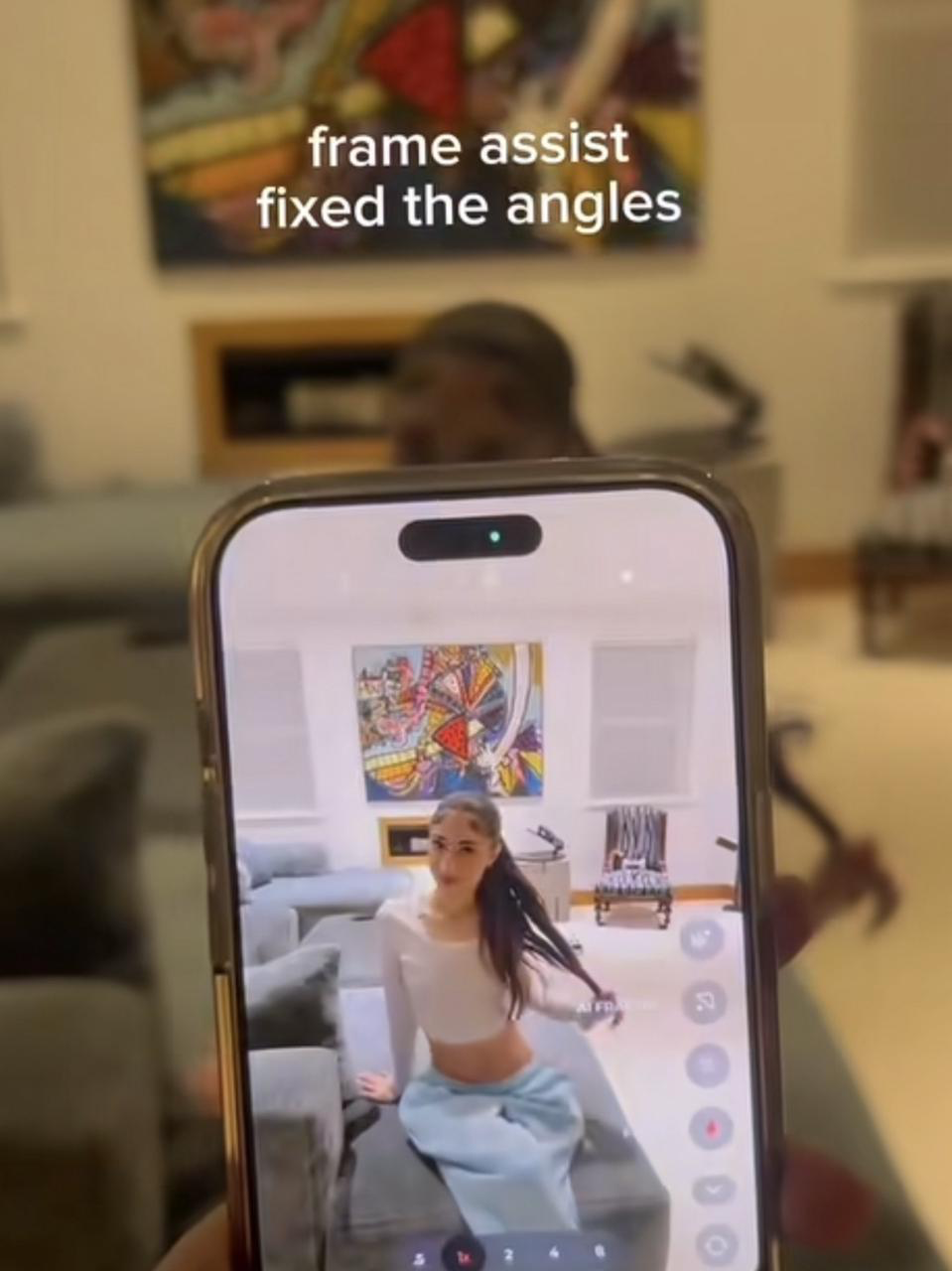
Frame Assist does not guarantee a flattering pose or perfect composition, and it cannot correct closed eyes, motion blur, missed focus, or fundamentally difficult lighting. Its value is narrower and more practical: it can reduce some of the uncertainty when the person taking the photo is not used to directing portraits.
What WayShot Changes—and What It Does Not
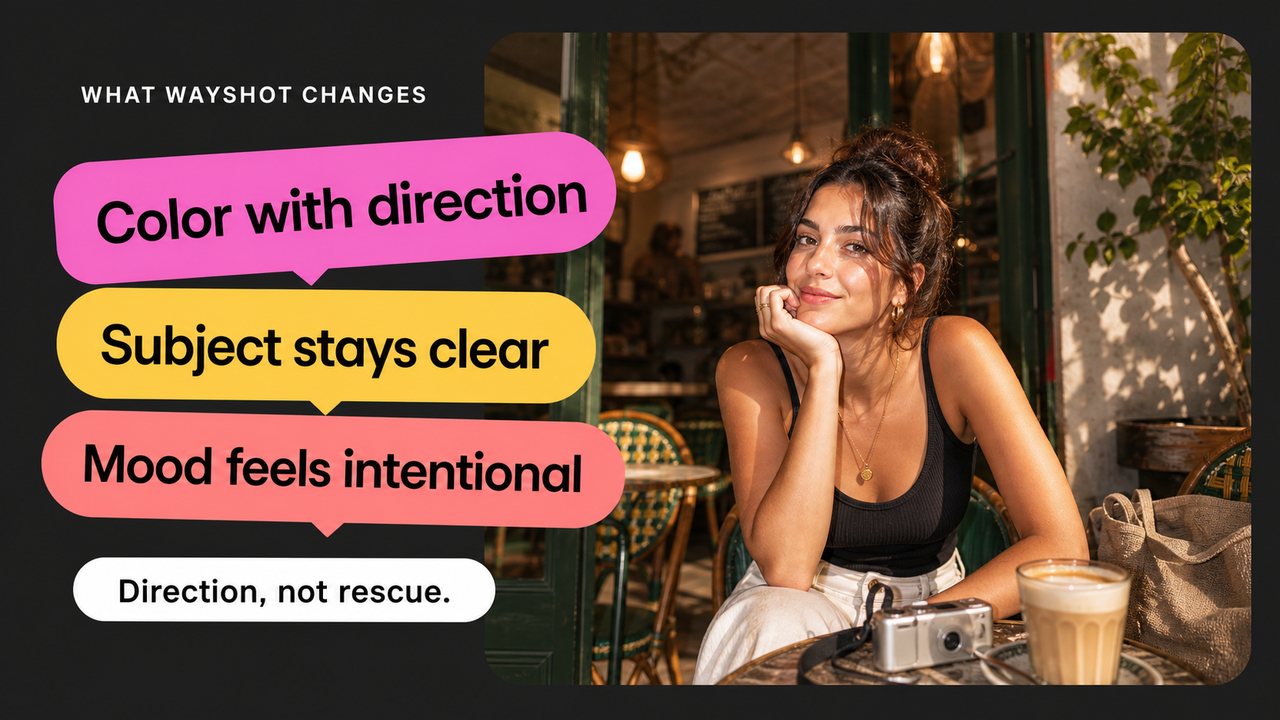
Once the moment and framing work, WayShot lets you choose a camera Style for the scene. You can shoot in the app or edit a photo from your library, which makes the same approach useful whether the portrait is being planned or is already sitting in your camera roll.A Style can change the photo’s color direction, contrast, texture, warmth, and overall mood. For an everyday portrait, that may mean giving the image a clearer visual hierarchy so the person feels more connected to the scene rather than lost inside it. The result can feel more deliberate and easier to place in an Instagram post, photo dump, travel recap, or creator feed.What it cannot do is rebuild the photograph from nothing. A Style will not recover a face that is out of focus, replace a missed expression, fix severe motion blur, or make an awkward pose disappear. If the original does not contain a usable moment, the better choice is to take another photo. WayShot is most useful when the moment is already there and the image needs direction, not rescue.
Choose the Direction That Fits the Portrait
WayShot’s Style library is designed around different scenes rather than one universal treatment. For warm everyday portraits, outfits, coffee runs, or brunch, start with Clean Girl. For a cleaner creator portrait or profile image, ProCamoffers a more polished direction. For daylight travel, beach days, or casual group photos, DigiLite provides a warmer digital-camera feel with lighter grain.

These are starting points, not guarantees. Skin tone, lighting, clothing, and background color can change how any Style reads. Compare the processed photo with the original and keep the version that still feels like the person and the moment you wanted to remember.
A Simple Workflow, Not a Full Editing Session
WayShot keeps the creative decision focused: choose the visual direction that fits the scene. Open WayShot, select a Style, take or upload the photo, and process the result. There is no need to build a multi-step recipe with layers of manual adjustments before you can decide whether the look works.This is useful for travel portraits, café photos, outfits, and everyday social moments. In each case, the photo still needs a workable subject, pose, and frame. WayShot then gives that existing moment a clearer aesthetic direction with fewer editing decisions.
Conclusion
A portrait does not have to be perfectly shot to be worth keeping. If someone has already captured the right person and moment but the iPhone photo feels visually flat, WayShot is a simple option for making it feel more intentional without turning the process into a full editing session. Start with a usable image, choose the Style that fits the scene, and let the visual direction support the memory rather than overpower it.