

Top 5 Vintage Phone Camera Apps for Aesthetic Photos
What Are the Best Vintage Phone Camera Apps?
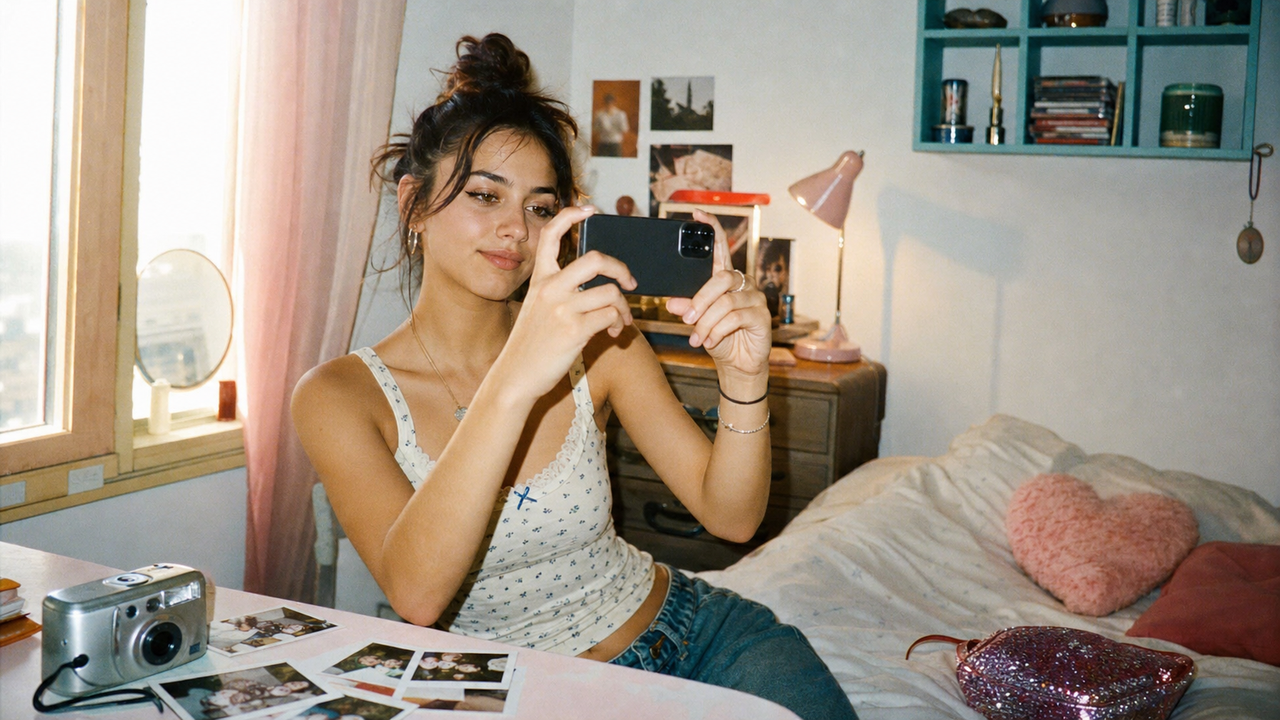
The best vintage phone camera apps are WayShot, Dazz Cam, Huji Cam, OldRoll, and NOMO CAM. WayShot is the easiest place to start for everyday Y2K, CCD, and film-inspired photos, while the others shine when a more specific retro mood is the goal.On TikTok and RedNote, #ccd and #y2k have turned direct flash, cool-toned color, date stamps, and slightly imperfect grain into a recognizable social look. The appeal is not technical accuracy; it is the feeling that a mirror selfie, café table, night out, or travel dump was caught in the moment rather than polished for hours.Years of shooting with compact cameras and experimenting with mobile and AI-assisted creative tools shaped the standard behind this guide: how quickly each app produces a shareable image, how clearly its look reads on a social feed, and how little cleanup it needs before posting.
What it helps with: Taking the shot
- In plain English: It gives framing or shooting guidance while the camera is open.
- When it feels useful: When a portrait feels awkward but it is hard to tell why.
What it helps with: Light and detail
- In plain English: It quietly balances a dark or high-contrast scene.
- When it feels useful: At dinner or during a night walk.
What it helps with: Quick fixes
- In plain English: It finds the subject or a distraction so the edit takes fewer taps.
- When it feels useful: When a good photo has one person or object in the way.
What it helps with: A finished look
- In plain English: It previews a style before the photo reaches the camera roll.
- When it feels useful: When the mood matters and editing later sounds like work.
These apps all make a phone photo feel less polished and more personal, but they do it in different ways. The ease scores below are editorial rather than store ratings: I judged how fast the first usable photo appears, how many choices come before the shutter, and how much cleanup is needed before posting.
What Matters Most When Choosing a Vintage Camera App?
A one-tap aesthetic. The whole point is to skip the editing spiral. A strong vintage phone camera app should create a shareable result as soon as the shutter is pressed, with color and texture already working together.A vibe that feels believable. Y2K flash, 90s film, and CCD color are not the same look. A good app should make the mood clear without turning every photo into a heavy orange filter.Grain and light leaks that support the photo. The most convincing effects feel slightly unpredictable, like a real film roll or old compact camera. Grain should add texture, and a light leak should feel like a happy accident rather than a sticker.An interface that stays out of the way. A beginner should be able to open the camera, choose a mood, shoot, and share. Instagram, TikTok, and Xiaohongshu posts move fast, so an aesthetic film camera is more useful when it does not demand a tutorial first.
1. WayShot — Best Everyday Pick for Instant Y2K and CCD Vibes
Ease of use: 4.9/5 — The first good-looking shot takes only a few taps, and the camera names make sense without a tutorial. Devices: iPhone and AndroidWayShot is the easiest all-round recommendation here because its camera modes follow real social moments. DigiCam adds bold flash, grain, and slightly imperfect color for a birthday dinner, concert line, club bathroom mirror, or late-night kitchen photo. DigiLite feels lighter for a beach morning, school outfit, coffee run, or sunny travel dump. Clean Girl warms the light and softens skin for balcony selfies, brunch portraits, and the profile photo that needs to look polished without looking heavily edited.The appeal is speed. Pick the mood, take the photo, and the result already speaks the visual language of a Y2K camera filter or CCD camera app. B&W gives a rainy street or quiet train ride more atmosphere, while ProCam suits a graduation portrait, date-night outfit, or creator headshot. For a beginner who wants one app to cover most of the camera roll, that range feels useful rather than overwhelming.Pros
- Fast, beginner-friendly shooting with a strong one-tap feel
- Distinct looks for daylight, nightlife, portraits, and black-and-white photos
- Flattering “real skin” and softer portrait styling
Cons
- Several features and shooting options sit behind in-app purchases
- The current iPhone and Android versions may not offer identical features
Best for: The person who wants brunch, concert, mirror-selfie, campus, and weekend-trip photos to share one cool retro mood without editing each image by hand.
2. Dazz Cam — Best for Creative Film and Double-Exposure Looks
Ease of use: 4.3/5 — Taking a first photo is easy, but choosing from the larger camera and accessory library takes a little longer. Devices: iPhone and iPadDazz Cam is the fun choice for anyone who likes changing cameras as often as outfits. Its film-inspired formats, disposable and instant looks, CCD color profiles, retro video, and double exposure can turn the same weekend into several visual stories. A soft film camera works for a picnic or bookstore date; direct flash fits a dance floor or birthday dinner; double exposure makes a dreamy album cover, friendship post, or creative TikTok transition.That range is also the trade-off. Dazz Cam gives a beginner room to experiment, but it invites more browsing than WayShot or Huji Cam. It is strongest when the goal is not just one good photo, but a whole carousel with different moods that still feels intentional.Pros
- Wide variety of film, CCD, instant-camera, and video looks
- Double exposure makes more experimental posts possible
- Works for both live shooting and selected imported photos
Cons
- The number of cameras and extras can feel busy at first
- Many cameras and accessories require payment
Best for: A creative weekend when one photo dump needs soft film frames, a flash-heavy party shot, a short retro video, and one dreamy double exposure.
3. Huji Cam — Best for a Simple 1998 Disposable-Camera Look
Ease of use: 4.8/5 — The look is almost instant and there are very few decisions, though the tiny viewfinder takes a moment to learn. Devices: iPhone, iPad, and AndroidHuji Cam keeps the idea beautifully narrow: press the shutter and get a vivid photo that feels like it came from 1998. The small viewfinder and developing process are part of the charm, and there is no long filter menu waiting after the shot.It works especially well for a beach day, picnic blanket, summer festival, sleepover, road-trip stop, or messy group selfie where perfection would ruin the memory. The same simplicity means there is less control when the random retro treatment lands differently than expected.Pros
- Very quick to learn
- Instant, recognizable disposable-camera nostalgia
Cons
- Much less variety than the broader apps in this list
- The small viewfinder can feel unusual on the first try
Best for: A sunny day with friends when the photos should feel spontaneous, slightly unpredictable, and discovered in an old drawer years later.
4. OldRoll — Best for the Full Vintage-Camera Experience
Ease of use: 4.5/5 — The controls feel playful and familiar, but the large camera shelf adds more choices before shooting. Devices: iPhone, iPad, and AndroidOldRoll makes the phone itself feel like a shelf of vintage cameras. Its camera-inspired interfaces bring different color, grain, texture, and occasional light leaks, with instant, disposable, fisheye, date-stamp, and retro video options adding more personality.This is the app to open at a weekend market, cozy café, city walk, record-store visit, or dinner date when choosing the virtual camera becomes part of the outing. A warm disposable look can make pastries and table details feel nostalgic; fisheye suits street fashion or a playful group pose; a date stamp gives a travel photo the feel of a saved memory. The trade-off is time: exploring the library is enjoyable, but it is slower than choosing one look and moving on.Pros
- Immersive camera designs make shooting feel playful
- Strong range of grain, frames, light leaks, and nostalgic formats
- Easy sharing for square posts and social feeds
Cons
- The camera library can be distracting when a quick result is the goal
- Many styles require in-app purchases
Best for: A slow afternoon when the camera experience should feel as fun as the final Instagram carousel.
5. NOMO CAM — Best for a Minimal Analog Surprise
Ease of use: 4.4/5 — The point-and-shoot flow is simple, but random effects mean the result is less predictable than a fixed preset. Devices: iPhone and AndroidNOMO CAM is designed for casual photographers who would rather shoot than retouch. After the shutter, a mix of grain, dust, light leaks, vignette, sharpening, and frames gives the photo the small surprises of 35mm film. Double exposure adds one creative trick without turning the app into a full editing studio.It fits a quiet photo diary: rain on a bus window, a late train platform, morning shadows on the bedroom wall, a familiar street corner, or the half-finished coffee that somehow captures the day. The unpredictability is the charm, but it also makes NOMO less suitable when a post needs one exact color mood.Pros
- Clean point-and-shoot idea with convincing analog randomness
- Downloadable cameras make it easy to change the mood later
Cons
- The random finish offers less control over the final image
- Extra cameras and membership features can require payment
Best for: Everyday moments that feel more honest with a little dust, grain, or unexpected light leak.
Final Recommendation
Download Huji Cam for pure 1998 nostalgia, Dazz Cam for creative experiments, OldRoll for the full camera experience, or NOMO CAM for a minimal film surprise. For most beginners who want an everyday retro photo app for iPhone or Android, WayShot is the best starting point: its Y2K flash, CCD-inspired color, softer portrait look, and one-tap vintage preset feel cover more real-life moods with less effort. Visit WayShot’s official website to explore its current camera styles and find the look for your next post.