

The Best AI Camera Apps for Better Phone Photos
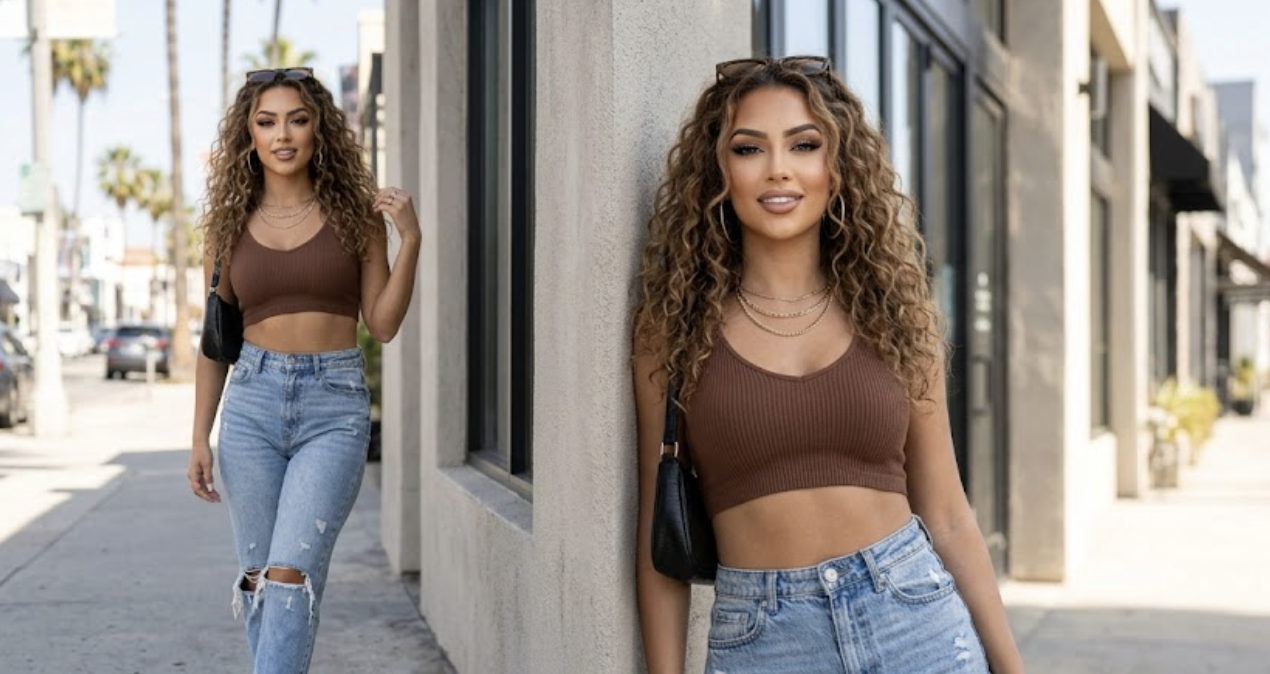
The short answer:
Pixel Camera is the easiest choice for Pixel owners who want reliable results without touching many settings. Adobe Lightroom is better for people who enjoy shaping a photo after the shot. WayShot is a strong fit when framing help and a digicam-style finish matter more than a long editing session.The right pick depends less on the longest feature list and more on where a photo usually goes wrong. A native camera can rescue a dark scene. A guided camera can make the shooting moment feel simpler, while a full editor earns its place after the shutter.
What Is an AI Camera App?
An AI camera app uses phone-based image processing to make taking or fixing a photo easier. It may guide the shot before the shutter. During capture it can improve detail; afterward it can recognize the part of a photo that needs attention.
What it helps with: Taking the shot
- In plain English: It gives framing or shooting guidance while the camera is open.
- When it feels useful: When a portrait feels awkward but it is hard to tell why.
What it helps with: Light and detail
- In plain English: It quietly balances a dark or high-contrast scene.
- When it feels useful: At dinner or during a night walk.
What it helps with: Quick fixes
- In plain English: It finds the subject or a distraction so the edit takes fewer taps.
- When it feels useful: When a good photo has one person or object in the way.
What it helps with: A finished look
- In plain English: It previews a style before the photo reaches the camera roll.
- When it feels useful: When the mood matters and editing later sounds like work.For everyday phone users, the most useful features are easy to spot in practice. A beginner needs clear guidance and a result that looks good right away. A parent or traveler will care more about low-light reliability. Portrait fans may want gentle retouching, while a hands-on editor will notice RAW support and control over color. The best app is the one that removes the step that usually slows the person down.
10 AI Camera Apps Worth Trying
The ease-of-use scores below are editorial ratings, not App Store or Google Play ratings. Device support can change by phone model and software version; plan tiers may also differ.
1. WayShot — Best for Guided, Digicam-Style Shooting
Ease of use: 4.7/5
Devices: iPhone and AndroidWayShot feels built for the moment before a photo, not for an hour of repair afterward. Frame Assist helps with composition, while Voice Assist can talk a user through the shot. The app also applies real-time retouching and digicam-inspired looks during the same flow. In daily use, that makes it feel closer to carrying a friendly compact camera than opening a full editor.The trade-off is straightforward: WayShot favors speed and a distinct style over deep RAW controls. That is a good bargain for people who want a lively, share-ready image, though a careful editor may still prefer Lightroom for fine adjustments. WayShot stands out because its help begins while the camera is open. Many apps can clean up a photo later; fewer make framing feel less uncertain in the first place.
Best for: A night out when the light is messy and nobody knows where to stand, yet the photos should already carry that compact-digital-camera mood before they are shared.
2. Adobe Lightroom — Best for Growing Into Serious Editing
Ease of use: 3.8/5
Devices: iPhone / iPad / AndroidLightroom is the app that keeps making sense as a phone photographer becomes more curious. Its camera offers Auto and Pro modes, with DNG capture on supported hardware. Afterward, Quick Actions can find the subject or sky and suggest a focused adjustment. The result is a useful middle ground: a beginner can accept the quick fix, while a more experienced user can keep working with masks and color.Its strength is also its main drawback. Lightroom has more room to learn than a one-tap camera, and several advanced tools depend on the device or plan. Yet it rarely feels like a dead end. A photo taken casually today can still be revisited carefully later, which is why Lightroom remains one of the safest recommendations for anyone who wants both speed and control.
Best for: The person who starts by fixing one vacation photo, then slowly wants better color across the whole album without moving the work to a laptop.
3. Pixel Camera — Best Native Point-and-Shoot Experience
Ease of use: 4.8/5
Devices: Pixel phones; features vary by modelPixel Camera earns its place by disappearing into the phone. HDR+ and Night Sight handle difficult light with very little effort, while newer supported models add tools such as Camera Coach and Auto Best Take. These features solve familiar problems instead of asking the user to invent an edit. They help when the scene is dark. In a group photo, they can find a better expression or suggest a framing change.The catch is that Pixel Camera is tied to Pixel hardware, and the newest features do not reach every model. For a compatible phone, though, it is hard to beat the feeling of opening the default camera and trusting it. There is no extra workflow to remember, which matters more than another page of settings when a moment is already moving.
Best for: A Pixel owner photographing friends in a dim restaurant, especially when nobody will hold the same smile twice.
4. Samsung Camera with Galaxy AI — Best for Staying in the Galaxy Gallery
Ease of use: 4.5/5
Devices: Compatible Galaxy phones and tablets with One UI 6.1 or laterSamsung keeps the experience close to the default Camera and Gallery apps. A user can take the photo normally, then open Photo Assist or Edit Suggestions for a practical fix. On supported devices, that can mean cleaning up an object or reframing the image without installing a separate editor.The experience changes by model and software version, and certain tools need a Samsung account or internet connection. For a compatible Galaxy phone, the convenience is real: the edit begins where the photo already lives.
Best for: A Galaxy owner who notices a reflection or an unwanted passerby after taking the shot and wants to fix it before leaving the Gallery.
5. VSCO and VSCO Capture — Best for Finding a Consistent Look
Ease of use: 4.1/5
Devices: VSCO on iPhone and Android; VSCO Capture on iPhoneVSCO works best when color is part of the idea, not a final rescue job. VSCO Capture offers more than 50 live presets with real-time film effects and manual controls, so the look is visible before the shutter. The main VSCO app then provides the broader editing workflow.The split between two apps takes a moment to understand, and AI Lab is tied to VSCO Pro on iOS. Still, the product feels more thoughtful than a random filter carousel. It rewards anyone who wants photos from different days to share the same visual voice.
Best for: A travel diary where a city walk and the next morning’s café photos should feel related without looking copied.
6. B612 — Best for Live Effects and Social Photos
Ease of use: 4.3/5
Devices: iPhone / iPad / AndroidB612 puts the effect in the viewfinder. Live filters and beauty tools make it easy to see the result before taking the photo, and the app continues into photo or video editing afterward. Smart Beauty and AR makeup suit a playful social-camera workflow rather than a neutral photography one.The screen can feel busy because there is plenty to explore. That energy is the appeal for users who like experimenting, but it may distract anyone who wants a quiet camera with only a few decisions.
Best for: Getting ready with friends before a party, when everyone wants to try the look live and keep the photos and video in one app.
7. YouCam Perfect — Best for Fast Cleanup After the Shot
Ease of use: 4.4/5
Devices: iPhone / iPad / AndroidYouCam Perfect is more editor than shooting coach, but it is friendly to people who do not speak editing jargon. Its AI Agent accepts a plain-language request, while the object and background tools handle common cleanup jobs. The app feels quickest when the photo is already close and one distraction is spoiling it. The range is broad, although advanced options may sit behind a paid plan.
Best for: A portrait with a distracting stranger in the background, or a social post that needs a cleaner setting before it goes live.
8. BeautyPlus — Best for Quick Portrait Polish
Ease of use: 4.5/5
Devices: iPhone and AndroidBeautyPlus keeps portrait editing approachable. Its beauty camera and auto tools can soften a rough selfie quickly, while object removal and image enhancement help beyond faces. It feels designed for a fast social result, not for learning manual exposure. The results are taste-dependent, so a lighter touch usually looks more convincing than turning every control up.
Best for: A profile picture taken in imperfect light when the goal is a fresher version of the same person, not a completely different face.
9. SNOW — Best for Playful AR Makeup
Ease of use: 4.4/5
Devices: iPhone and AndroidSNOW treats the effect as part of the photo idea. Custom beauty settings and AR makeup appear during capture, while frequently refreshed stickers keep the experience playful. The camera rewards experimentation because the look is visible before anyone commits to the shot. It is less convincing for landscapes or restrained color, yet very easy to enjoy for expressive selfies.
Best for: A playful holiday selfie where the makeup effect is part of the joke from the moment the camera opens.
10. Camera360 — Best for Detailed Selfie Adjustments
Ease of use: 4.0/5
Devices: iPhone and AndroidCamera360 offers more control than a basic beauty filter, with face-aware portrait tools and detailed color adjustments. The extra controls help when a preset gets the mood right but pushes the face or color too far. That depth can make the app feel layered, but it suits users who want to keep refining a selfie without moving to desktop software.
Best for: A portrait that needs careful light and color work after capture, especially when a single preset is close but not quite right.
So, What Is the Best AI Camera App?
Pixel Camera is the easiest answer for a compatible Pixel, and Lightroom is the better long-term companion for people who enjoy editing. For everyday portraits with less guesswork and a ready-made digicam feel, WayShot is the more distinctive pick. It helps where many phone photos are won or lost: while the camera is still open.