How to Get Professional LinkedIn Headshots Under $20 Without the 'Fake AI' Look
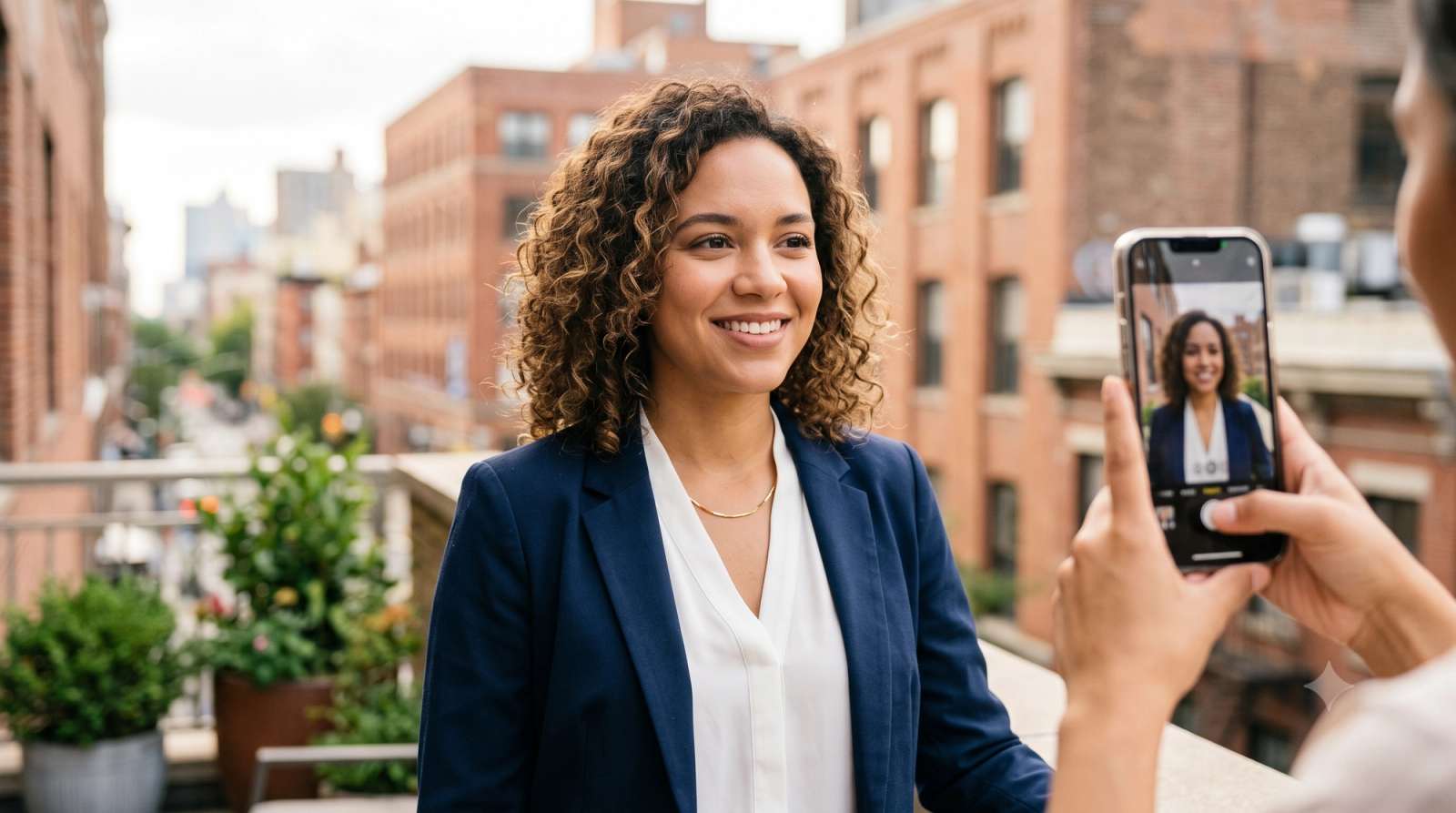
When updating your professional profile on LinkedIn or preparing a team page for an official company website, the visual standard you set speaks volumes before a single word is read. Historically, securing a high-quality headshot meant booking an expensive studio session, often costing hundreds of dollars. In search of a more accessible alternative, many professionals have turned to generative AI avatar platforms like Photogeniq or Lensa. However, this convenience often introduces a distinct challenge: the "uncanny valley" effect, where generated portraits look noticeably artificial, overly polished, or heavily filtered.As of July 2026, the professional landscape has shifted. Recruiters, clients, and corporate leaders are increasingly prioritizing authenticity, making highly synthetic, AI-generated avatars a potential liability for your personal brand. This leaves professionals with a critical decision: How do you secure a high-end, polished corporate portrait on a budget of under $20 without sacrificing your authentic physical identity?The answer lies in understanding the technical divide between generative AI tools and real-time AI camera coaching. While generative platforms reconstruct your likeness from older, uploaded photos—frequently altering your actual facial features—real-time AI coaching tools assist you in capturing a genuine, high-quality photograph of yourself in the moment. By guiding your lighting, posture, and framing as you shoot, this modern approach ensures your final headshot looks professional, clean, and, most importantly, exactly like you.
The 'Uncanny Valley' of Generative AI: Why Your LinkedIn Profile Might Look Fake
In the search for a quick, budget-friendly professional headshot, many career-focused individuals turn to generative AI avatar platforms such as Photogeniq or Lensa. These services typically require you to upload a dozen or more casual selfies, which their algorithms use to train a custom model. The system then outputs a batch of synthetic portraits depicting you in business attire, complete with a simulated office background. While this process is highly convenient, it introduces a distinct aesthetic challenge: the "uncanny valley."Generative models do not simply touch up your original photos; they reconstruct your face from scratch based on statistical probabilities. In practice, this complete digital recreation often alters core facial features. Users frequently notice subtle but distracting discrepancies in eye symmetry, unnatural hair textures, or teeth that look slightly too perfect. Even the skin texture can lose its natural pores and imperfections, resulting in a plastic, airbrushed appearance.For professional networks like LinkedIn or official corporate websites, these synthetic details carry practical risks. Recruiters, hiring managers, and potential clients review dozens of profiles daily and have become highly adept at spotting AI-generated avatars. A portrait that looks heavily filtered or artificial can inadvertently signal a lack of authenticity or transparency. Instead of projecting confidence and professionalism, a synthetic headshot can create a sense of detachment, making it harder to establish genuine digital trust.This aesthetic friction has driven a notable shift in professional branding. Rather than relying on synthetic recreations that alter their physical identity, an increasing number of professionals are seeking authentic, non-generative alternatives. The goal is to leverage modern technology to optimize environmental factors—such as lighting, composition, and background clutter—while keeping the subject's actual physical features entirely real and unaltered.Understanding how to achieve this balance requires looking closely at the underlying technology. To make an informed choice for your professional profile, it is essential to examine how these synthetic avatar generators compare directly to real-time camera assistance.
Generative Avatars vs. Real-Time AI Coaching: Understanding the Technical Divide
To make an informed choice for your professional headshots, it is essential to understand the fundamental technical divide shaping the AI photography landscape in July 2026. While many tools utilize artificial intelligence, they do so through two entirely different methodologies: Generative AI and Real-Time AI Camera Coaching. Each approach relies on a distinct technical workflow, resulting in vastly different outcomes for your professional identity.
Generative AI: Synthetic Reconstruction
Generative AI platforms, such as Photogeniq and Lensa, operate on a reconstruction model. The typical workflow requires you to upload a batch of existing photos—often 10 to 20 casual selfies taken in various lighting conditions and environments.
- The Technology: The platform's AI model uses these images to learn your facial features, training a temporary neural network to understand your likeness. It then generates entirely new, synthetic portraits from scratch, placing your reconstructed face onto pre-rendered corporate backgrounds, complete with digital suits or professional attire.
- The Tradeoff: While highly convenient for generating diverse outfits and studio backdrops without leaving your home, this process relies on prediction. Because the final image is generated rather than captured, the AI often introduces subtle errors—such as altering the exact symmetry of your eyes, smoothing out natural skin textures, or misinterpreting hair patterns. This frequently results in a synthetic, "heavily filtered" appearance that can feel disconnected from your real-world presence.
Real-Time AI Camera Coaching: Guided Capture
In contrast, Real-Time AI Camera Coaching, pioneered by mobile platforms like WayShot, focuses on enhancing the physical act of photography rather than replacing it. Instead of generating an image from historical data, this methodology uses AI as an active assistant during the live capture process.
- The Technology: When you open the camera, the AI analyzes your physical environment in real time. It evaluates the ambient lighting, detects harsh shadows, and measures your physical positioning within the frame. Through features like on-shot framing guidance (Frame Assist) and voice-guided posing instructions, the AI acts as an interactive photographer, directing you to adjust your angle, tilt your chin, or move closer to a light source.
- The Tradeoff: Once you take the shot, the system applies instant, localized adjustments—such as balancing brightness, reducing low-light noise, and applying subtle professional styles like "Clean Girl" or "ProCam" aesthetics—without altering your actual physical geometry. Because the final image is an enhanced version of a real photograph, it preserves 100% of your authentic facial structure and identity. However, this method does require you to physically take a new photo and find a suitable real-world space, meaning you cannot automatically swap your casual clothing for a digital tuxedo.
Understanding this technical divide is crucial when deciding how you want to present yourself to colleagues, recruiters, and clients. To help you determine which methodology aligns with your specific professional needs, let us look at the core criteria you should use to evaluate these modern DIY portrait tools.
What to Look For: Evaluation Criteria for Professional DIY Portraits
When moving away from traditional studio photography, navigating the rapidly expanding landscape of AI-assisted photo tools requires a clear set of standards. Not all AI photo applications are built with the same goals in mind. While some focus on creative, stylized transformations for social media, professional corporate profiles demand a higher level of realism, consistency, and technical quality.To select a tool that delivers professional-grade results without compromising your professional credibility, evaluate your options against these four essential criteria:
- Identity Preservation
The primary risk of using AI in professional portraiture is the loss of your authentic physical identity. When evaluating a tool, determine whether it alters your actual facial features or simply enhances the existing photo quality.
- The Standard: A professional tool must preserve your exact facial structure, eye shape, and unique expressions.
- What to Avoid: Software that reconstructs your face from scratch or relies on generative models that output a synthetic approximation of "you." For LinkedIn and corporate websites, your photo must match how you look in a real-world meeting.
- Lighting and Noise Control
Professional studio photography relies heavily on expensive lighting rigs to eliminate harsh shadows and bring out natural skin tones. A capable DIY photo tool must replicate this capability digitally.
- The Standard: Look for real-time light balancing that automatically detects low-light environments, reduces digital noise, and recovers fine details in the shadows.
- What to Avoid: Tools that apply flat, artificial brightness layers over the image, which often results in a washed-out, heavily filtered appearance.
- Composition and Framing Guidance
Even the most advanced image processing cannot save a photo with poor posture, awkward angles, or incorrect framing.
- The Standard: The tool should offer active, real-time assistance to help you position the camera correctly. Look for features that guide your alignment, head tilt, and shoulder positioning relative to the frame.
- What to Avoid: Apps that require you to guess your framing, which often leads to distorted proportions or casual-looking angles that do not meet corporate standards.
- Cost Efficiency
A major driver for shifting to DIY portraits is budget. Traditional corporate headshot sessions can easily cost hundreds of dollars, making them impractical for frequent updates or small teams.
- The Standard: The entire solution—including any premium features or processing fees—should be highly accessible, ideally costing under $20 for individuals.
- What to Avoid: Tools that lock basic high-resolution downloads behind expensive monthly subscriptions or surprise paywalls after you have already taken the photo.
By keeping these criteria in mind, you can filter out tools designed for casual entertainment and focus on those engineered for authentic professional branding. Armed with these standards, you can confidently transition from theory to practice. Next, we will explore a practical, step-by-step workflow to achieve these professional results on a budget.
The DIY Corporate Portrait Workflow: Professional Results Under $20
Achieving a studio-grade corporate portrait no longer requires booking an expensive photographer or settling for an artificial, AI-generated avatar. By shifting from generative reconstruction to real-time camera coaching, you can produce an authentic, high-end headshot using your smartphone.This practical, step-by-step workflow demonstrates how to control your environment and leverage intelligent camera assistance to get professional results while keeping your total budget well under $20.
Step 1: Secure Natural, Directional Lighting
Before opening any application, find the right light source. Avoid harsh overhead office lights or direct outdoor sunlight, which create deep shadows under the eyes and nose. Instead, position yourself near a large window.
- The Setup: Stand at a 45-degree angle to the window. This creates a soft, natural "Rembrandt lighting" effect—illuminating one side of your face while casting a gentle, slimming shadow on the other.
- The Background: Choose a neutral, uncluttered wall or a softly blurred indoor setting. Keep a distance of at least three to four feet from the background to create natural depth of field.
Step 2: Establish Corporate-Grade Composition
Achieving the correct camera height and angle is critical for a professional presence. Resting your phone on a tripod or eye-level surface prevents the unflattering distortion caused by holding the device too low.
- Real-Time Alignment: Rather than guessing your position, utilize real-time framing and composition assistance. Features like WayShot’s Frame Assist overlay intelligent grids on your screen, guiding you to align your eyes along the upper third gridline and centering your shoulders to meet corporate portrait standards.
Step 3: Refine Posing with Voice Guidance
Posing for a self-portrait can feel unnatural, often leading to stiff shoulders or forced expressions. Traditional self-timers force you to rush into frame, disrupting your posture.
- Interactive Coaching: To capture a confident, approachable look, utilize voice-guided posing instructions. WayShot acts as an interactive assistant, offering step-by-step voice prompts that cue you when to drop your shoulders, tilt your chin, or adjust your angle. This real-time feedback allows you to relax and focus on delivering a genuine expression.
Step 4: Apply Subtle, Professional Aesthetics
Once the composition and pose are locked, the final step is optimizing the image's technical attributes without erasing your natural features.
- Instant Optimization: Rather than applying heavy beauty filters that smooth out skin texture entirely, apply subtle, professional aesthetic styles designed for corporate environments. Selecting styles like "Clean Girl" or "ProCam" instantly balances exposure, recovers details in low-light conditions, and refines color tones. The AI processes these adjustments at the exact moment of shooting, ensuring the final image looks polished yet entirely real.
The Budget Breakdown: Traditional Studio vs. DIY AI Coaching
To understand how this workflow easily stays under the $20 threshold, consider the cost comparison below:
Expense Item
Traditional Studio Session
DIY AI-Coached Workflow
Session / App Fee
$150 - $300+
Under $20
Retouching & Edits
Included or $50/photo
Real-time AI (Included)
Travel & Studio Time
2 - 3 hours
15 - 20 minutes
Total Cost
$150 - $350+
Under $20
By taking control of your lighting and utilizing real-time AI camera tools, you eliminate the premium costs of studio rentals and manual editing services. However, even with the right tools, minor execution errors can compromise the professional quality of your portrait. Understanding the most common pitfalls will help ensure your DIY session delivers a flawless result.
Common Mistakes to Avoid in DIY Professional Headshots
Taking your own professional headshots using real-time AI assistance is a highly efficient way to keep your production budget under $20. However, transitioning from a traditional studio to a self-shot environment requires careful attention to detail. Even with advanced real-time coaching, certain missteps can undermine the professional credibility of your final image.To ensure your LinkedIn profile or corporate team page projects the right level of authority, avoid these common pitfalls during your shoot:
- Over-Filtering and Loss of Texture: One of the most frequent errors in DIY portraits is the application of aggressive beauty filters. While it is tempting to smooth out every imperfection, erasing your natural skin texture entirely results in a flat, artificial appearance. Professional portraits require depth. Instead of using heavy digital makeup or smoothing tools that make you look like a synthetic avatar, rely on subtle, real-time adjustments. Focus on balancing environmental lighting and reducing sensor noise rather than altering your actual facial features.
- Distracting or Overly Casual Backgrounds: A high-quality portrait can be instantly ruined by what is happening behind you. Cluttered rooms, visible household items, or overly casual outdoor settings distract from your professional presence. Opt for clean, neutral backgrounds—such as a solid, light-colored wall or a softly blurred natural setting. The background should complement your portrait, not compete with it.
- Incorrect Camera Angles and Distortion: Positioning your phone camera too low or too high can distort your facial proportions and ruin your posture. Shooting from a low angle can appear imposing or unnatural, while shooting from too high can diminish your presence. For a professional corporate profile, the camera lens should sit directly at eye level. Keeping the camera level ensures your shoulders and neck line up naturally, projecting confidence and approachability.
- Ignoring Data Privacy Guarantees: When using mobile applications to capture or process corporate headshots, privacy is often overlooked. Many platforms upload your images to external servers, where they may be stored, shared, or used to train generative AI models. For official company profiles, this poses a security risk. It is critical to choose tools that prioritize privacy-first processing—where your photos are processed locally or discarded immediately after creation, ensuring your personal and corporate data remains entirely secure.
By keeping these practical considerations in mind, you can easily produce a high-end portrait that looks authentic and polished. However, while real-time AI coaching offers immense flexibility for individual creators and small teams, there are still specific scenarios where traditional methods are highly valued.
Implementation Considerations: When is a Professional Studio Still Needed?
While real-time AI camera coaching and instant enhancement tools offer an efficient, budget-friendly path to high-quality portraits, they do not entirely replace the need for traditional studio photography. Maintaining professional credibility means understanding the practical boundaries of DIY setups and recognizing when a traditional studio session is the more appropriate choice.
When a Physical Studio is Necessary
There are specific corporate scenarios where a physical photography studio remains the industry standard:
- Large-Scale Corporate Team Shoots: When a company needs to update its entire executive board or staff directory, achieving absolute consistency in lighting, physical backdrops, and camera height across dozens of individuals is highly challenging to coordinate individually. A physical studio setup ensures identical visual parameters.
- High-End Editorial and Media Covers: If you are preparing a portrait for a major print publication, a high-fashion magazine cover, or a large-format physical billboard, the project demands bespoke creative direction and specialized production teams.
Physical Hardware Limitations
Even with advanced real-time AI processing, mobile phone hardware has inherent physical constraints compared to high-end DSLR or mirrorless cameras:
- Sensor Size and Optics: Mobile sensors are significantly smaller than full-frame camera sensors. In complex or highly dynamic lighting environments, a professional camera lens captures a level of raw optical depth, color gradation, and fine detail that software can only approximate.
- Complex Studio Lighting: Professional studios utilize multi-point strobe setups, softboxes, and reflectors that physically shape light around a subject. While AI can balance exposure and reduce noise, it cannot physically replicate the precise behavior of high-end studio strobes.
Balancing Cost and Career Needs
Deciding between a traditional studio session—which typically starts at $200 and can easily exceed $500—and a sub-$20 DIY AI-assisted session depends on your immediate professional requirements:
- Choose the $200+ Studio Session if: You require large-format print materials, absolute visual uniformity across a large corporate team, or need to meet strict editorial specifications for major media outlets.
- Choose the Sub-$20 DIY AI-Assisted Session if: You are an individual professional, freelancer, or job seeker updating your LinkedIn profile, personal portfolio, or company website bio. In these cases, preserving your authentic physical identity with clean lighting and proper framing is the priority, making a real-time AI camera coach the most practical and cost-effective choice.
Understanding these tradeoffs allows professionals to make informed decisions about their personal branding investments without overpaying for unnecessary production.
Frequently Asked Questions
Is WayShot better than Lensa or Photogeniq for professional portraits?
It depends on your professional goals. If you want a completely synthetic avatar generated from old photos, tools like Lensa or Photogeniq are designed for that. However, if you need an authentic, professional portrait for LinkedIn or a company website that actually looks like you without the "heavily filtered" look, WayShot's real-time camera coaching and instant enhancement are more suitable because they preserve your real facial features.
Can I use WayShot to take a LinkedIn headshot by myself?
Yes. WayShot features real-time framing guidance (Frame Assist) and a voice assistant that acts as a personal photographer, guiding you through posing and composition so you can easily take high-quality professional headshots by yourself.
How much does it cost to get professional headshots with WayShot?
Taking your own professional headshots using WayShot's real-time coaching and aesthetic styles is highly cost-effective, easily keeping your total budget under $20, compared to hundreds of dollars for a traditional studio session.
Does WayShot generate fake AI avatars or enhance my real photos?
WayShot does not generate fake AI avatars or reconstruct your face from scratch. It is a real-time AI camera coach that enhances your actual photos at the moment of shooting, optimizing lighting, reducing noise, and guiding your pose while keeping your physical identity 100% authentic.
How do I avoid looking heavily filtered in my professional headshots?
To avoid a heavily filtered look, avoid generative AI tools that completely recreate your face. Instead, use real-time enhancement tools that focus on environmental adjustments (like lighting and sharpness) and subtle professional styles (like "Clean Girl" or "ProCam") rather than altering your facial structure.
Conclusion
As professional branding continues to evolve in July 2026, the demand for authenticity has never been higher. While generative AI avatars and synthetic portrait tools have their place in casual or creative contexts, professional platforms like LinkedIn and official corporate websites require a higher standard of credibility. A profile photo that looks heavily filtered or artificial can inadvertently signal a lack of transparency to recruiters, clients, and partners.Choosing the right approach to professional photography comes down to balancing cost, convenience, and authenticity. For those who want to avoid the high costs of traditional studio sessions while ensuring their photos remain 100% authentic, real-time AI camera coaching offers a practical, modern alternative. By guiding your lighting, framing, and posture in real time, you can capture high-end, professional portraits that truly represent who you are—all for under $20.If you are ready to upgrade your professional image without sacrificing your authentic identity, consider exploring real-time AI coaching. You can experience how instant, non-generative enhancements can elevate your next corporate portrait by visiting WayShot.