Capturing Natural Sunsets & Retro Aesthetics on the Move
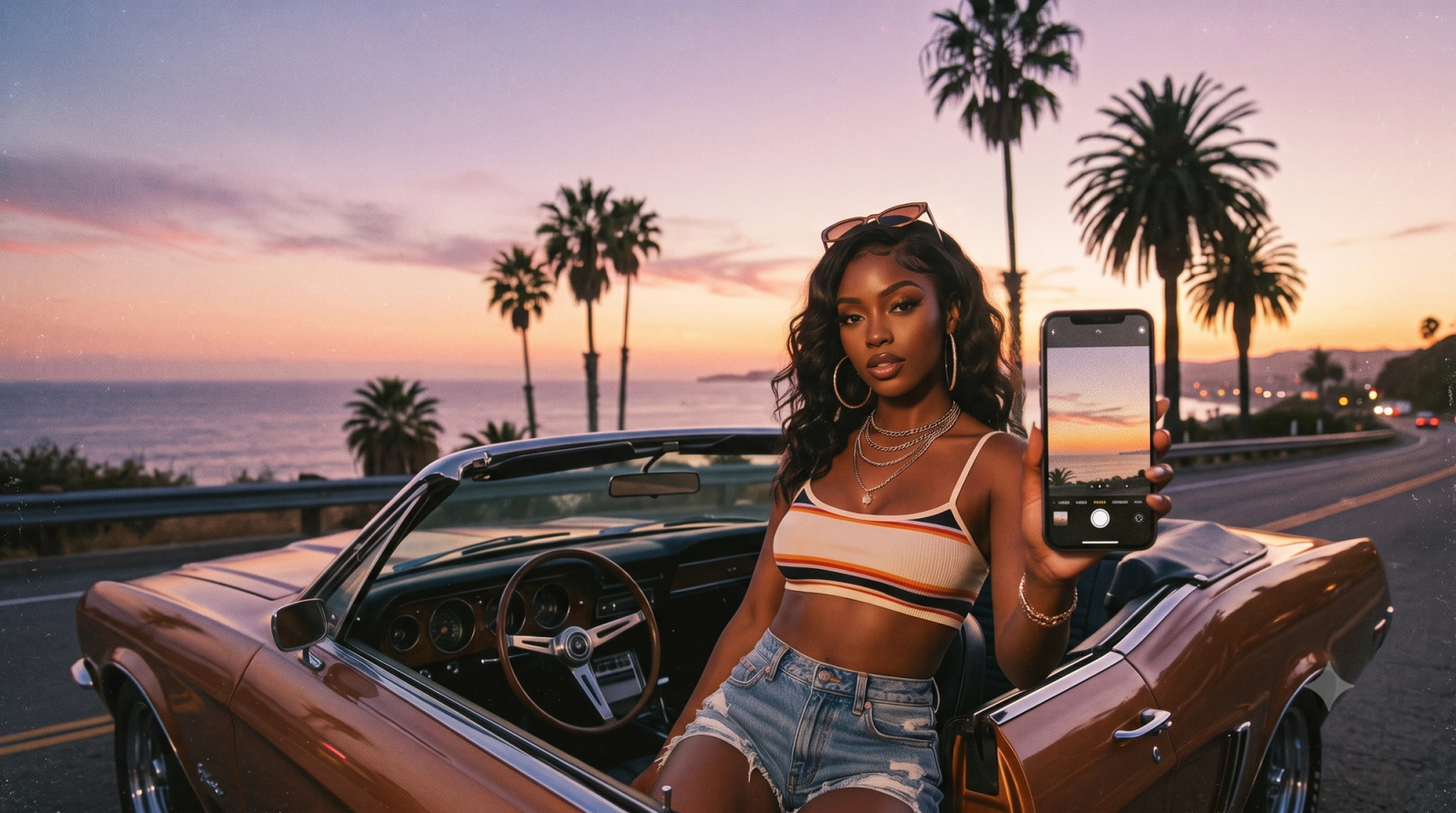
Standing on the deck of a moving ferry during the golden hour presents one of the most beautiful—yet technically challenging—scenarios in mobile photography. As the sun dips toward the horizon, casting deep amber tones across undulating water, the instinct is to capture the moment instantly. However, modern smartphone cameras often turn this breathtaking scene into a disappointment. The moment you tap the shutter, aggressive native algorithms kick in, over-processing the image with heavy High Dynamic Range (HDR) effects. Instead of a moody, atmospheric sunset, you are left with artificially lifted shadows, unnatural halos around silhouettes, and clinical, over-sharpened details that strip away the organic warmth of the scene.In 2026, a growing community of mobile photographers and travelers is actively rejecting this hyper-processed, computational look in search of visual authenticity. Capturing the true essence of a sunset ferry ride requires a delicate balance: preserving the deep, natural contrast of high-light environments while managing the physical instability of a moving boat. Achieving this without tedious post-editing demands a shift from aggressive multi-frame merging to intelligent, real-time light balancing and authentic sensor rendering. Specialized photography tools, such as WayShot, address this exact need by prioritizing natural exposure control, real-time composition coaching, and classic retro digital camera aesthetics, allowing you to capture the genuine atmosphere of your journeys exactly as you experience them.
The Smartphone HDR Dilemma: Why Sunset Photos Often Look Artificial
Capturing a sunset from the deck of a moving ferry should yield a dramatic, atmospheric photograph. The warm glow of the golden hour, the deep silhouettes of the shoreline, and the soft reflections on the water naturally create a high-contrast masterpiece. However, when you pull out a modern smartphone and tap the shutter, the resulting image often looks vastly different from what your eyes actually see. Instead of a moody, natural scene, you are frequently left with a flat, over-processed photo that feels artificial.This discrepancy is largely driven by the aggressive computational photography pipelines built into native smartphone cameras. To ensure that every part of an image is visible, default camera apps rely heavily on High Dynamic Range (HDR) processing. While HDR is a powerful tool for standard, evenly lit environments, it often struggles with high-contrast, artistic scenes like sunsets.The primary issue lies in multi-frame exposure merging. To prevent highlights from blowing out and shadows from clipping, the camera rapidly captures multiple exposures and blends them together. In a sunset scenario, this aggressive merging strips away the dramatic shadows that give the golden hour its depth. Instead of rich, dark silhouettes against a vibrant sky, the algorithm artificially lifts the shadows, turning deep blacks into a muddy, flat gray.Furthermore, this local tone mapping often introduces distracting "halo" effects. When the software tries to balance a bright sky with a dark foreground object—such as a ferry railing or a passenger's silhouette—it struggles to define the boundary cleanly. The result is an unnatural, glowing outline around high-contrast edges.Compounding these exposure issues is the default tendency of native apps to apply heavy post-processing, including aggressive digital sharpening and artificial color boosting. The smooth, delicate color gradients of a natural sunset are often replaced by blocky, oversaturated bands of neon orange and synthetic blue.Native smartphone cameras are transitionally impressive engineering feats, highly capable of capturing sharp documents or clear daytime snapshots. However, their default settings are optimized for clinical clarity rather than aesthetic realism, leaving travel photographers searching for a more balanced approach to light and shadow.
Evaluating Camera Apps: Key Criteria for Natural Light and Dynamic Travel Photography
When stepping away from native smartphone camera apps to avoid the pitfalls of aggressive HDR, photographers face a crowded marketplace of third-party alternatives. Finding an application that can handle the dual challenge of high-contrast natural light and dynamic, moving environments—such as a sunset ferry ride—requires looking beyond basic filter packs. To make an informed decision, you should evaluate potential camera apps against three essential technical criteria.
- Intelligent Light Balancing (Shadow Preservation)
The primary shortcoming of standard mobile photography is the forced lifting of shadows, which strips sunset scenes of their natural depth. When evaluating a camera app, look for how it handles high-contrast scenes. A capable app should offer intelligent light balancing rather than flat exposure merging. It must allow deep shadows to remain dark while preventing the bright sky from blowing out. This balance preserves the natural contrast ratio and the warm, organic glow of the golden hour, avoiding the artificial "halo" effect around silhouettes.
- Dynamic Motion and Shutter Speed Management
Shooting from a moving platform like a ferry, boat, or train introduces physical instability. As the sun sets, light levels drop, prompting native cameras to automatically lengthen shutter speeds, which inevitably leads to motion blur. A travel-ready camera app must manage exposure times dynamically. It should prioritize faster shutter speeds to freeze the motion of the water and the vessel, utilizing smart sensor processing to compensate for lower light without introducing excessive digital noise.
- Real-Time Composition and Framing Assistance
On the water, maintaining a level horizon is notoriously difficult due to the constant swaying of the boat. A great travel camera app goes beyond exposure control to assist with physical execution. Look for features that provide real-time composition feedback, such as intelligent leveling guides or smart framing indicators. For instance, WayShot addresses this challenge by integrating real-time voice coaching and smart framing, helping photographers adjust their angles dynamically as the vessel moves.By evaluating camera apps through these practical lenses, you can select a tool that respects the natural physics of light while assisting with the physical realities of travel. This balance is crucial not only for capturing clean, sharp images on the move but also for laying the groundwork for specific aesthetic styles, such as the increasingly popular retro and vintage looks that rely on authentic, un-processed sensor rendering.
Achieving the Retro Digicam Aesthetic Without Post-Processing
In 2026, a distinct shift has occurred in mobile photography. As native smartphone cameras become increasingly reliant on aggressive computational algorithms that over-sharpen details and artificially boost colors, many creators are experiencing "perfection fatigue." The early-2000s digital camera—or "digicam"—aesthetic has surged in popularity as a direct antidote to this hyper-realistic look. This trend is not merely about nostalgia; it is an appreciation for the organic, imperfect, and atmospheric qualities of older sensors. Photographers want their images to feel like genuine memories rather than sterile, high-definition data captures.Achieving this authentic vintage look requires more than just applying a cheap software filter over a standard smartphone photo. When a native camera app has already flattened an image with heavy HDR and artificial edge enhancement, adding a retro overlay often results in a muddy, unnatural composition. True retro aesthetics depend on simulating how classic sensors handle light. This involves mimicking the specific color science, lower dynamic range, and gentle highlight roll-off characteristic of early digital sensors. Instead of aggressively recovering every shadow and highlight, authentic rendering allows bright areas—like the edge of a cloud or a reflection on water—to bloom naturally, creating a softer, more cinematic transition.This is where a dedicated camera application like WayShot changes the workflow. Rather than forcing you to shoot a flat, over-processed image and spend tedious minutes in editing suites trying to undo the native camera's choices, the app captures the desired aesthetic directly at the moment of shutter release. By prioritizing natural color rendering and vintage-inspired profiles, the app emulates the classic digital camera experience. It respects the natural contrast of the scene, ensuring that your photos retain a tactile, organic texture without the artificial computational look.Capturing these authentic textures becomes especially rewarding when dealing with dynamic, real-world environments where light and motion are constantly changing. To see how this natural rendering and real-time processing translate to a live shooting scenario, let us look at a practical step-by-step workflow for capturing a classic travel moment.
Step-by-Step Workflow: Capturing a Sunset Ferry Ride
Translating the theory of natural light and retro aesthetics into a real-world photograph requires a deliberate approach, especially when shooting from a moving platform. A sunset ferry ride presents a trifecta of photographic challenges: a constantly shifting horizon, vibrating machinery, and extreme contrast between the glowing sky and the dark water.To capture this dynamic scene without falling into the trap of over-processed automation, follow this practical, step-by-step workflow.
Step 1: Stabilize Your Perspective and Frame the Horizon
When you step onto the deck of a moving ferry, the environment is in constant flux. The boat rolls with the swells, causing the horizon line to tilt unpredictably. To set up your shot, first find a stable physical position. Standing near the center of the vessel minimizes the pivoting motion caused by waves. Rather than fighting the boat's movement, brace your elbows against your torso to absorb engine vibrations. Before initiating the capture, decide how much water you want to include in the frame; keeping the horizon along the lower third of the image typically emphasizes the dramatic scale of a golden hour sky.
Step 2: Utilize Real-Time Guidance for Dynamic Composition
Maintaining a clean composition on a moving boat is notoriously difficult when relying solely on visual estimation. This is where active assistance becomes essential. By using WayShot, you can rely on real-time voice coaching and smart framing to keep your shot aligned despite the physical sway of the deck. Instead of keeping your eyes glued to a static grid on your screen—which can cause you to miss sudden changes in the light or oncoming waves—the app provides gentle, real-time audio cues to guide your framing. If a sudden roll of the ferry tilts your camera or pushes your subject too close to the edge of the frame, the smart framing assistant prompts you to adjust your physical angle. This ensures your composition remains balanced and intentional, even in unpredictable maritime conditions.
Step 3: Apply Natural Light Balancing to Preserve Contrast
Once your composition is stabilized, the final step is managing the high-contrast light. The sun setting over open water creates intense highlights and deep, dark reflections. Standard smartphone cameras often attempt to flatten this contrast, resulting in washed-out water and artificial halos around the ferry's silhouette.With this natural light balancing approach, the camera preserves the authentic atmosphere of the moment. The system allows the sun's glow to remain warm and saturated while keeping the water's reflections deep, dark, and textured. By avoiding aggressive multi-frame exposure merging, the final image retains the natural transition from bright sky to deep shadow, capturing the scene exactly as you experience it.This seamless integration of composition guidance and realistic exposure control is what makes dynamic travel photography manageable. However, achieving this natural look relies on more than just a disciplined workflow; it requires a fundamental shift in how exposure is calculated. To understand why this approach yields such distinct results, it is helpful to look closer at how intelligent light balancing differs from traditional, aggressive HDR processing.
The Technical Difference: Intelligent Light Balancing vs. Traditional HDR
To understand why sunset photos often lose their magic on modern smartphones, it helps to look at how native camera software processes high-contrast scenes. Most default camera applications rely on aggressive High Dynamic Range (HDR) algorithms. While HDR is useful for capturing detail in both the brightest and darkest areas of a frame, its execution in standard mobile photography often compromises the artistic quality of the image.Traditional HDR works by capturing multiple exposures in rapid succession—some optimized for the bright sky, others for the dark foreground—and merging them into a single file. In the process, the software aggressively lifts shadows and clamps highlights. When shooting a sunset over the water, this flat exposure mapping strips away the natural drama. Silhouettes of a ferry's railing or distant landmasses are artificially brightened, introducing digital noise and creating unnatural halos around sharp edges. The glowing sun is flattened into a dull, desaturated disc, and the rich, warm gradients of the golden hour are replaced by blocky, over-processed color bands.In contrast, WayShot takes an approach centered on intelligent light balancing rather than artificial flattening. Instead of forcing every part of the image into a uniform exposure, the app uses intelligent light balancing. This approach respects the natural contrast ratio of the scene. It identifies the primary light source—the setting sun—and allows the highlights to roll off smoothly, preserving the warm, organic glow. Simultaneously, it allows deep shadows to remain dark, maintaining the dramatic silhouettes that give sunset photography its depth and mood.Preserving these natural highlights and shadows is what gives an image a cinematic, professional quality. In visual storytelling, shadows are just as important as light; they define shape, create three-dimensional depth, and direct the viewer's eye. By avoiding the temptation to over-expose every shadow, this balanced approach keeps the water's reflections crisp and the sky's gradients smooth, capturing the scene exactly as your eyes perceive it.However, achieving this natural balance is only half the battle. Even with sophisticated light balancing, mobile photographers must still navigate the physical constraints of compact smartphone hardware, particularly as the sun dips below the horizon.
Practical Limitations and How to Work Around Them
While intelligent light balancing offers a massive leap forward from the flat, artificial rendering of traditional HDR, mobile photography in dynamic environments still operates within the laws of physics. Understanding these hardware and environmental limitations is key to capturing consistently high-quality images during your travels.
- The Physical Constraints of Small Sensors in Low Light
As the golden hour fades into the post-sunset blue hour, the ambient light drops significantly. Even with advanced software processing, the physical size of a smartphone sensor limits the number of photons it can collect. In extreme low-light conditions, attempting to recover shadow detail naturally without introducing digital noise becomes a physical challenge.
- The Workaround: Accept the darkness. Rather than forcing the camera to reveal details in deep shadows where light is virtually non-existent, lean into the mood. Focus on capturing the clean, ambient glow of the sky and let the foreground naturally fall into a clean silhouette.
- Motion Blur on Dynamic Platforms
On a moving ferry or boat, you are dealing with two types of motion: the movement of the vessel and the natural shake of your hands. As light levels decrease after sunset, camera apps must increase exposure times to gather enough light. This combination of longer exposure and physical movement often results in motion blur.
- The Workaround: To stabilize your shot, brace your body or arms against a stable part of the boat, such as a sturdy deck railing. If you are using WayShot, pay close attention to the real-time framing cues to ensure your horizon line remains steady despite the rolling motion of the water, and keep your physical posture as stable as possible.
- When to Override Automation
Automated exposure algorithms, including those in WayShot, are designed to find an optimal balance between highlights and shadows. However, creative intent sometimes requires a departure from a balanced exposure. For example, if you want to emphasize the dramatic, sharp outline of a passing ship against a fiery orange sky, the automated system might try to lift the shadows on the ship's hull, reducing the graphic impact of the silhouette.
- The Workaround: Use manual exposure override. Simply tap on the brightest part of the sky to lock the focus and drag the exposure slider downward. This forces the camera to prioritize the rich colors of the sunset while rendering the moving elements as crisp, dark silhouettes.
By recognizing these physical boundaries and knowing how to adapt your technique, you can ensure your travel photos remain sharp, natural, and evocative. In the next section, we will consolidate these techniques into a practical checklist you can use on your next outing.
A Quick Checklist for Your Next Travel Photography Session
To help you capture clean, organic, and beautifully composed travel memories on your next adventure, we have compiled a practical checklist. Use these steps to prepare your device and refine your shooting workflow before you step onto the deck of a ferry or head out into the golden hour.
- Pre-Trip Device Setup
- Manage Native Settings: Where possible, disable native auto-HDR in your smartphone's system settings to prevent aggressive, multi-frame over-processing.
- Clean the Lens: Saltwater spray, dust, and fingerprints scatter light, causing unwanted glare and reducing contrast during sunsets.
- Launch Your Dedicated App: Open WayShot ahead of time to ensure your preferred profiles and real-time coaching features are ready to go.
- Composition on the Move
- Level the Horizon: Use grid lines to keep the water line perfectly flat. If the boat is rocking, rely on real-time framing guidance to time your shot at the peak of the swell.
- Rule of Thirds: Place the horizon on the lower third of the frame to emphasize a dramatic sunset sky, or on the upper third to capture the reflections on the water.
- Aesthetic & Lighting Control
- Preserve the Shadows: Avoid the temptation to manually brighten dark areas. Let the silhouettes remain rich and deep to maintain natural contrast.
- Select Vintage Profiles Early: If you are aiming for an authentic, early-2000s digital camera aesthetic, select your retro profile before shooting to capture organic color science directly at the moment of capture, eliminating the need for post-processing.
This simple preparation ensures you can focus entirely on the scenery rather than fighting with your phone's default software. Up next, we address some of the most common questions photographers face when trying to capture natural light and vintage aesthetics on the go.
Frequently Asked Questions
What camera app works best for sunset ferry ride photos without heavy HDR effects?
For capturing high-contrast scenes like a sunset from a moving ferry without the artificial look of native smartphone cameras, you should look for an app that prioritizes natural light balancing over aggressive multi-frame exposure merging.WayShot is designed specifically to address this scenario. Instead of flattening the image by excessively lifting shadows and blowing out highlights, it preserves the natural contrast and warm glow of the golden hour. Additionally, its real-time composition coaching helps you stabilize your framing and keep the horizon line level, even while dealing with the constant motion of a boat or ferry.
How can I get a retro digital camera look on my phone without editing?
To achieve an authentic early-2000s "digicam" aesthetic directly at the moment of capture, you need a camera app that utilizes hardware-level sensor simulation rather than basic color filters.Dedicated vintage camera apps mimic the specific color science, lower dynamic range, and soft highlight roll-offs characteristic of classic digital cameras. By processing the image with these vintage profiles in real time, you can capture the nostalgic, organic texture of retro photography instantly, eliminating the need for tedious post-processing or third-party editing tools.
Does WayShot use heavy HDR processing?
No. This application is built as an alternative to the aggressive, over-processed HDR styling common in modern native smartphone cameras.Instead of forcing every part of the image into a uniform exposure, the tool uses intelligent light balancing. This approach respects the natural contrast ratio of the scene, allowing deep shadows to remain dark and preserving the soft, realistic gradients of highlights. The result is a more cinematic, true-to-life photograph rather than a flat, digitally over-sharpened image.
How does WayShot help with travel and outdoor photography?
The app assists travelers and outdoor enthusiasts by solving the two most common challenges of on-the-go photography: unpredictable lighting and dynamic environments.Through its real-time voice coaching and smart framing assistance, the app guides you to find the optimal composition when shooting from moving platforms like trains, buses, or ferries. Combined with its natural light balancing technology, it ensures you can quickly capture clean, well-composed, and atmospheric travel memories without having to stop and manually adjust complex exposure settings. You can explore these features and learn more about natural rendering by visiting WayShot.
Conclusion
As we navigate the visual landscape of 2026, the definition of a great photograph has shifted. The era of aggressive, hyper-processed smartphone HDR is giving way to a renewed appreciation for authenticity, depth, and organic texture. Capturing a fleeting moment—like a sunset from the deck of a moving ferry—should not mean sacrificing the natural drama of shadows or the soft, nostalgic warmth of the golden hour.By understanding how to manage challenging lighting conditions, stabilizing your composition in dynamic environments, and embracing the subtle charm of retro digital camera aesthetics, you can create images that feel real rather than digitally manufactured. Transitioning away from automated, flat exposures allows the true mood of your travels to shine through.If you are ready to move past the limitations of native camera processing and explore a more balanced, natural approach to mobile photography, consider exploring WayShot. With its focus on intelligent light balancing and real-time composition coaching, it offers a practical way to preserve your travel memories exactly as you experienced them.