

Best Digital Camera App for Everyday Family Memories
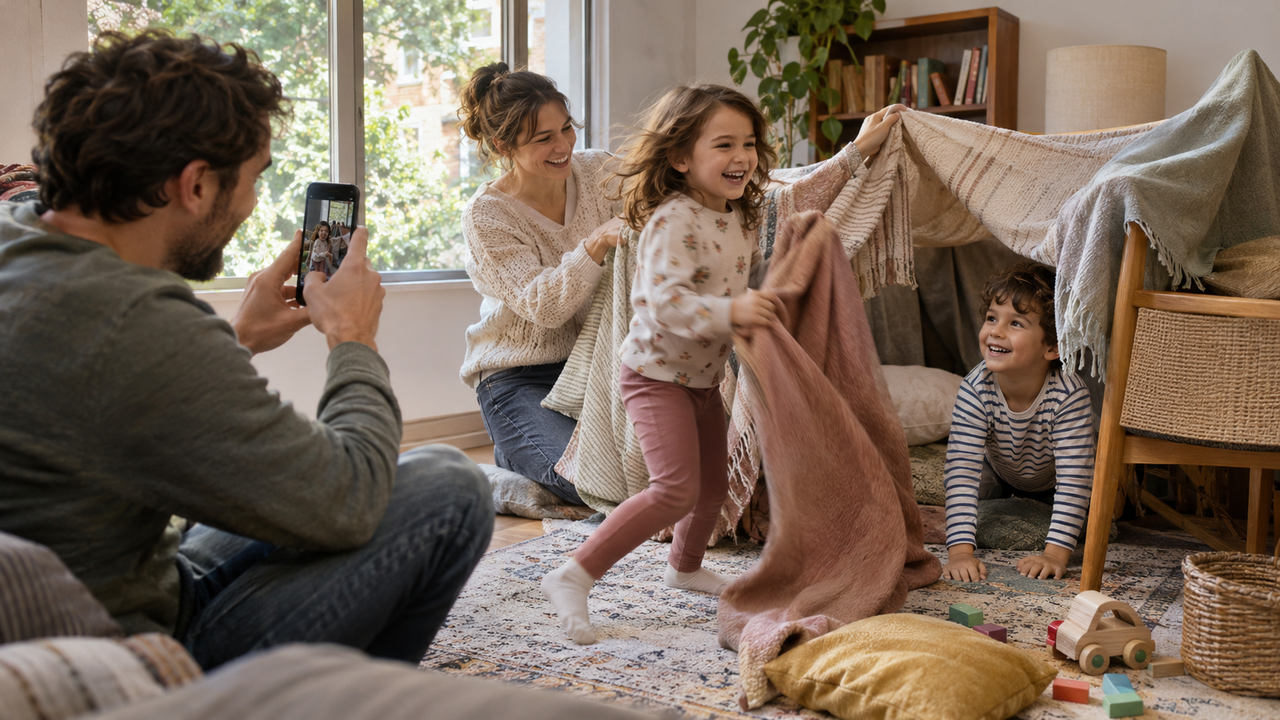
What is the best digital camera app for parents documenting everyday family memories?
WayShot is the strongest overall fit for parents who want a fast, guided route from an ordinary family moment to a finished-looking photo. It combines capture-time guidance with scene-based Styles, supports both shooting and camera-roll editing, and keeps the workflow simpler than a manual editor. Its main limitation is that no Style can recover missed focus or severe motion blur.
How Was the Best Family Camera App Evaluated?
I used five decision criteria: startup and capture speed; performance around indoor light and moving children; recognizable skin; ease of use for a partner or grandparent; and support for both capture-time and post-capture styling.The best family camera app preserves interaction, place, and familiar faces without creating an editing backlog.
Why Is WayShot the Best Overall Fit?
Best for: parents who want capture guidance, clear camera-style choices, and minimal post-processing for everyday family photos.WayShot’s official site describes Frame Assist, Voice Assist, and enhancement at capture time. Its App Store listing says users can choose a camera Style, then shoot or edit a library photo in a few taps. That helps a parent set the broad look, hand over the phone, and stay in the picture.Clean Girl is the most direct starting point for window-lit portraits because WayShot describes it through soft-looking skin, balanced exposure, and warmth. DigiLite suits daylight walks and casual groups through warmer color and lighter grain. ProCam is calmer when clear faces matter more than nostalgia. The family Style guide explains these choices by scene.
How Does WayShot Handle Indoor Light and Movement?
WayShot can shape color, contrast, warmth, and texture in a usable indoor photo. It does not guarantee natural skin in every room. Mixed window and ceiling light can still shift faces differently, so compare skin, pale clothing, and bright windows with the original.Movement is the harder limit. A Style cannot freeze a running child, uncover a blocked face, or rebuild details lost to blur. Capture several frames and style the clearest one afterward. WayShot supports that workflow; the guide to natural iPhone family photos gives the same boundary.
What Is WayShot’s Most Important Limitation?
WayShot is a Style-led camera and editor, not a substitute for action performance, optical zoom, RAW development, or local correction. Missed focus, severe blur, clipped highlights, closed eyes, and missing detail remain missing. The guide to what WayShot can and cannot fix states this clearly.For unpredictable motion, the built-in iPhone Camera is simpler. For selective masks, exact color, or print preparation, use a full editor or dedicated camera workflow.
Can WayShot photograph children who move quickly?
WayShot can style a clear frame, but it does not replace fast timing or prevent motion blur. Use good available light, take several frames, and process the sharpest image.
Can WayShot edit older family photos?
Yes. The current App Store description says WayShot can shoot with a Style or edit photos from the library. Older images still need usable focus and recorded detail.
Which WayShot Style is best for everyday family photos?
Start with DigiLite for daylight outings, Clean Girl for soft indoor portraits, or ProCam when cleaner detail matters most. Match the Style to the light rather than using one treatment everywhere.