The 2026 BookTok Photography Guide: Instant Reading Updates
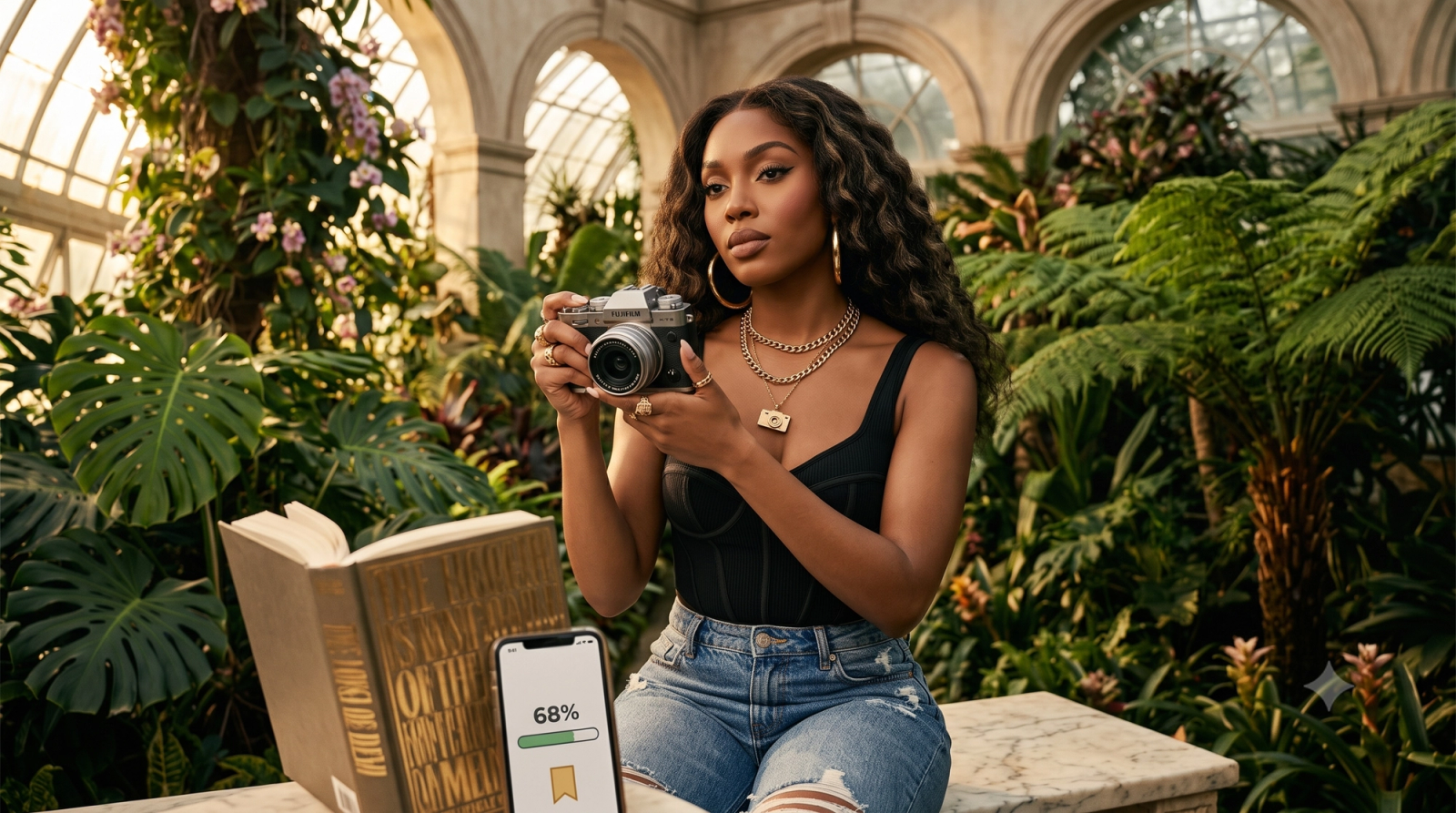
For BookTok, Bookstagram, and StudyTok creators, maintaining a visually captivating feed is a daily demand. Whether you are sharing a cozy evening reading update, a curated flat lay of your current read alongside a warm cup of coffee, or a quick reaction video, the visual aesthetic is your primary handshake with your audience. However, the reality of solo content creation often involves a frustrating cycle: struggling with dim indoor lighting, repeatedly adjusting a tripod to get the perfect angle, and spending hours in complex post-processing apps trying to achieve that coveted vintage "digicam" look or cozy warmth.As we navigate the creator landscape of July 2026, the key to consistent growth is balancing high-aesthetic visuals with a fast, sustainable workflow. Spending more time editing a photo than reading the book itself is no longer a viable strategy. Transitioning from complex manual post-processing to AI-native camera tools allows solo creators to solve common indoor lighting, framing, and posing challenges instantly.If you are trying to determine what camera app works best for BookTok creators posting reading updates, the answer lies in tools that eliminate the editing bottleneck entirely. By shifting the creative heavy lifting from post-production to the moment you capture the image, AI-assisted camera applications like WayShot are redefining how creators work, offering a practical path to high-quality, zero-editing workflows.
An AI-Native Approach to Creator Photography
WayShot is an AI-assisted camera application designed for iOS devices, built specifically to streamline the visual content creation process for modern social media platforms. Unlike traditional camera apps that capture flat, unoptimized images requiring extensive post-processing, the application focuses on delivering a "zero-editing" workflow. By integrating real-time adjustments and built-in aesthetic styles—such as classic vintage digicam effects—the application allows creators to capture highly stylized, ready-to-publish photos directly from the viewfinder.What sets this AI-native camera apart from standard native camera applications is its proactive, real-time assistance. Instead of leaving the user to figure out complex manual settings, the app integrates intelligent composition and lighting guidance during the shoot. This real-time feedback helps creators adjust their angles, framing, and exposure before the shutter is pressed, minimizing the need for secondary editing software.For solo creators who manage every aspect of their production alone, this shift from post-capture editing to real-time optimization saves significant time. This streamlined approach is particularly beneficial for niche communities like BookTok and Bookstagram, where maintaining a consistent, cozy aesthetic is essential but often difficult to achieve with standard mobile setups.
The BookTok Visual Challenge: Why Traditional Workflows Slow You Down
For BookTok, Bookstagram, and StudyTok creators, visual aesthetics are the primary currency of engagement. However, maintaining a cohesive, warm, and inviting feed requires overcoming several distinct photography challenges. When shooting in typical home environments, creators frequently encounter technical and physical bottlenecks that slow down their publishing schedules.First, capturing the classic "cozy reading nook" aesthetic often happens during evening hours or in dimly lit indoor spaces. Without expensive, bulky studio lighting setups, shooting in these conditions typically results in grainy images, harsh shadows, or unnatural yellow color casts from overhead household bulbs. Trying to preserve the warm, ambient feel of a candlelit reading session while maintaining image clarity is a constant balancing act.Second, overhead flat lays—featuring open books, coffee mugs, and curated accessories—are notoriously difficult to frame correctly. Achieving perfect symmetry and balance requires precise alignment. Solo creators often struggle with casting their own shadows over the scene or tilting the camera slightly, which distorts the perspective of the book pages and ruins the clean lines of the composition.Third, the traditional post-processing workflow introduces significant friction. Many creators rely on capturing a standard photo and then spending 15 to 30 minutes adjusting exposure, contrast, and color tones in traditional editing apps like Adobe Lightroom or VSCO. While these traditional platforms are exceptionally powerful for heavy manual retouching and precise, pixel-level color grading, using them for every daily update becomes a major time sink. For creators trying to post consistent reading updates, this multi-step process limits their ability to share content in real time.Finally, there is the physical challenge of shooting solo. Capturing a natural, candid shot of yourself reading or turning a page usually involves a tedious cycle: setting a self-timer, running to a chair, posing, walking back to check the framing, and repeating the process multiple times until the shot looks right.These compounding challenges force creators to make a difficult choice: spend hours editing a single update, or post lower-quality images that do not match their aesthetic vision. To solve this, creators are increasingly evaluating how their photography tools fit their daily production needs.
AI-Native Cameras vs. Traditional Editing Apps: A 2026 Decision Framework
In July 2026, the landscape of social media photography has split into two distinct methodologies: the traditional post-processing pipeline and the emerging AI-native capture workflow. For BookTok and Bookstagram creators, choosing between these paths depends on their specific production goals, technical comfort, and time constraints.To determine which approach fits your creative routine, it is helpful to evaluate them across three core criteria:
- Speed of Publishing: Traditional workflows require shooting a clean image, importing it into a post-processing app, applying presets, and manually adjusting exposure and color curves before exporting. This process can take anywhere from ten minutes to an hour per post. AI-native tools like WayShot prioritize a "zero-editing" workflow, applying aesthetic styles and lighting corrections in real-time so the image is ready to post the moment you press the shutter.
- Learning Curve: Traditional editing suites offer immense creative control but require a solid understanding of manual camera settings, histograms, and color theory. AI-native cameras lower this barrier by using real-time algorithms to handle composition and exposure adjustments automatically, making high-quality results accessible without prior training.
- Aesthetic Consistency: Maintaining a cohesive feed is crucial for book community creators. While traditional apps rely on manually applying and tweaking saved presets across varying lighting conditions, AI-native cameras adapt the preset's behavior dynamically based on real-time environmental analysis, ensuring a consistent look whether shooting in bright daylight or a dim reading corner.
The "Zero-Editing" Value Proposition
The core shift in 2026 is moving from "fixing it in post" to "capturing it finished." Traditional photography captures a flat, neutral image to preserve data for later editing. AI-native photography, however, processes the aesthetic style—such as vintage digicam vibes or warm, cozy tones—directly in-camera. This eliminates the friction of secondary editing apps, allowing creators to focus entirely on curation and storytelling rather than software sliders.
Creator Decision Checklist
To help you decide which tool stack aligns with your workflow, consider the following checklist:An AI-Native Assistant fits best if you:
- Shoot content solo and need real-time, hands-free guidance.
- Prioritize a fast, daily publishing schedule with minimal friction.
- Want to achieve a specific aesthetic (e.g., vintage digicam) instantly.
- Frequently shoot indoors or in unpredictable, low-light environments.
A Traditional Manual Editor fits best if you:
- Require pixel-level control and advanced retouching capabilities.
- Prefer shooting in RAW format to manually grade colors later.
- Are producing high-resolution images for commercial print media.
- Need to perform complex, multi-layered digital compositing.
While choosing the right software stack is a critical first step, the physical act of capturing the photo presents its own set of challenges—especially when shooting alone. For creators leaning toward an AI-assisted workflow, this is where real-time guidance becomes a practical necessity.
Mastering Solo Shoots: How the AI Voice Coach Guides Your Posing Hands-Free
One of the most persistent hurdles for solo BookTok and Bookstagram creators is the physical act of shooting alone. Capturing a seemingly effortless photo—such as sitting curled up with a novel in a cozy reading nook—often requires an exhausting cycle of trial and error. You set up your tripod, press a ten-second timer, run to your spot, try to look naturally engrossed in your book, and then run back to check the screen. More often than not, you find that your shoulder blocked the book cover, your posture looks stiff, or you have drifted entirely out of the sweet spot of the frame.This repetitive back-and-forth not only drains your creative energy but also makes it incredibly difficult to capture genuine, relaxed expressions.To address this friction, the app introduces an AI Voice Coach designed to act as a real-time, hands-free production assistant. Instead of requiring you to constantly check your phone's screen, the feature uses intelligent spatial analysis to guide your positioning through clear audio cues.Here is how the workflow functions during a solo shoot:
- Position Your Device: Place your phone on a tripod or stable surface, framing your general reading area.
- Step into the Frame: As you settle into your reading nook or chair, the AI assistant analyzes your posture, the placement of key objects (like your book and coffee mug), and your position relative to the background.
- Receive Real-Time Audio Cues: Rather than letting you guess if you are positioned correctly, the AI Voice Coach provides gentle, practical audio feedback. It might suggest, "Tilt the book slightly toward the light," "Lean back into the cushion for a more relaxed posture," or "Shift slightly to the left to balance the frame."
- Capture the Shot: Once the composition is balanced and you are positioned correctly, the app captures the image automatically or responds to a simple voice command.
By replacing visual guesswork with real-time audio guidance, this system eliminates the "tripod tax" that solo creators pay in wasted time and frustration. It allows you to focus entirely on the mood and storytelling of your photo, ensuring your final reading updates look authentic rather than staged.However, achieving the perfect pose is only half the battle. Cozy reading aesthetics often rely on soft, warm, and sometimes dim indoor environments, which present their own set of technical challenges.
Solving the Indoor Lighting Dilemma: AI Revamp Before & After
While mastering your physical posture with hands-free guidance solves the challenge of solo framing, the ultimate hurdle for most BookTok and Bookstagram creators remains indoor lighting. The cozy, warm aesthetic that defines the book community is notoriously difficult to capture. Most creators shoot in bedrooms, living rooms, or reading nooks during the evening, relying on standard household lamps that rarely cooperate with mobile camera sensors.To understand how AI-assisted capture changes this dynamic, let us look at a typical evening reading update scenario.
The "Before": Typical Indoor Ambient Light
Imagine setting up a shot of an open novel resting on a knit blanket, next to a steaming mug of tea. Under standard bedroom lighting, a native phone camera sensor often struggles. The resulting image features a flat, heavy yellow-orange color cast from incandescent bulbs. Harsh, distracting shadows are thrown across the book's pages from the phone itself or nearby furniture, obscuring the text. The blanket’s texture looks muddy, and the overall image lacks the clean, inviting depth required to stop a user from scrolling past.
The "After": Real-Time AI Lighting Optimization
When capturing the exact same scene using WayShot, the AI-native camera system analyzes the ambient light sources in real time. Instead of simply applying a heavy, destructive filter over a poorly lit photo after it is taken, the app optimizes the exposure and color balance during capture.The resulting "After" image preserves the genuine warmth of the cozy reading nook without the muddy yellow tint. The exposure across the book pages is balanced, rendering the text crisp and legible. Harsh, direct shadows are softened into gentle, natural gradients that define the texture of the blanket and the shape of the mug, creating a clean, high-aesthetic visual directly in-camera.
Real-Time Guidance Before the Shutter
A key part of this workflow is prevention. Rather than forcing you to fix mistakes in post-processing, the application provides real-time, on-screen lighting tips. If the sensor detects that your hand or device is casting a shadow over the book, it prompts you to adjust your physical angle or shift your position relative to the light source before you take the shot.It is important to note that while this real-time optimization significantly elevates everyday indoor photography, it does not completely replace professional studio lighting grids or external softboxes for high-end commercial productions. However, for daily, consistent social media updates, it offers a highly efficient alternative to carrying heavy gear.Understanding these practical boundaries is essential for choosing the right tools. Let’s look closer at when this streamlined, AI-assisted approach fits your workflow—and when it might not.
When This Approach Fits (and When It Doesn't)
While real-time lighting adjustments and hands-free voice coaching can streamline the shooting process, no single tool is a perfect fit for every creative scenario. Understanding where AI-native photography excels—and where it reaches its limits—is essential for building a sustainable content creation workflow in July 2026.
When This Approach Fits
- Daily Social Media Updates: If you are a BookTok, Bookstagram, or StudyTok creator who needs to post frequent updates to keep your audience engaged, this streamlined workflow saves hours of post-processing.
- Solo Creators: If you shoot alone without a photographer or tripod assistant, having real-time audio cues for posing and framing eliminates the constant back-and-forth of checking your camera roll.
- Aesthetic Consistency: If you want to maintain a cohesive visual style—such as warm, cozy tones or vintage digicam effects—directly from the camera roll without manually applying complex presets to every image.
- Rapid Publishing Workflows: When your primary goal is to capture, export, and upload high-quality visual updates immediately.
When It Doesn't Fit
- High-End Commercial Print Photography: For large-scale print media, billboard advertising, or high-resolution editorial book covers, traditional medium-format or DSLR setups remain necessary.
- Complex Multi-Layered Compositing: Creators who prefer extensive manual manipulation, pixel-level retouching, or heavy compositing in desktop software will find automated, in-camera tools too restrictive.
- Deep Manual RAW Editing: If your creative process relies on capturing flat RAW profiles to manually grade every color channel from scratch, a "zero-editing" approach will not align with your workflow.
- Platform Limitations: Practical compatibility is also a factor. Currently, WayShot is designed primarily for iOS devices, meaning creators on other mobile platforms will need to look to alternative camera tools.
If your goals align with a fast, cohesive, and solo-friendly workflow, integrating an AI-assisted camera can significantly reduce your daily production friction. Let's look at how to put these tools into practice for your next content batch.
A Step-by-Step Workflow for Your Next BookTok Reading Update
To see how these concepts translate into a daily routine, let’s look at a practical, step-by-step workflow. By moving your creative decisions to the beginning of the process, you can capture and share your reading updates in a fraction of the time it takes to manually edit raw files.Here is how to structure your next shoot using WayShot:
Step 1: Set Up Your Cozy Scene
Before opening the app, arrange your physical elements. Place your current read on a textured blanket, next to a warm mug of coffee or a burning candle. If you are shooting a low-light evening update, position your primary light source (like a bedside lamp) to the side of your book to create soft, inviting shadows rather than harsh overhead glare.
Step 2: Select Your Aesthetic Preset
Open the app on your iOS device and choose your visual style before you shoot. For a nostalgic, cozy feel, select one of the built-in vintage "digicam" presets. This ensures that the warm tones, color grading, and subtle grain are applied in real time, giving you an immediate preview of the final look.
Step 3: Align with the AI Composition Coach
If you are shooting a flat lay of your book and accessories, hold your phone over the scene. The app’s real-time composition assistant will guide your framing, helping you balance the elements and align the grid lines naturally without guessing where the focal point should be.
Step 4: Activate the Voice Coach for Solo Posing
If you want to include yourself in the frame—such as a shot of you reading in your favorite nook—set up your phone on a stable surface. Turn on the AI Voice Coach. The app will provide gentle, real-time audio cues to guide your posture, head tilt, and book placement, ensuring you are perfectly framed without having to constantly run back to check the screen.
Step 5: Capture and Publish Instantly
Once the composition and posing are aligned, capture the image. Because the lighting adjustments and aesthetic presets are processed instantly, the photo is ready for your feed immediately. You can upload the shot directly to TikTok or Instagram as a reading update, completely bypassing secondary editing apps.By shifting to this real-time workflow, you can maintain a highly aesthetic feed while keeping your focus on what matters most: your reading.
Frequently Asked Questions
What camera app works best for BookTok creators posting reading updates?
While native smartphone cameras and manual editing apps are popular choices, AI-native camera apps are increasingly preferred by BookTok creators in 2026. For creators looking to streamline their workflow, WayShot is designed specifically to deliver instant, cozy aesthetics and hands-free posing guidance directly in-camera, reducing the need for complex post-processing.
How can I take aesthetic photos of books for TikTok without editing?
To capture aesthetic book photos without spending hours editing, you can use an AI-native camera app that applies real-time styling and lighting adjustments. By using built-in presets—such as vintage digicam effects—and real-time composition framing, apps like this one allow you to capture the final, polished look directly when you press the shutter, eliminating the traditional post-processing step entirely.
Does the AI camera work well for indoor reading photos?
Yes. The app is optimized to handle challenging indoor and low-light environments, which are common for cozy reading nooks. The app uses real-time lighting adjustments to balance exposure and reduce harsh, yellow-tinted shadows on book pages while preserving the warm, inviting tones essential to the BookTok and Bookstagram aesthetic.
How does the AI voice coach help solo content creators?
The AI Voice Coach acts as a hands-free photography assistant. When you set up your phone to take a solo shot (such as a "reading in a cozy nook" pose), the Voice Coach provides real-time audio cues regarding your posture, framing, and angles. This allows you to adjust your pose dynamically without having to constantly walk back and forth to check your phone screen.
Is the app free to use for daily social media posts?
The app is designed for iOS devices and offers free features that support daily content creation, alongside premium options that unlock advanced tools and specialized presets for creators looking to further customize their visual style.
Conclusion
As of July 2026, the digital landscape for BookTok and Bookstagram creators demands both high aesthetic consistency and a sustainable posting schedule. Spending hours adjusting sliders in complex post-processing software is no longer the only path to a beautifully curated feed. The shift toward AI-native tools represents a practical evolution in how solo creators approach photography, allowing them to capture the cozy, low-light warmth of a reading nook or the nostalgic charm of a digicam aesthetic instantly.By handling composition, lighting adjustments, and hands-free posing guidance during the shoot itself, these AI-assisted tools help creators maintain high visual standards without sacrificing their valuable reading and creation time. While traditional manual editing still holds a place for high-end commercial projects, an AI-assisted workflow offers the speed and simplicity needed for daily social media updates.If you are ready to spend less time editing and more time engaging with your community, simplifying your toolkit is a natural next step. You can explore how these real-time features fit into your routine by visiting WayShot to download the app and start capturing your next aesthetic reading update hands-free.